

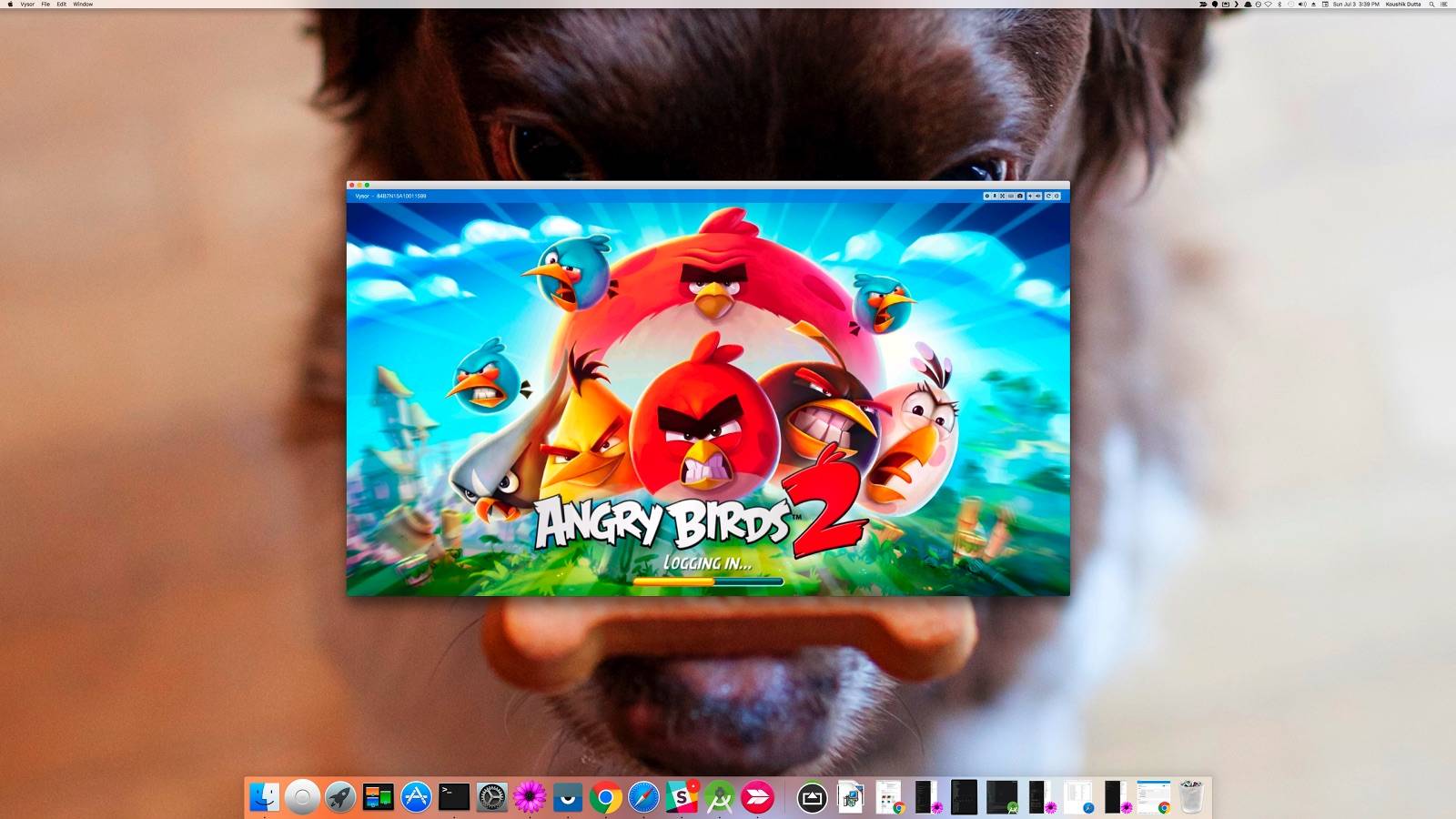
That was quick. After more than a week of updating the Chrome version of the Vysor, Koush is releasing the Vysor Android control on PC. This is compatible with the Chrome app so the two will work seamlessly with each other. The app which has been a great help for a lot of people within the Android community is now a favorite since we discovered it in beta August last year. It has received regular updates and even become controversial and was removed from Chrome for a time because of licensing issue.
When it came back, the app was quickly followed by the Vysor Share Server. The last update brought the “wireless” feature which allows Android control from PC–and now it’s here, almost complete. Make sure that both the Chrome and Android apps are up-to-date on your computer and smartphone so they will work smoothly.
For those who don’t know yet, Vysor allows you to control and view your Android device right on your computer. It’s like having a remote access program on your screen, allowing you to play games and use apps with a mouse and keyboard. The idea is to really mirror your Android phone to the desktop for many purposes like control, management, remote assistance, or even presentation.
Vysor is like the emulator but it works better and more seamless with an Android device. You are free to manage not just one but multiple units to access and test your apps when you need to finish testing or do some debugging or troubleshooting.
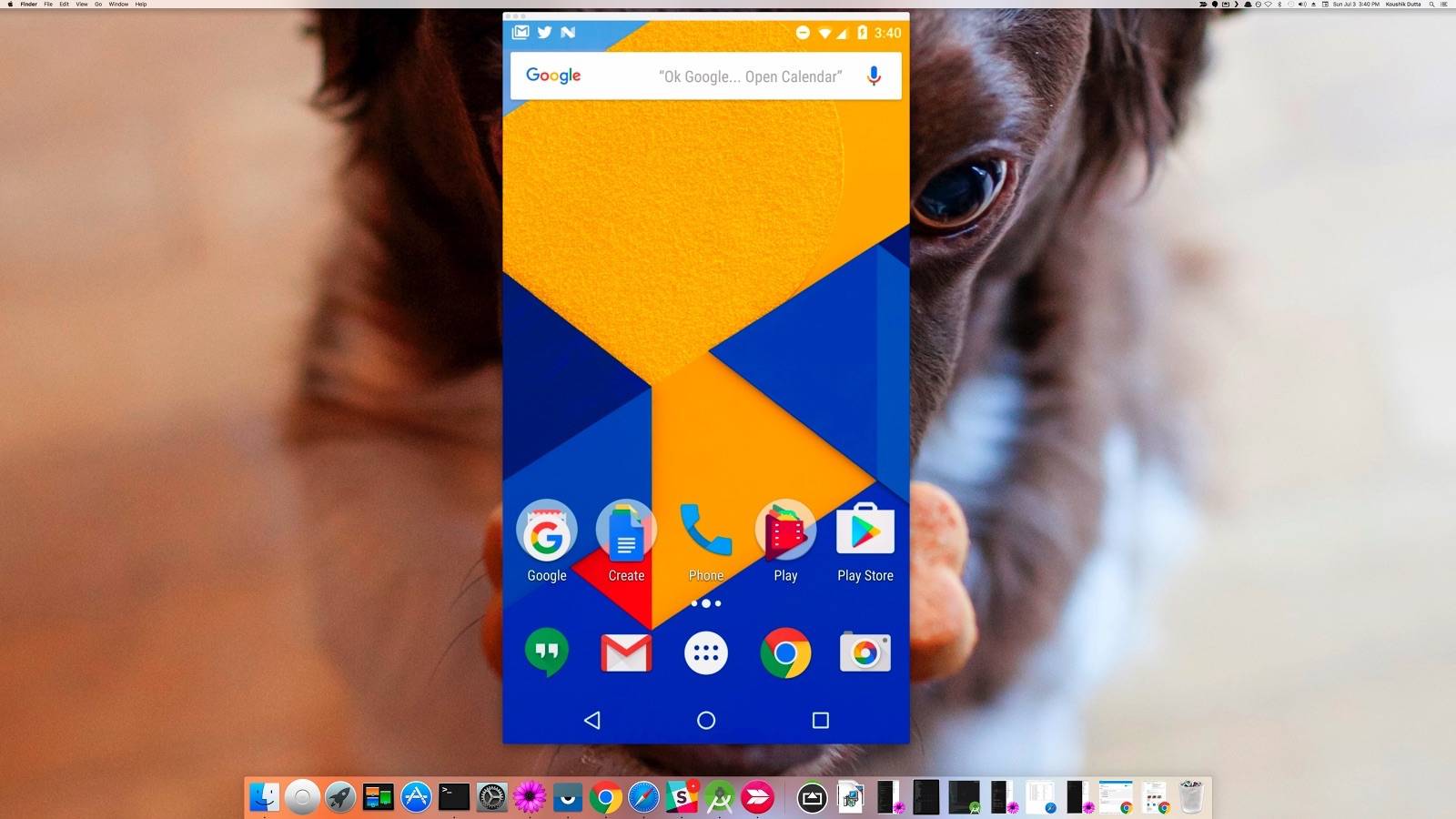
Download Vysor from the Google Play Store
SOURCE: Koushik Dutta







