

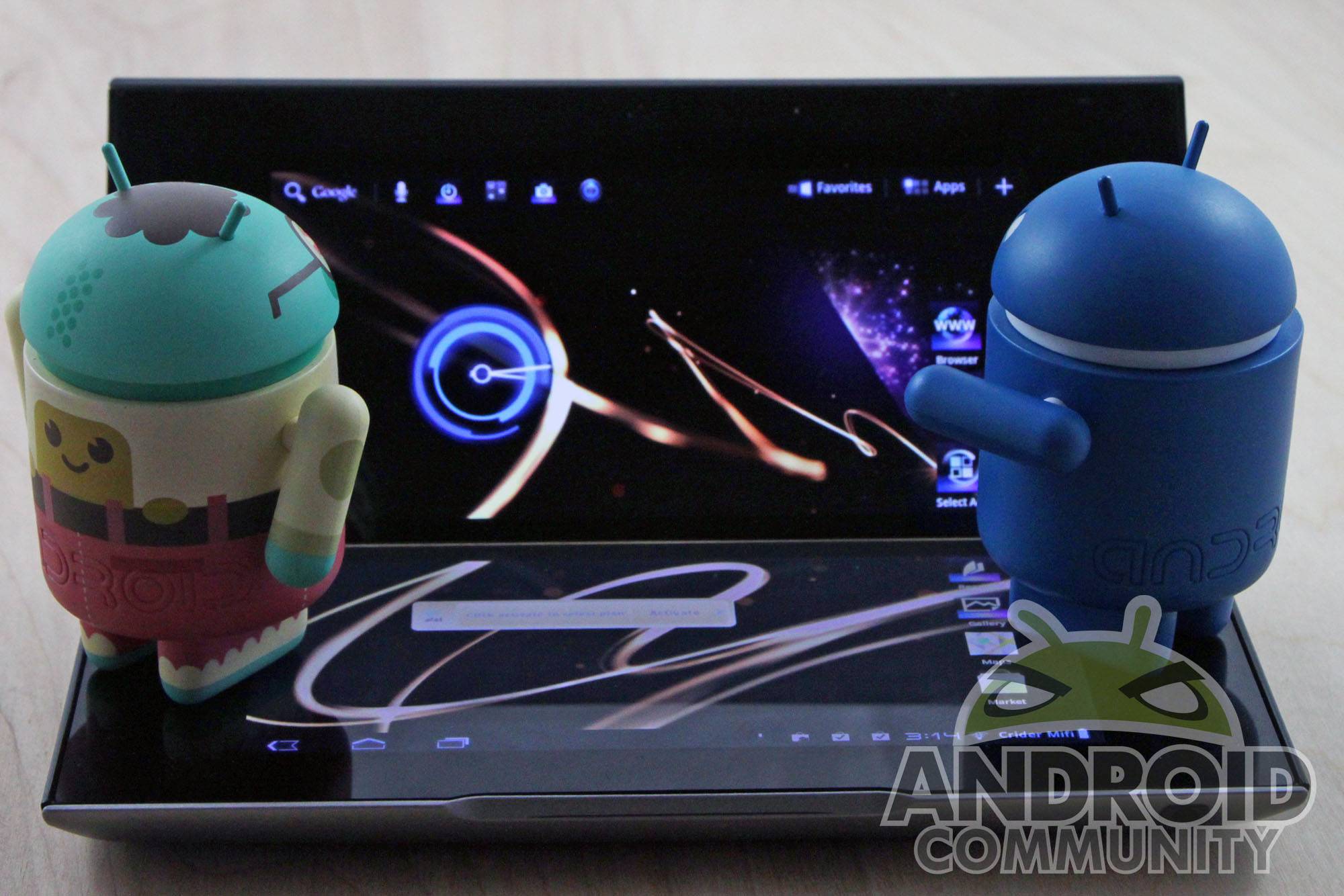
Variety is the spice of life, and in the mobile world this tenet is demonstrated best with Android hardware. When it comes to variety, Android phones and tablets beat all comers. So it was with some anticipation that I received Sony’s Tablet P, a singular device that sets out to put an impressively-sized screen in a small body that’s made possible by a folding hinged design, achieving more portability than anything in its class. But a novel idea doesn’t necessarily make a good product, so I put it through Android Community’s regular review regimen. Does the Tablet P stack up to the competition? Read on to find out.
Hardware
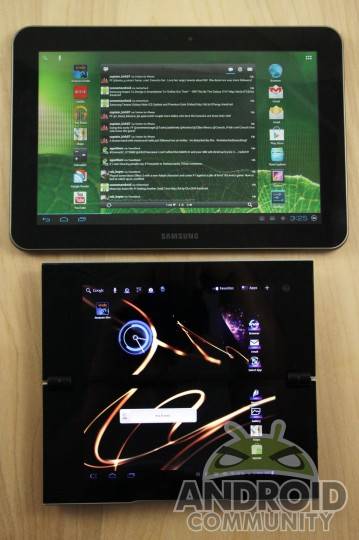
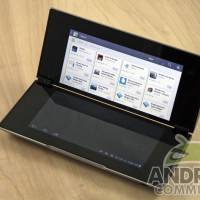
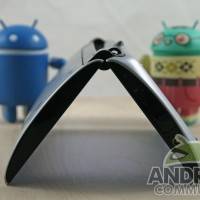
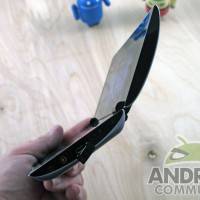
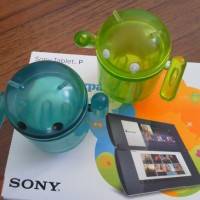
The Tablet P is entirely unique among current mobile products – not just Android tablets, but the entire mobile space. The closest mainstream device that it could be compared to is Microsoft’s cancelled Courier project, though various other folding designs have been tried (and usually failed) by smaller companies. In its primary design goal, the Tablet P succeeds: it’s a full-sized Honeycomb tablet that can fit into a large pocket or small purse easily. Folded up, it’s about the size of a big television remote or a fat checkbook. Completely expanded, it’s the size of a thick 7-inch tablet with an odd aspect ratio.
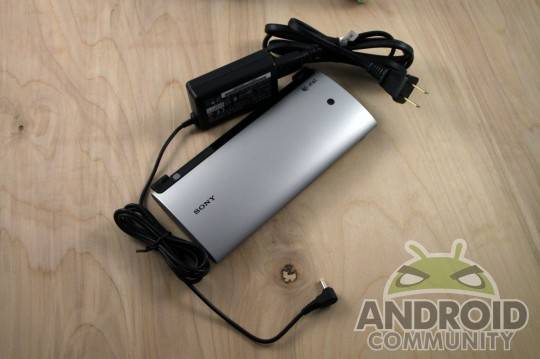
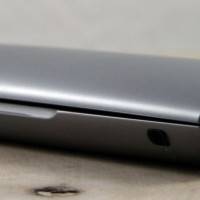
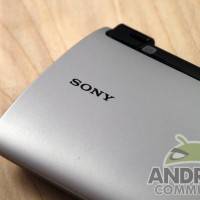
Closed, the Tablet P presents its Sony, PlayStation and AT&T emblems plus a hole for the 5 megapixel camera. The silver plastic encompasses most of the top and bottom, and both lids slide off to allow access to the SIM card and MicroSD card (2GB) respectively. On the bottom half of the right side sit all the connections and controls: power button an jack, MicroUSB cable (which unfortunately doesn’t charge the unit) and a tiny volume rocker. The rest of the exterior is bare, save a microphone/headphone jack on the bottom.
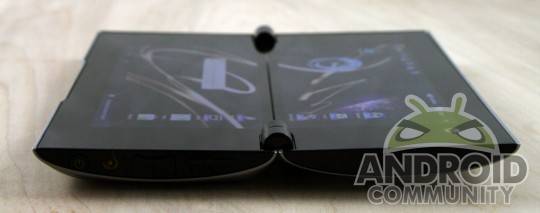
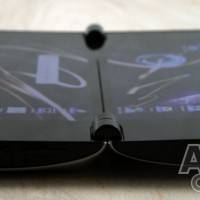
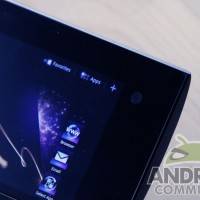
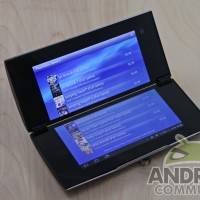
Unfold the tablet’s impressively strong hinge, and you’re greeted with dual 5.5-inch touschscreens on the top and bottom. That hinge is an important detail, by the way: you’ll be using this moving part every time you pick up the device, so it’s good to know that the part is stiff enough to hold the screens apart at any angle from 1-180 degrees. The screens (1024×480 each, for a combined resolution and size of 1024×960 and just over seven inches) are bright and clear, with plenty of response in their capacitive surfaces.
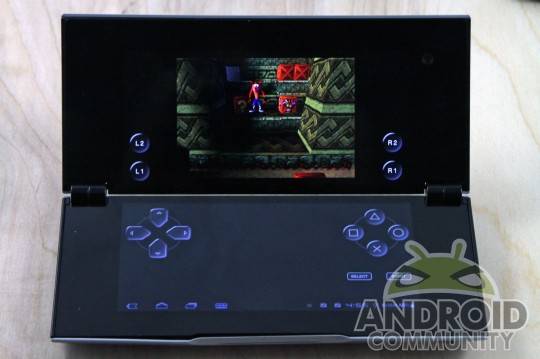
A note on ergonomics: they’re surprisingly good. Owing mostly to the cunning and natural curve of the outer case, the Tablet P feel extremely comfortable when held in two hands. Holding it with the upper screen angled towards you feels something like a Nintendo DS – or rather, what the Nintendo DS would feel like if it weren’t shaped like a box. Even holding the tablet fully open in a more traditional position is comfy, thanks to a good, solid grip at nearly every point.
Software
Regrettably the Tablet P comes loaded with Android 3.2, despite the fact that Ice Cream Sandwich was available months ago. Sony promises to rectify this, though there’s no hard information on when we’ll get the update except “after April” (allowing AT&T time to distribute it). That said, this non-standard form factor needs a considerable bit of software engineering, going far beyond the standard Android Manufacturer skin – which is nonetheless present.
The tablet runs on NVIDIA’s tried and tested Tegra 2 platform, with a gigabyte of memory to help it along. This makes it admirably responsive and much quicker than I was expecting. And that’s a good thing, since Sony’s custom skin pervades the interface everywhere. You’ll find Sony apps for music, photos, video, RSS, even for connecting to WiFi networks. Other extras include Evernote, Foursquare, and a pre-installed Flash player. Crash Bandicoot, one of many games available on the included PlayStation Store, is free.
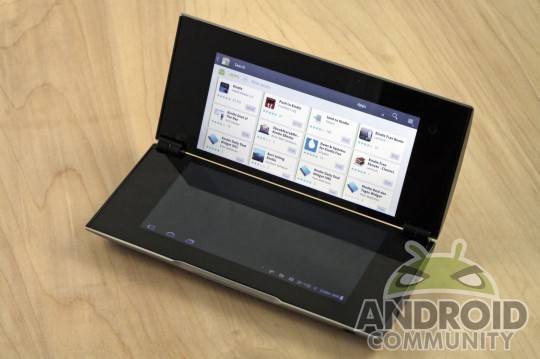
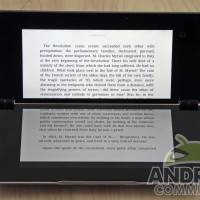
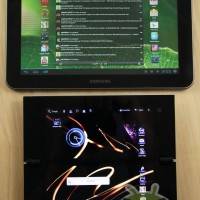
The curious form factor that defines the tablet actually effects the software very little. Most apps adjust to the odd aspect ratio in one of two ways: they either fill out across both screens (most of the time) or use up all of the top screen (some of the time). Honeycomb’s built-in resize function for older Android apps is able to adjust the view to one or both screens. Sony’s apps in particular make good use of the split, with play or display functions up top and menu or keyboard functions on the bottom.
The problem comes with the apps that don’t quite work. The Android Market (which, interestingly, will not update to the Google Play Store) is chief among these, since it only ever uses the top screen and won’t work at all in portrait mode. Since I’ve found no way to correct this, I have to assume that the problem will persist with at least some apps, though there’s no way to know which. Benchmarks don’t inspire much confidence: Quadrant scored the Tablet P in the 1800 range, well below the norm for Tegra 2 devices.
Media
The split-screen design makes the Tablet P an interesting proposition for media. Movies and music, are artificially stinted since videos can only play on one screen or be bifurcated. Photo viewing is a problem for the same reason. (Regular web browsing isn’t really affected by the split.) Sound is a problem too, thanks to tiny speakers obscured by the plastic lids on either side of the case. To be blunt, video and audio just aren’t a good experience on the device. If you plan on listening to much music you’ll need both a bigger MicroSD card and a decent pair of headphones.
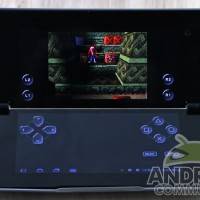
Oddly, the same things that cause problems for movies and music make the Tablet P nearly perfect for gaming, if you stick to Sony’s PlayStation Store. The form factor creates a natural controller grip with the huge bezel acting as a buffer for your fingertips. Gameplay above and controls below mirror the old Game & Watch toys, and it’s a surprisingly fun experience. The cameras are best ignored. Sure, you could take snapshots with the 5 megapixel rear, and you can video chat with the VGA camera, but the quality isn’t anything to write home about.
Battery
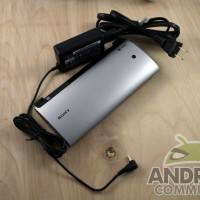
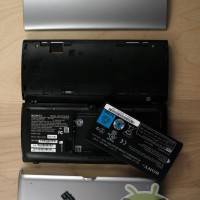
The 3,080mAh battery on the Tablet P is well below average for Android tablets, probably due to the necessity of getting it all in one side of the device. Used normally it’ll last all day on WiFi, but you’ll need to keep a close eye on the bar for journeys out on AT&T’s HSPA+ network. Do a lot of gaming or streaming video, and you’ll need to keep the rather bulky laptop-style charger close at hand. Running straight through with basic web browsing and apps, you should get 6-7 hours of battery life.
Wrap-Up
The Tablet P is a novelty, and at certain tasks it excels. Those tasks are playing emulated PlayStation games, fitting into small spaces and making your friends go “oooh”. Unfortunately, there aren’t many use cases where its unique design comes in handy, and quite a few where it’s a considerable drawback. As much as Sony should be applauded for trying out new ideas, even executing them as well as could probably be expected, there’s not much to recommend here beyond some great ergonomic design and a compact size.
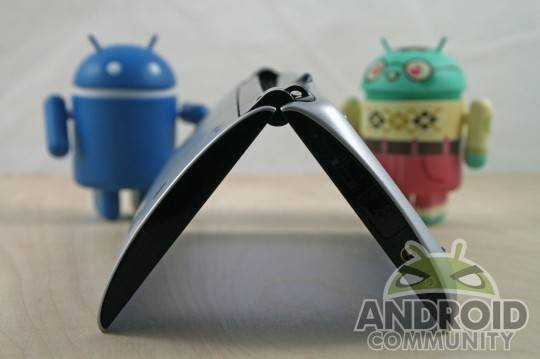
The Tablet P is, almost literally, less than the sum of its parts. Two 5.5-inch displays don’t make an 11-inch tablet, a clamshell design doesn’t make a a thick device thinner, and the addition of lots of Sony software and tweaks doesn’t make Honeycomb an easier pill to swallow. Combine that with a $399.99 on-contract price at AT&T (and nowhere else, for the moment) and you’ve got an interesting experience that doesn’t justify a large cost and commitment. The one exception is if you absolutely love PlayStation games, and can live with the relatively small library in Sony’s PlayStation Store.
[device id=1416]







