

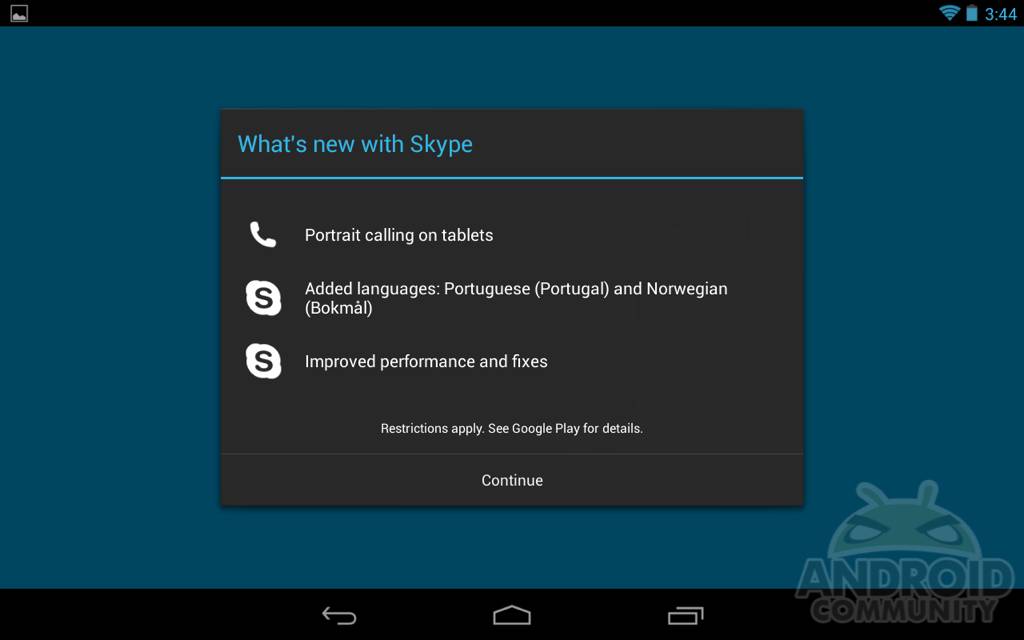
If you’re one of the many still using Skype for video calls in this day and age, we have some good news for tablet users. The Android app for one reason or another has just failed to impress, and has been riddled with little issues or lack of proper support. Today Skype was just updated in the Play Store adding new languages, and better tablet support.
Back in November Skype was finally updated with an improved tablet UI, but we quickly noticed that it wouldn’t allow calling in portrait mode and only worked in landscape. This is ok for some devices, but many tablets (like the Nexus 7) have a camera in a spot that makes portrait mode be the angle of preference. Sadly most gave up on Skype for tablets for this very reason but today they’ve fixed that.
It surely isn’t anything special. Video or audio quality hasn’t improved, sound is still mediocre at best, but we can now properly use Skype on Android tablets. Today’s update is available now and as you can see above they added a few new things. They’ve fixed the portrait mode for tablets issue, added a few new languages, and claim performance fixes and general improvement.
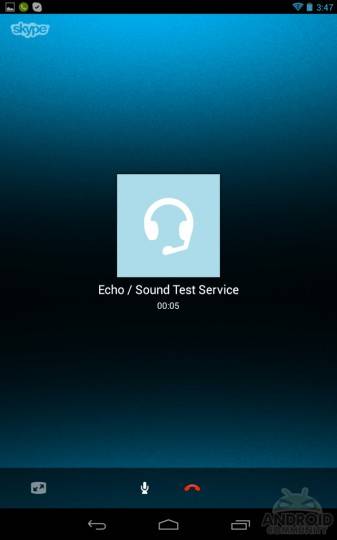
Sadly their app is still what I’d consider quirky at best. The entire UI looks nice but doesn’t seem to play all that nice, especially on tablets. Users still are required to use the app in landscape mode and ONLY after placing a call do you have the option for portrait mode — and sometimes it still doesn’t work. Overall the app still needs help, but this will do for now. Who still uses Skype?
[via Play Store]








I still use Skype.
Am I being very dense here? What are the recommended alternatives for cross-platform video conferencing? I don’t know of anything that’s gained real traction. I guess Qik & Fring both exist but I doubt any of my less technical friends have ever heard of either, let alone installed them.
Hi Cory – Like jonjennings, I too would be interested to hear what you think has become the mainstream alternative to Skype – Google Talk perhaps? I run a company here in the UK and seem to spend half my life on Skype, mainly for international video calls.
Yeah, post some alternatives that even iPhone users would understand.
Who still uses skype…great comment you self righteous doosh. I tried “google hangout” and it was aweful, what you you pose as an alternative?