Welcome to an app that implores you to “Look at the big picture”, that meaning in this case having a read of all the most important stories from around the world in a rather convenient shell: News360. This is an app that’s made specifically for Android tablets, one that makes tablets look GOOD, and certainly one that’s more than worth the money you’ll pay for it. What’s that you say? It’s free? Well then, why not have a look at it instantly? Sod the review! On the other hand, if you’re the sort of person that likes to make sure they’re downloading only the sweetest of apps to your precious new Samsung Galaxy Tab 10.1, allow me to show you how it’ll be flowing for you there, here.
Before we begin, let me show you where to grab this app. It’s available for Android devices in the official Android Market right this very moment [here] and it’s currently on version 1.1.2 when we do this review. It also currently requires Android 3.0 and up. Whether or not this means we’ll be able to use it on Android 4.0 Ice Cream Sandwich handsets or not is unknown at the moment, but I’d suspect they’d suggest we stick to the bigger screens – like the Samsung Galaxy Tab 10.1 we’re using here.
Hands-On
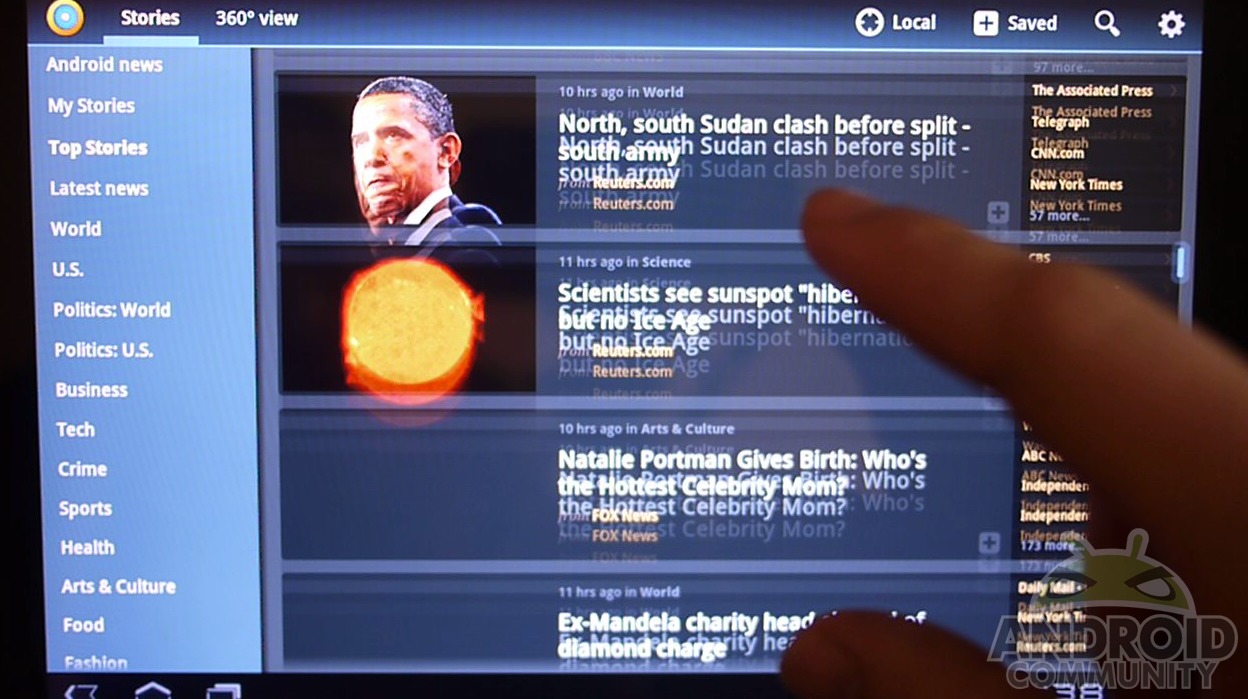
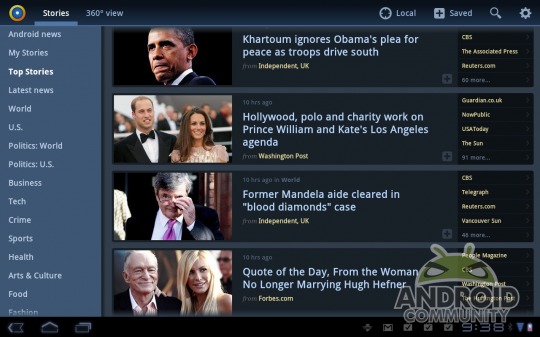
What lies beneath this paragraph is a hands-on with the application, looking at how you’ll be interacting with it and what sort of news you’ll be able to access. Although I do mention that there’s seemingly no link to online-only publications such as blogs, I did later locate them way, way beneath the surface. They’re there, you just gotta look for them! Then you’ll see all the features that surround you reading the news in not only an easy to utilize environment, but one that’s fun to use as well!
[vms 94e65f17f908f462fae8]
Features and Functionality
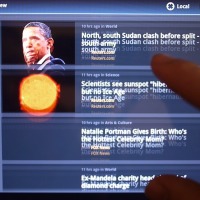
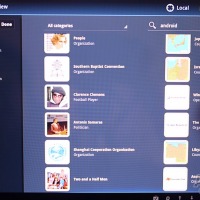
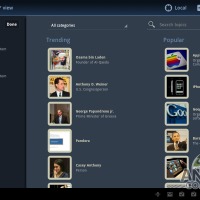
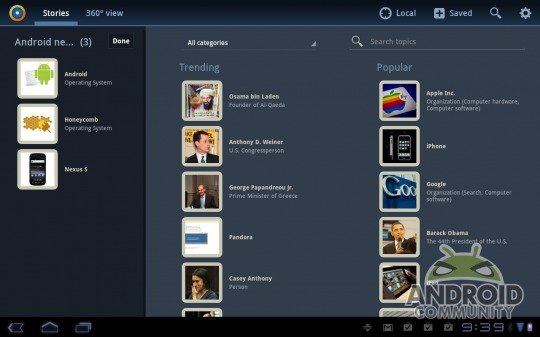
What you’re also dealing with here is a rather diverse news viewer which allows you to separate by category and major topic – for example I created an Android category in which I placed the words Android, Honeycomb, and Nexus S. This category is then showing me news on those topics from the BBC, USA Today, BBC, and etcetera. Again most of the easier to locate instantly sources here are big name news sources that generally also have a print version available.
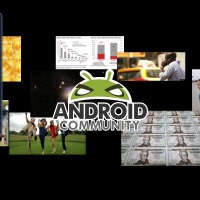
You’ve also got a 360 view [seen in this post’s main image] which has the main image from each story floating in limbo, with you able to tap them to bring up a brief set of words on the story and the ability to expand to yet another way to view. This section has a browser view, blocks with other stories, and more categories. It’s like Inception – you just go deeper and deeper and deeper. This deepest level is the least impressive, however, of the three+ ways you can browse as there’s more ways to click something you didn’t intend to click than anywhere else, something that the intended audience for this app might find rather frazzling.
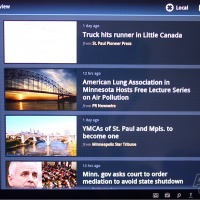
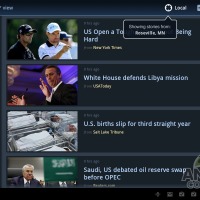
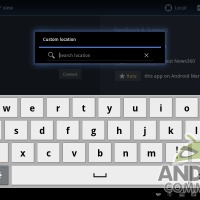
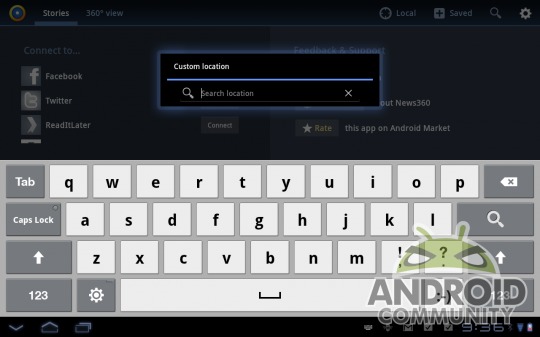
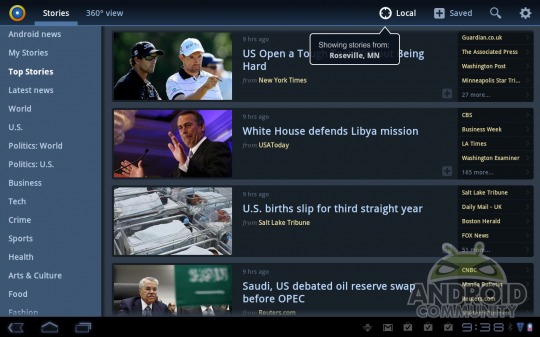
Then the greatest addition, in my opinion, is the Local button which, seeing your location if you’ve activated GPS, grabs stories from your area. You can also use this function creatively by disallowing your GPS on the app, adding then a custom location anywhere in the world. Use this to find out what’s going on in the state you’re going next week – avoid that riot!
Wrap-Up
It’s tough not to love this app given that it’s designed so very nicely and works so well coupled with the fact that it’s free. Plus, and this is no small factor, I assure you, the icon this app uses, an icon they use for the logo and for representing the app in the Android Market and in your app shortcuts, is excellent. It’s a sort of blue propeller with a yellow and orange ring around it, with a white dot in the center. I admire it wholly!
The news is good, the news is proven, the news is here in an utterly professionally crafted package and it’s brought to you by the generous folks at News360 LLC for free. What more could you ask for? I ask that they next work on a completely separate app that also allows me to add RSS feeds at will. That would be the ideal product for my needs, thank you.
ALSO again, you can grab this app in the Android Market NOW for FREE.