

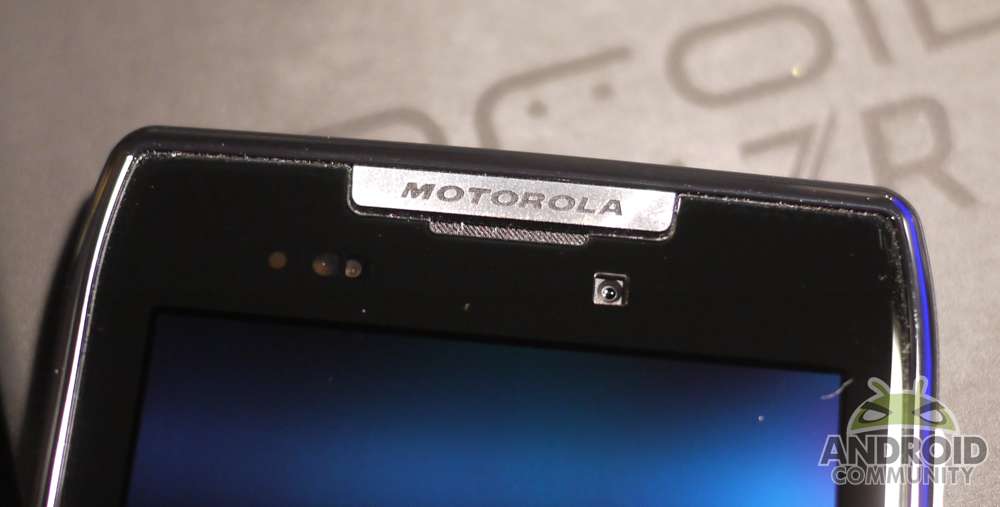
We’ve mentioned the large bugfix and software update for the recently released DROID RAZR more than a few times already. Earlier this week Verizon released the official documents and update details and mentioned it was rolling out. Most users haven’t seen the update yet but today Motorola themselves have confirmed users should have started getting the OTA as of yesterday.
Along with improvements to that camera and 4G LTE connection we have plenty of changes. Not to be confused with the recent downtime experienced nationwide by all Verizon customers — the RAZR has had a few 3G/4G connection issues and they have been addressed in this update. Here are a few of the key important new features:
Data
Improved 4G data connectivity
Eliminated false SIM error messages
Improved performance for transition between 3G and 4G connections
Improved maintenance of network connection upon completion of a voice call
Enhanced Wi-Fi performance
Phone Stability
Resolved general stability issues in menu access. Browser, Phone Dialer, video playback and music player reducing Force Close errors and lockups.
Other
Improved readability for Lapdock email, SMS and social networking user interface menu items
Updated group message notifications
Motorola says to watch for the notification to hit your device and enjoy the latest update. We still aren’t sure if this will break root access or some of the simple one-click methods available for whom it may concern. The update should be rolling throughout the holiday weekend but you can get a head start by going to settings > menu > about phone > check for updates and give it a go today. Let us know if any problems arise in the comment section below — we know Motorola is known for sometimes causing more issues than they fix.
[device id=1739]
[via Motorola]








so far so good……
Havent checked but hopefully this has a fix for the wifi tethering issues where many sites are unavailable …
Update install failed with root
same problem is here!
I un-rooted mine and it’s still giving me an Update Failed.
That would be great if they actually fixed the sucky camera. Just updated, we shall see.
MY CONNECTION WAS GREAT BEFORE THE UPDATE NOW. I AM HAVING TROUBLE CONNECTING ..THANKS ALOT ..$#$$#$
Still dropping data continuously,…
After update I am locked out of my phone!?!?! Saying SD card has been removed so I have to verify my identity by putting in my email and password but it is saying those are incorrect so it wants to reset my phone!?! WTH!!???!! *ugh*
Constantly dropping service talking no signal bars 0g service making it almost impossible to check emails surf the web play games or anything else that makes this phone “smart” WTF anybody else have this problem or any solutions email me Azonejx387@gmail.com
I had them a month ago. Verizon gave me a new sim and it seems to have fixed the issue. Mine would basically just drop all data connections as times. It began happening more frequently and they finally gave me a new sim. No more issues.