

Join the Talk | 70,036 members - 273,167 posts Advertise | Have a scoop? Tip us!

Android gets the first virtual keyboard; still needs some work

12 November 2008 by Staff Editor


Worth Reading?

NoYes

+4 [8 votes]


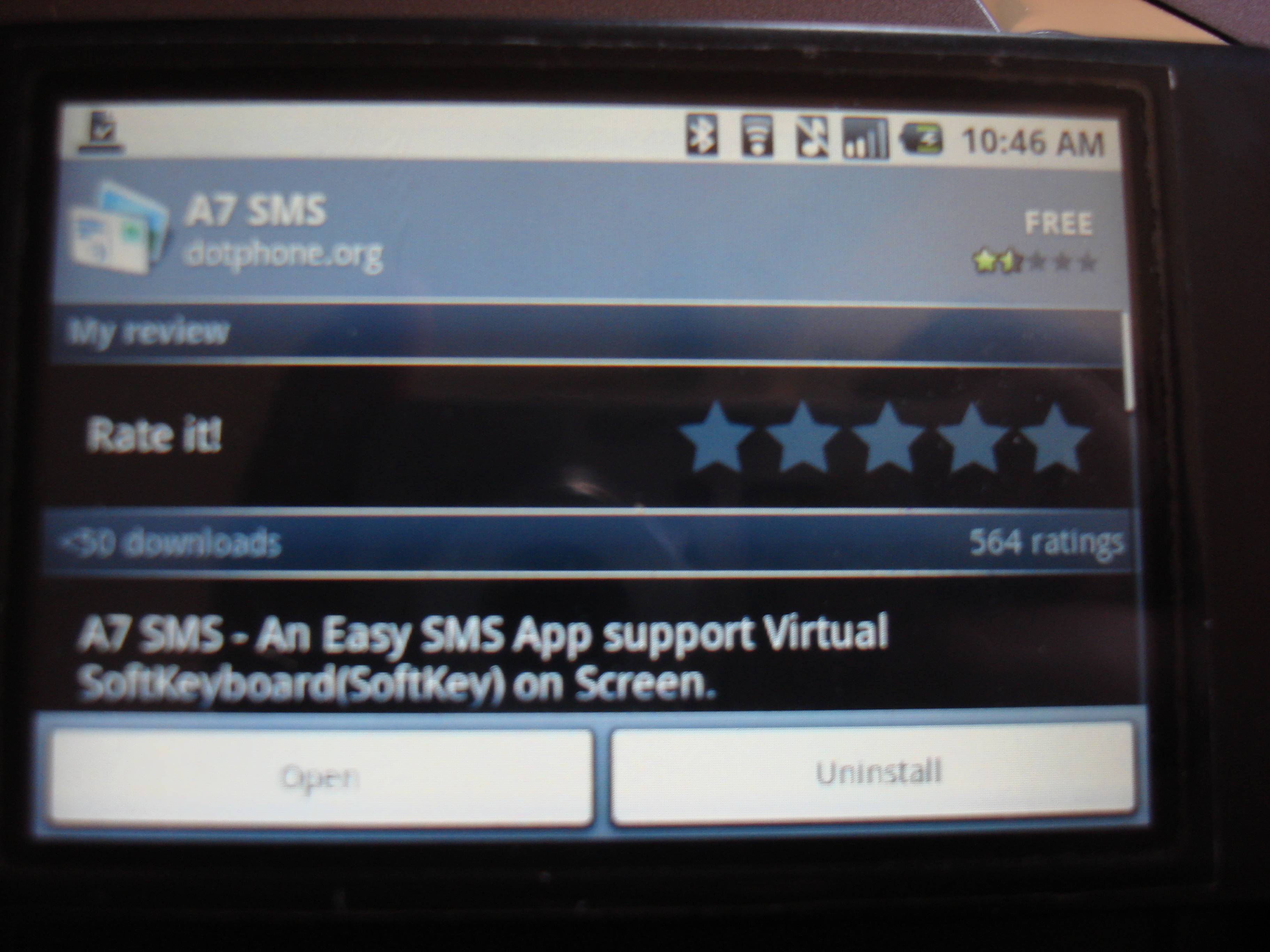
Everyone has been asking about a virtual keyboard since before we had the G1 in our hands. Developers over at DotPhone.org have finally got an application running on the G1 with a virtual keyboard. However this application is a bit hard to use and seems to still be in the beta stages.

We have seen a few cases of the application working on the G1, but have since had no luck with it. It appears that the new firmware versions RC29 and RC30 do not allow the application to work, but the old version seem to on occasion. We tried version RC29 with no luck and then decided to upgrade to verify it was not that specific version.

The onscreen keyboard is reported to have a weird layout, instead of being a QWERTY keyboard, the keys listed across the top being QWERTY, the layout only seems to list QWERT across the top. Either way this application is showing progress to say the least. It will not be long before we see a working virtual keyboard on Android.  We want to know if any of our users have been able to get this application working, and if so which firmware version they have.


  • Digg
  • Sphinn
  • del.icio.us
  • Facebook
  • Mixx
  • Google Bookmarks
  • Slashdot
  • SphereIt
  • Technorati
  • blogmarks
  • Blogosphere News
  • email
  • NewsVine
  • StumbleUpon
  • FriendFeed
  • Live
  • Reddit
  • Twitter
  • Wikio
  1. I was able to get this keyboard to work on RC30 release. But you have to download both applications you have to download softkeys and s7 sms or whatever it is called. The Keyboard needs a lot of work it is a little hard to use as it is not in "true" qwerty formart. But if you do not install both programs it will force close everytime.
  2. yeah, it does need some serious work. sucks like a prostitute...
  3. I got the keyboard to work on mine just fine. I think they sent out a new updated one... Still doesn't support connections to pull contacts from the phone book but say that will be fixed in a couple of days... *Crosses finger**
  4. You people are never happy!
  5. I've always wondered how can someone put a virtual keyboard on this thing if the screen is so narrow. I mean the Iphone's display is much wider. It's going to be difficult, I accidently press wrong buttons on the Iphone. How do you think it is going to be for the G1? I'm willing to bet not much better.
  6. Quote:
    Originally Posted by Skatturbrain View Post
    I got the keyboard to work on mine just fine. I think they sent out a new updated one... Still doesn't support connections to pull contacts from the phone book but say that will be fixed in a couple of days... *Crosses finger**

    I just tried it and it did not work for me. Did you have to restart your device for it to work.
  7. Quote:
    Originally Posted by Re@lly Dope! View Post
    I've always wondered how can someone put a virtual keyboard on this thing if the screen is so narrow. I mean the Iphone's display is much wider. It's going to be difficult, I accidently press wrong buttons on the Iphone. How do you think it is going to be for the G1? I'm willing to bet not much better.

    you are right about that I just downloaded the virtual keyboard and the softkey from the market when u put the phone landscape u can't see the TO and From boxes.
  8. RC30, works just fine for me but they HAVE to sync the contacts and allow you to be able to delete the messages per the text field, not to mention combine it to the existing text message format already in place on the g1, everything else like the keypad can be worked with. I see per the app comments on market how people are trashing it.. understood that it needs to have some adjustments made to it, i wouldnt hate on them for not having it completely done.. im actually glad that someone took the time to answer the huge request to get this up and going.. even though its still in its beta stages.. once its finished with all the kinks knocked out.. this will be the elite application for the g1 hands down(definitely a stake through the heart of the iphone).. My hat goes off to those involved with the creating and further improvement of this application.. keep up the good work and i look forward to further progress updates!
  9. Sorry felix, try again bro.
  10. i get the keyboard working fine...it sends out the message but the layout sucks huge nuts...they have to make it look like a damn QWERTY keyboard. plus the message is actually sent out from the "subject" line...needs to be able to pull from the address book, for sure...and it needs to show the entire thread like the native messaging client does...i have high hopes for this though...i was hoping that Google themselves would take care of this and integrate in the native messaging client for text and e-mail and maybe add a feature where you could use it in the browser as well...but that's the beauty of open source..basically they are telling us "if you want it, then you make it"...
  11. Quote:
    Originally Posted by Boogdriod View Post
    yeah, it does need some serious work. sucks like a prostitute...
    hahaha. funny.
  12. If it looks like that it wont be hard to use. (maybe)
  13. This isn't the first virtual keyboard. Andnav has one...
  14. i actually also tried putting that APP on my phone, i still had RC19 and it didn't work, it was a blank screen with nothing to do. Didn't work, i recently got the RC30 update this morning, still also does not work. So about the APP working with earlier Build Versions doesn't really work either.
  15. i just downloaded it and txt someone she did receive the txt but it dosnt show where your your txt messages are..RC30 i do not have the softkey app
  16. Quote:
    Originally Posted by Boogdriod View Post
    yeah, it does need some serious work. sucks like a prostitute...
    haaa man i lmao to this

    bout to get me fired haaaaaa
  17. i just downloaded it and txt someone she did receive the txt but it dosnt show where your your txt messages are..RC30 i do not have the softkey app
  18. I dig it. I understand it's not perfect but it really does work pretty well. Mostly what needs to be fixed is aesthetic not function.
  19. it works on mine with rc30 most of the people who aren't getting it to work probably didn't download the softkey keyboard seperately.
    can't wait for more updates that make it a little more user friendly and integrates contacts
  20. I currently have a beta version of shapewriter installed on my phone, and the keyboard layout in both portrait and landscape modes are far better than this application.
  21. for some reason .. im not interested . i think ill just hassle with the keyboard instead of dealing with the hassels of this ..
  22. Quote:
    Originally Posted by rereTHEEbeast View Post
    for some reason .. im not interested . i think ill just hassle with the keyboard instead of dealing with the hassels of this ..
    It's really convenient to be able to text and email in portrait mode =]
  23. This on screen keyboard gives me great hope for a future keyboard. THe whole layout is a little retarded, but it is a start.
  24. Typing on a virtual keyboard will likely not be as error free as a physical keyboard any time soon.

    They keyboard and track ball are what makes this phone such a killer device.

    That said I hope most or all future smart phones have a full keyboard that gives some real finger feedback. (vibration on touch?) tha'd be alright.
Join AndroidCommunity Forums

Android Phone Accessories


T-Mobile G1 Accessories
Palm Pre Accessories
iPod Touch Accessories
Advertise with SlashGear
Free Tech Support at SlashGear Forums

© 2008 Android Community. Part of R3 Media Network

Contact | Advertising | About Us





