

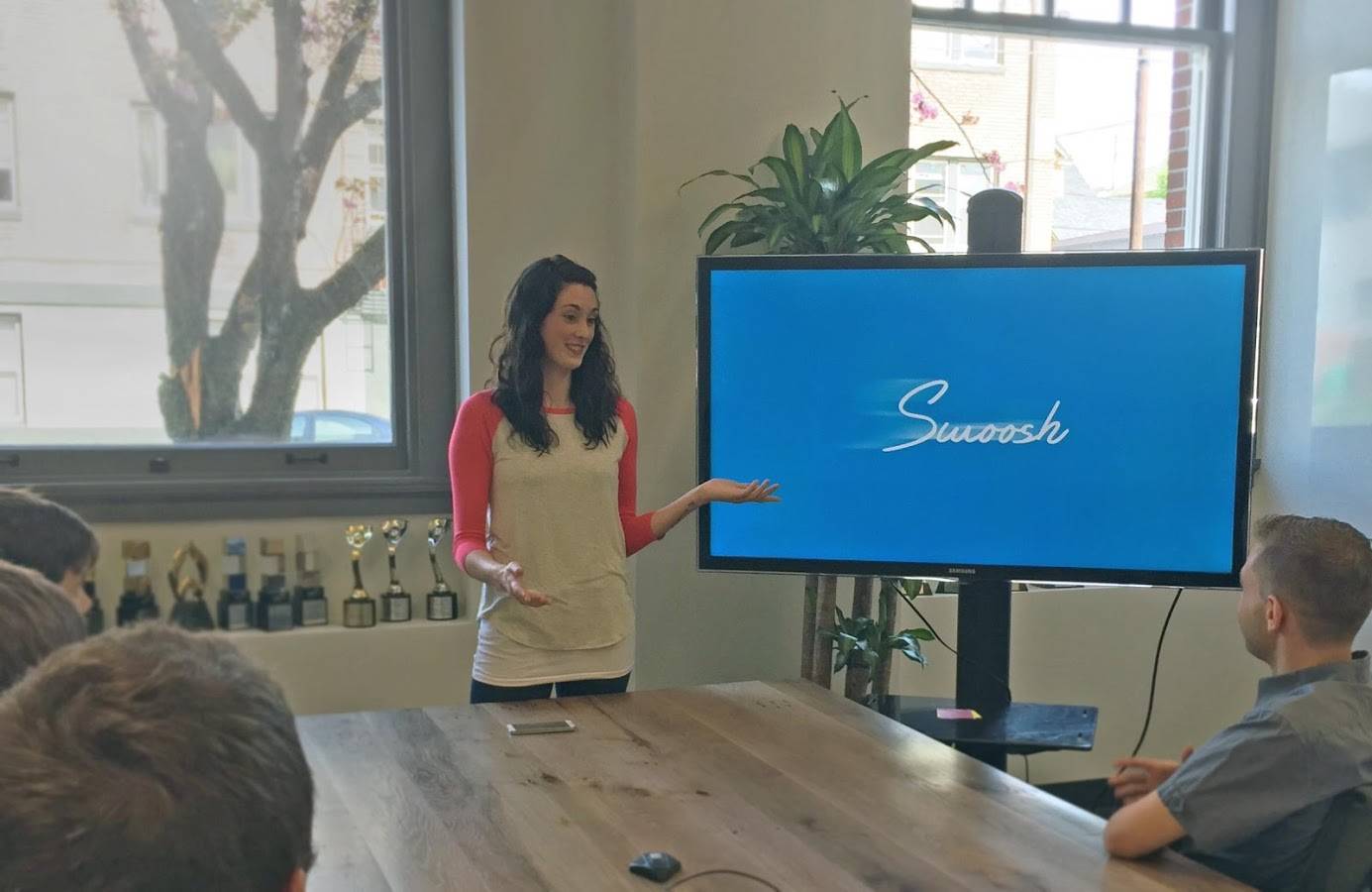
You’ve been there before. You’ve made your presentation, practiced presenting it, checked and double checked your equipment, all for your big moment. But when you start, the clicker won’t work, no one can manually control your laptop, and so you end up both presenting and controlling your big presentation. What if you could get rid of the clicker and just do it through an Android app on your smartphone? That is what the app Swoosh wants to do for you.
You can be like a jedi master and control your presentation by swooshing through the air, as if you’re using “the force”. But it isn’t magic of course, but rather the magic of technology, and thankfully, it isn’t that complicated. First you’d have to download the app on your smartphone and the laptop (or desktop) you’ll be using for your presentation. It doesn’t matter if you’re using a Windows, OS or Linux-based computer, they all have their respective installers. Your smartphone and computer need to be on the same WiFi network for this to work.
Launch the Swoosh computer app, and you’ll find it on the notification bar of your laptop/desktop. Then you can open the presentation you’ll be showing, either on your PowerPoint, Keynote, Prezi, PDF viewer, etc. Then open the Swoosh app on your Android device and it should automatically find Swoosh on your desktop and vice versa. Tap the device name and you’re all set. Swipe your hand at least 12 inches above your smartphone and go left to right when advancing to the next slide and then right to left to go back.
You can download Swoosh from the Google Play Store for just $1.99. That’s a small price to pay if you want to do magic for your presentation. Just make sure everything is properly charged and connected, and that you actually have WiFi to avoid any embarrassment.
https://www.youtube.com/watch?v=X055dkP1FzA?








Yawn. Back in the day I did a major projection-based presentation before a large audience (50+ attendees) with a Toshiba PDA. Why? Because I have always loathed lugging an anchor-load of a laptop gear around with me.