

The latest Tizen-powered smartwatch from Samsung, the Gear S2, is now readily available in South Korea, United States, Germany, and Singapore. The new wearable comes with the latest Gear Manager app that allows that smartwatch to communicate with any smartphone.
The Gear Manager app is expected to be ready for download on the Google Play Store. This allows other Android devices not necessarily manufactured by Samsung to connect to a Gear S2. The app must be opened from a smartphone on your mobile browser. Head on to Samsung’s website to get the version 2.2.15092142 of the Gear Manager.
Here’s how to get the Gear Manager going on your Android devices and finally connect to your Gear smartwatch:
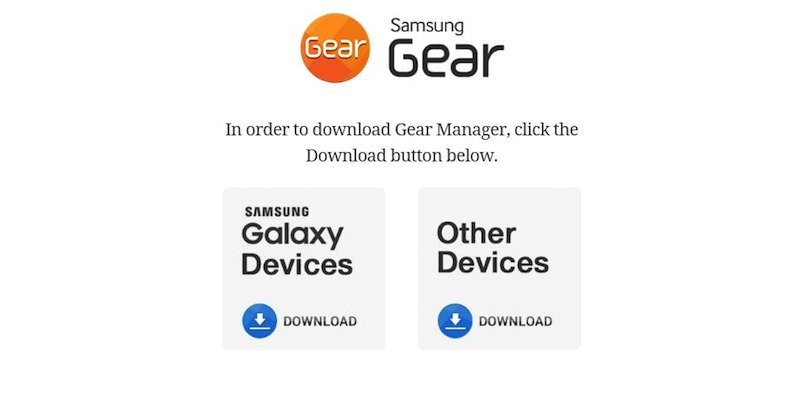
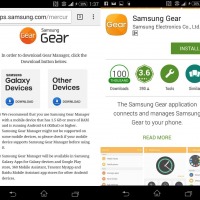
1.) Go to apps.samsung.com/gear on your mobile browser
2.) Select if you have a Samsung Galaxy Device or Other Device then click the ‘INSTALL’ button.
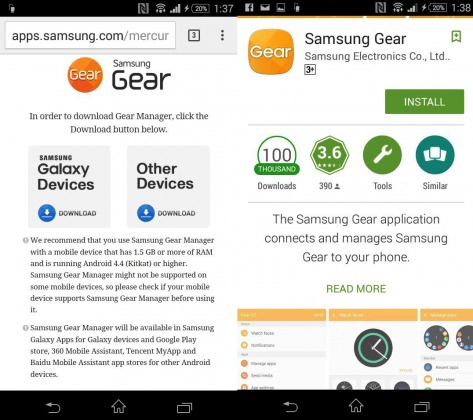
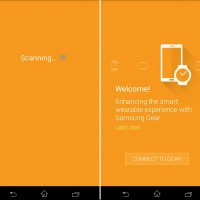
3.) You will then be directed to a welcome screen. Select ‘CONNECT TO GEAR’.
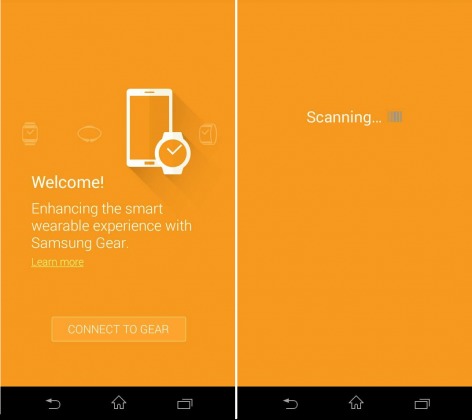
4.) Smartphone will start scanning for a nearby Gear device.
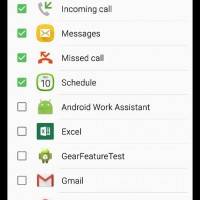
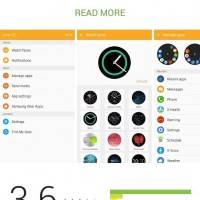
5.) Once connected, follow the next instructions.
We have yet to try this app on a non-Samsung phone with a Gear smartwatch. If you do have a Samsung Galaxy Gear or Gear S2, feel free to try Gear Manager on your Android device. Reports say that some Android users like those who own OnePlus phones are having problems downloading the app but thanks to XDA Developer idle0095 for providing the files required before downloading.
• up-com-samsung-android-app-watchmanagerSeptember-30-2015v2-2-15092142N-apk.apk
As we would always say, download and install AT YOUR OWN RISK.
SOURCE: TIZEN EXPERTS








Samsung’s gear fit manager won’t download to my new Samsung J5 cell. is there a workaround ?
doesnt work with a oneplus2 keeps searching .gear not found please try again
hi, did u solve the problem?
It is installed on my one plus 3t, however it does not open the gear manager. when the application is clicked, it just blinks and does nothing beyond. Any help?