

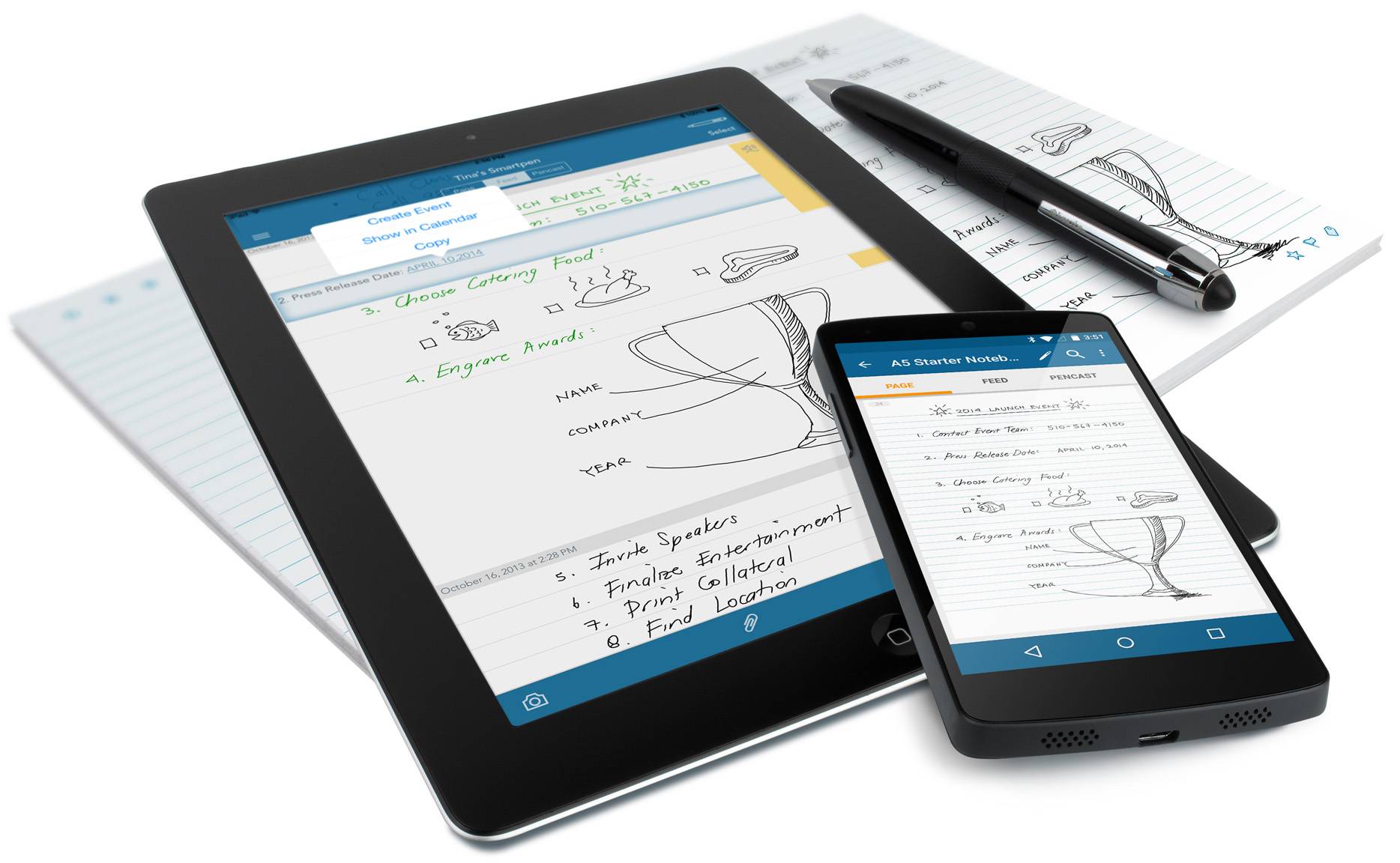
There are times when typing on a keyboard is more convenient when encoding your thoughts, plans, schoolwork, etc. But then there are also times when actually writing down stuff or drawing by hand is a better way to express yourself. But what if you wanted to digitize that as well? You scan or take a picture? Smart pens have now made that process easier, and of those is Livescribe 3. Now the accompanying app is available for Android devices, making your life even more convenient.
While it is still a “Preview Edition”, the Livescribe+ app is already fully functional, with the ability to immediately transfer your notes, sketches, drawings from your Livescribe 3 pen into your smartphone or tablet. It also makes your handwritten notes easily searchable. And if you want those notes converted into a digital document, the app can do it for you and you can use it on any document or app. It can also do pencast, or record audio while you’re writing down something, and then play it back for you for transcribing. You will also be able to share your notes through Evernote, OneNote, email, and other apps as well.
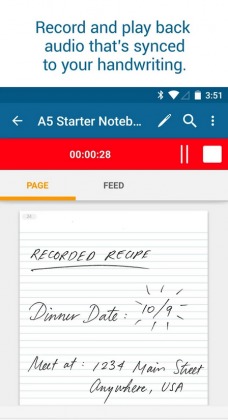
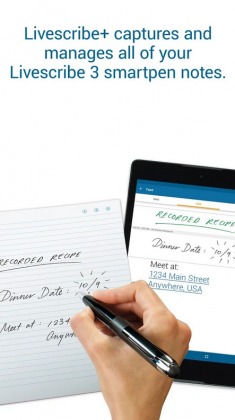
These features are a lot already, but since it’s still in Preview mode, expect a lot more improvements when the actual version 1.0 comes out. This will include adding a PIN code to your smartpen so that not everyone will be able to use it. The notebooks saved on the app will also have the option to be auto-saved to the cloud service of your choice, if it’s Dropbox, OneDrive, Google Drive, etc. You will also be able to tag your notes and add them to collections for easier searchability.
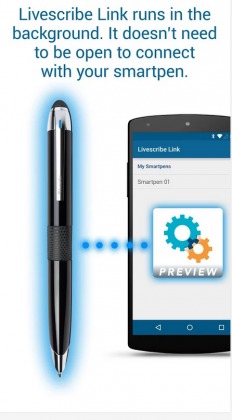
Livescribe+ is free to download from the Google Play Store. But it will work best with another app, Livescribe Link, which will automatically connect your Livescribe 3 with your Android device through Bluetooth Smart connection (or Bluetooth Low Energy) so that you don’t need to enter a Bluetooth pairing code. It is also a Preview Edition and can be downloaded from GPS as well.
SOURCE: Livescribe
VIA: SlashGear







