

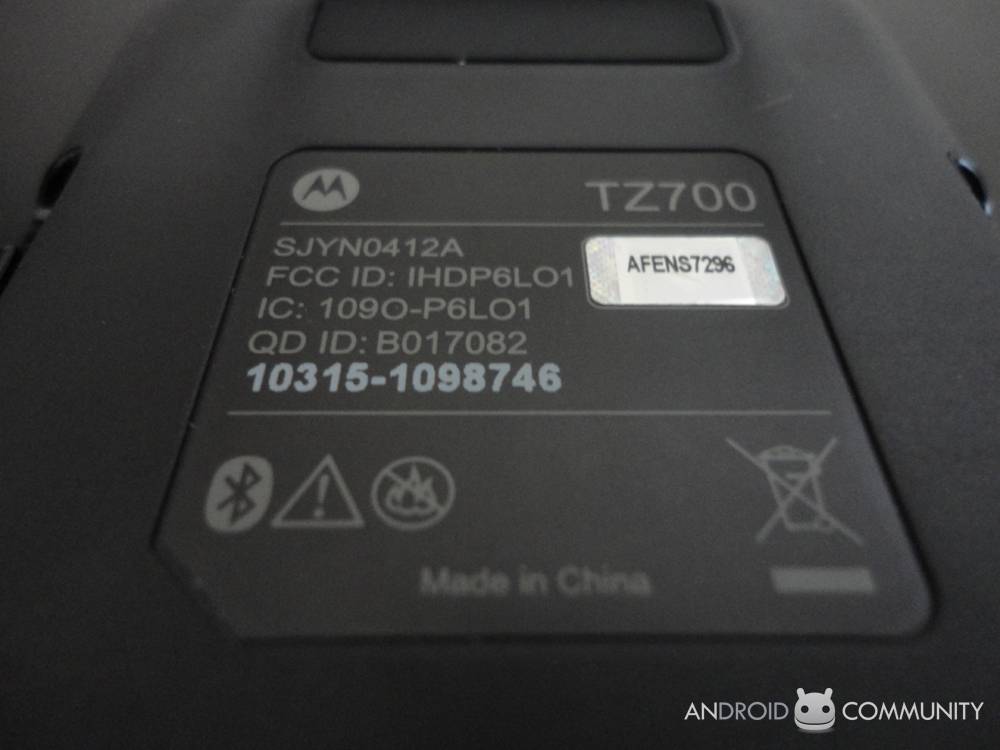
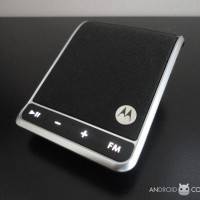
We’ve been sent a rather weird object that you may never have heard of before. It’s called the Motorola Roadster and it’s made to assist you in using your Android phone in your vehicle without paying so much attention to it that you crash. It has the potential to be very, very helpful, or on the other hand very, very difficult to understand. Let’s take a look at what it looks like, first of all. Then we’ll try to turn it on.
The box for this odd little device is very nondescript. It’s obvious that it wasn’t made with the intention of sitting out and about like some higher-end devices you may’ve seen in your day to day. Once you get inside the box, again, it’s basically down to the basics – padding, single instruction booklet, cigarette lighter charger, and the Motorola Roadster itself. It’s taken into consideration that you won’t be using this device without having a phone to pair it with, therefor there’s only the single charger that, unless you’ve got a automobile cigarette lighter in your home, wont be able to utilized outside your car.
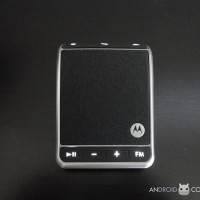
The device, as you’ll see in the video, appears to be generally intuitive at the outset. It’s about the size of the palm of your hand, a little bit too wide to be carrying with you in your pocket, but just right for hanging from the ceiling of your car. Easy to read buttons along the front and top of the device, and a single switch power along the right side. Behold it. A review of this device will be posted here on Android Community within the next few days after we’ve had a chance to take a peek at it.
[vms fb209c35fe4dc9459906]








First! This thing doesn’t work as advertised, I used to have the ROKR505 which worked overall better, but didn’t have the MOTOSPEAK option. Doesn’t matter because that really doesn’t work well with Android Voice Commands. Its a great idea, but hardly ever works. 🙁