• Home
  • Reviews
  • Featured
  • Archives
  • Videos
  • Devices
  • Tegra
  • Send Tips
  • Contact
  • AndroidCommunity on Twitter AndroidCommunity on Facebook AndroidCommunity on Google+ AndroidCommunity RSS Feed

Android Community

    • MUST READ

      STORIES

    • Verizon HTC One reality returns as DROID DNA offer pops up

      May 20, 2013

    • Student wins science fair with 30-second phone battery charger

      May 20, 2013

    • Hangouts set to be the future of Google Voice

      May 20, 2013

  • Trending Topics
  • Jelly Bean
  • NVIDIA
  • Galaxy S 4
  • HTC One
  • Nexus 7
  • Sell Your Used Phone

LG Optimus One hands-on [Video]

3
  • By Chris Davies
  • on 4 Nov, 2010

LG Optimus One hands-on [Video]

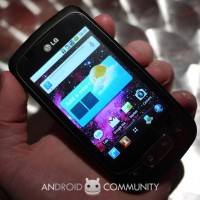
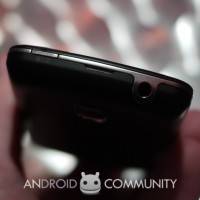
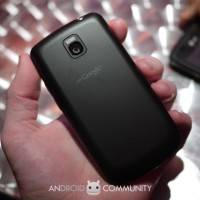
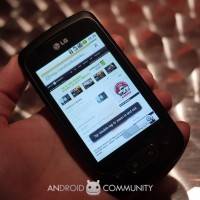
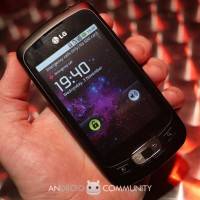
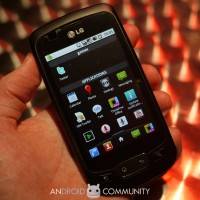
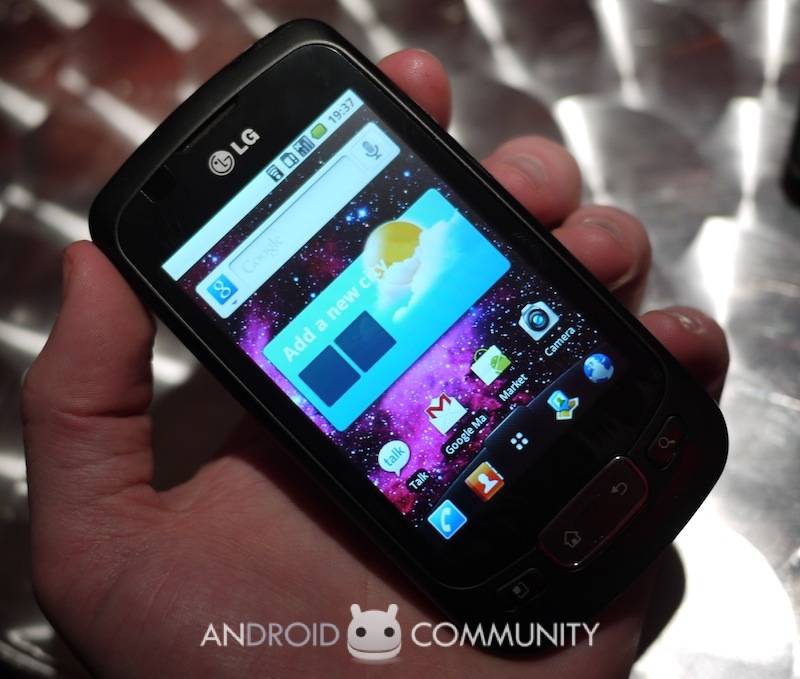
LG officially announced their Optimus One smartphone back in September, but the entry-level Froyo handset is only now making its sales debut.  We caught up with LG in London for the Optimus One launch event, and grabbed some hands-on time with the phone.

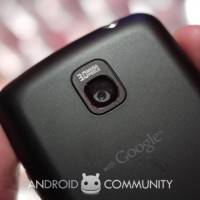
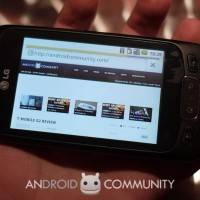
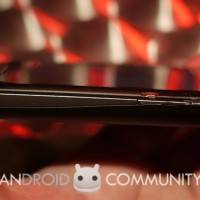
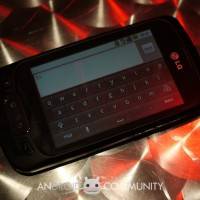
First impressions are that the Optimus One, unsurprisingly, is not going to set the Android world alight.  The phone has a 3.2-inch capacitive touchscreen and a 600MHz Qualcomm processor, though it never felt particularly sluggish, as well as a 3.2-megapixel camera on the back and 3G/WiFi/Bluetooth.  There’s Google Maps Navigation support, along with mobile hotspot functionality, and a 2GB microSD card included in the box.
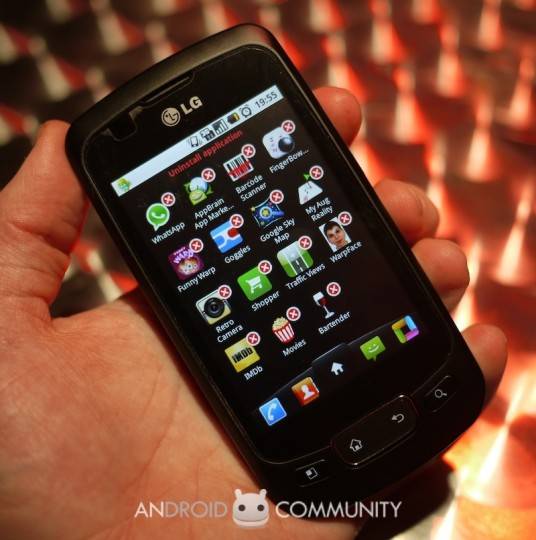
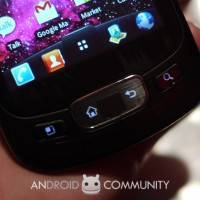
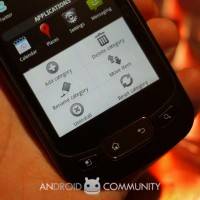
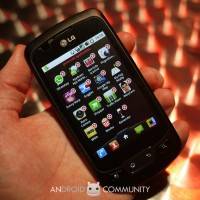
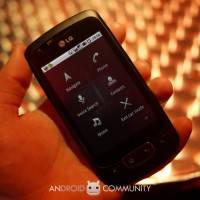
LG has made a few modifications to the base Froyo build, and generally they’re pretty useful.  The shortcut bar at the bottom of the display can be easily switched around to show your choice of four apps – you just tap and hold an icon in the app launcher, then drag it down to the slot you’d like it to occupy – and there’s a new folder-style organizing system for the app launcher itself.  Meanwhile uninstalling apps is easy too, with an iOS-style “X” button on each icon rather than users being forced to dig through the menus.

The LG Optimus One is available through UK retailer The Carphone Warehouse from today, priced from free with a new, £20 per month contract.  More details in the gallery and video below.

lg_optimus_one_0
lg_optimus_one_1
lg_optimus_one_2

lg_optimus_one_3
lg_optimus_one_4
lg_optimus_one_5

lg_optimus_one_6
lg_optimus_one_7
lg_optimus_one_8

lg_optimus_one_9
lg_optimus_one_10
lg_optimus_one_11

lg_optimus_one_12
lg_optimus_one_13
lg_optimus_one_14

lg_optimus_one_15
lg_optimus_one_16
lg_optimus_one_17

lg_optimus_one_18
lg_optimus_one_19
lg_optimus_one_20

lg_optimus_one_21

Share
  • Student wins science fair with 30-second phone battery charger
  • Hisense Sero 7 Pro with Tegra 3, Android 4.2 takes on Google's Nexus 7
  • Verizon HTC One reality returns as DROID DNA offer pops up

Tags: froyohands-onLGLG Optimus Onesmartphonesvideos

  • Pingback: LG Optimus 3D outed ahead of MWC 2011 debut - SlashGear

  • Pingback: LG Optimus 3D outed ahead of MWC 2011 debut | Add Gizmo

  • Anonymous

     
    http://androidcommunity.com/lg-optimus-one-hands-on-video-20101104/

  • Search

  • REVIEWS

    • AT&T LG Optimus G Pro ReviewAT&T LG Optimus G Pro Review
    • Iron Man 3 game Review: what you need to knowIron Man 3 game Review: what you need to know
    • Samsung GALAXY S 4 ReviewSamsung GALAXY S 4 Review
    • Samsung Galaxy Note 8.0 ReviewSamsung Galaxy Note 8.0 Review
    • Pebble review: Two weeks with a smartwatchPebble review: Two weeks with a smartwatch
  • HANDS-ON & QUICK LOOKS

    • Google+ Hangouts app goes live, we go hands-onGoogle+ Hangouts app goes live, we go hands-on
    • Flipboard magazines arrive with v2.0 update, we go hands-onFlipboard magazines arrive with v2.0 update, we go hands-on
    • Lenovo IdeaCentre Horizon hands-on with BlueStacks for Android gamingLenovo IdeaCentre Horizon hands-on with BlueStacks for Android gaming


  • T-Mobile G1 Accessories
  • RECENT COMMENTS

  • About
  • Contact
  • Terms of Use
  • Privacy Policy
  • Advertise

Copyright 2013 Android Community