

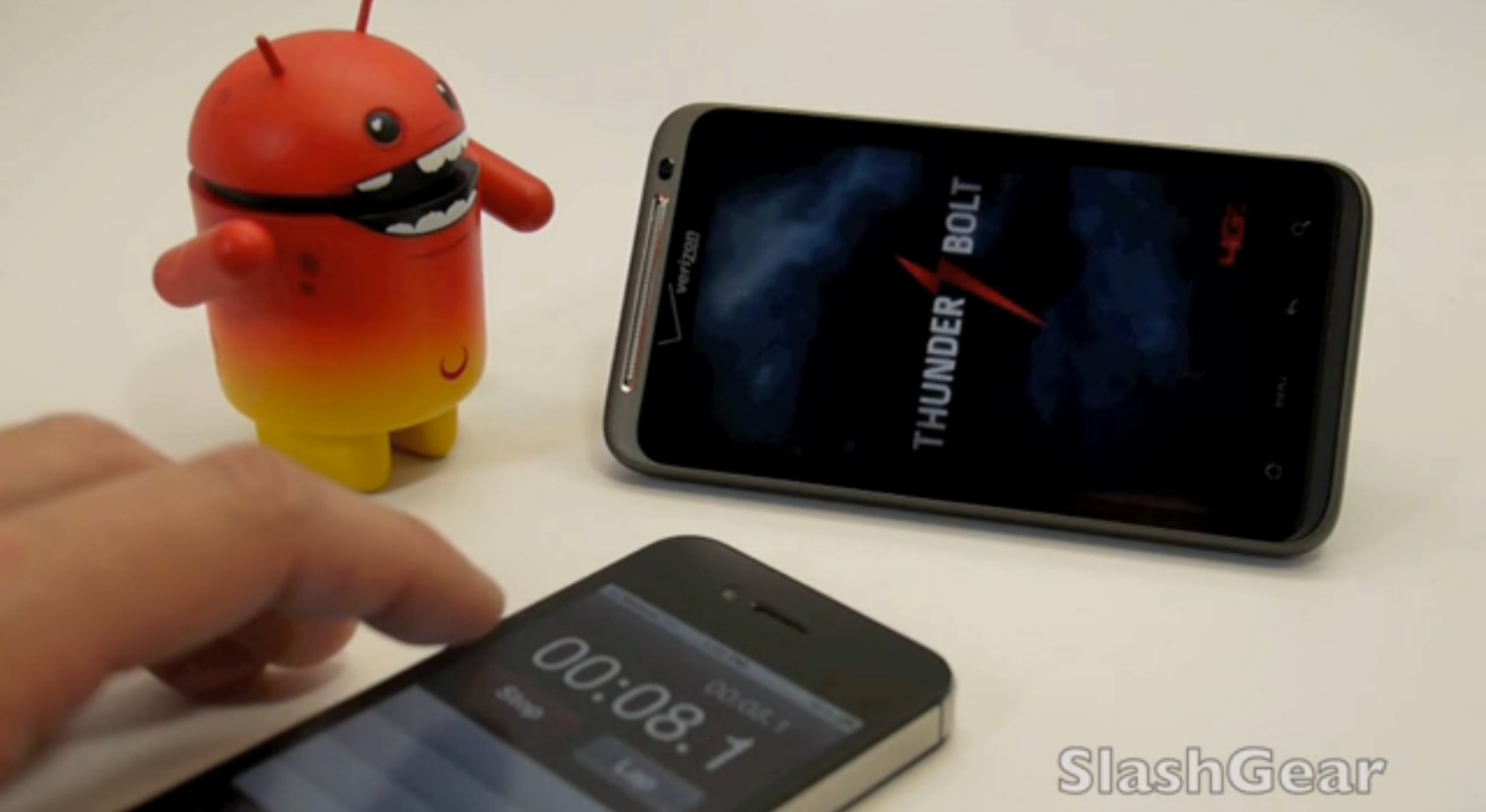
Let’s be clear before a fire is started – the amount of time you’re going to sit and wait for the HTC ThunderBolt to boot up is not any different from any other modern phone you’ve got in your hand right this moment. Have you heard of the Fast Boot the ThunderBolt is capable of? That exists, but it’s not the only way the phone starts, it’s just an option. One of the reasons this Fast Boot doesn’t just work every time so that if you’ve got apps that might not boot up or load up properly with the Fast Boot, you’ve got the option to boot up in regular mode.
The Fast Boot is meant to boot up the phone in under 10 second. Indeed it does go extremely fast in Fast Boot, and with it comes a sweet dash of lightening and sound clip that makes you freak out with glorious anticipation. When the phone is not in Fast Boot mode, the phone takes approximately a minute and 22 seconds. So that’s pretty much utterly different from 10 seconds. So probably the fast boot is for people who aren’t that into experimenting with apps.
[vms fc23349dd10ee68dabb6]
Or of COURSE we can expect such a functionality to be retrofitted to all sorts of different devices once the hackers get at it, right? I would hope so. Though with advanced hardware comes the advanced features, right? Yes. But expect such speeds in the future, ladies and gentlemen. A 10 second startup should soon be the average, and that’s exciting!
We’ll be continuing our coverage of the ThunderBolt today and we’ll be getting our very own unit in the mail tomorrow — feel free to send us any questions you might have about it and we’ll try our best to answer it tomorrow!
[via SlashGear]








So essentially what has been available for years on Windows PCs as “Hibernate Mode” is now available for android phones.
Instead of a full power down (where all memory held active in RAM is wiped) and full power up (where each system process, app, and service is ReLoaded back into active memory)….
Hibernate (fast boot) simply saves the RAM (up to 768 MB) to an unused portion of the internal memory when powering down. And writes it back to RAM when powered back up.
This method can be seen when booting Windows vs. returning from Hibernate mode.
Several minutes for a full boot. Or less than a minute for Hibernate. For modern PCs, they must move several GBs of RAM to a magnetic disk HDD and vice versa. For smartphones they move less than 1 GB to solid state flash memory. MUCH Quicker.
Wow, my Google ChromeOS Cr-48 netbook boots up in 7 seconds or less. I love my Cr-48!
Wow, my Google ChromeOS Cr-48 netbook boots up in 7 seconds or less. I love my Cr-48!
What did you do to mod lock screen or is that widget locker? I’m using go launcher ex, will fast boot cause problems with that?