

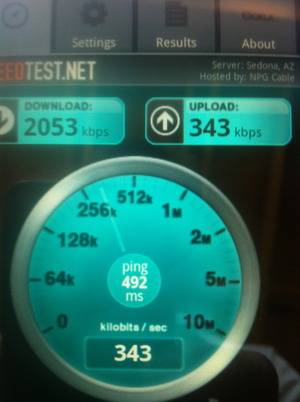
When we heard that the HTC Inspire 4G has a ROM update enabling HSUPA for better data speeds, we had to give it a try ourselves. After some fits and starts, not finding the update, and then having some downloading difficulties, our own Ben Bajarin got it installed. So how did it do?
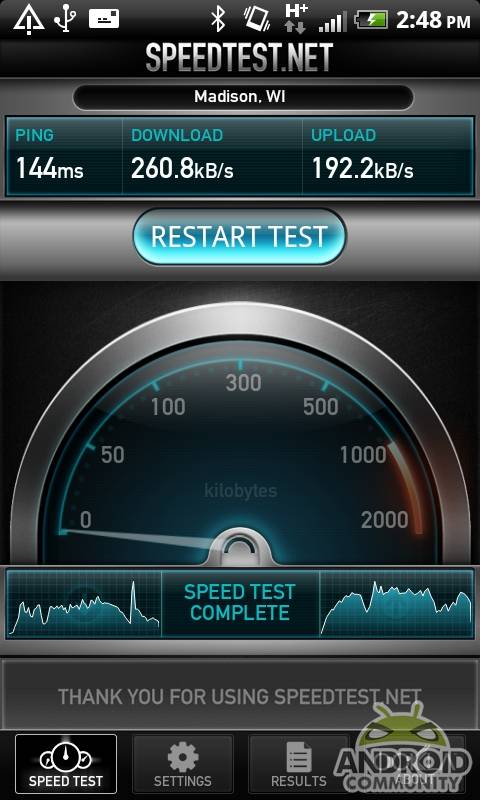
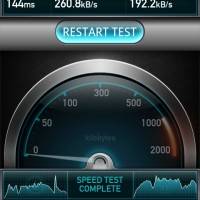
Here the speed test before:
And here it is after:
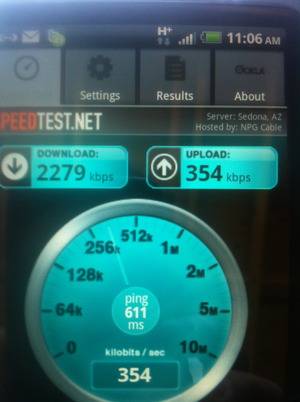
If you notice there isn’t much difference, and also that the speeds are pretty slow, that isn’t really a reflection on the update. Ben lives out in the boonies and can’t really get a great connection. We will be updating this post with a non-boonies test soon.
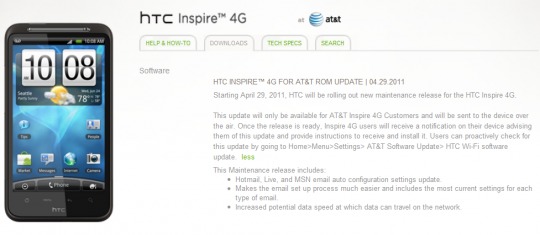
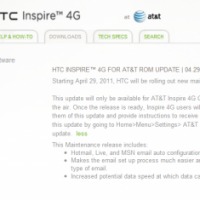
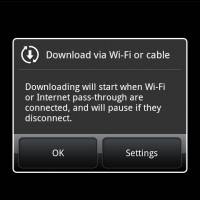
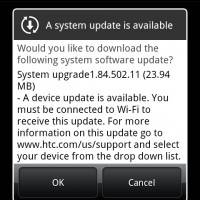
Meanwhile, have you updated? What kinds of speeds are you seeing? The update will be sent out over the air, but you can also check for it yourself, see graphic below and click for link:
UPDATE 4/30/11:
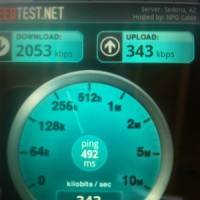
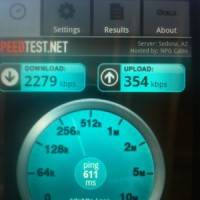
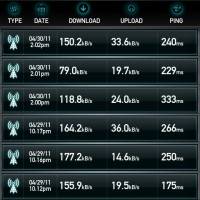
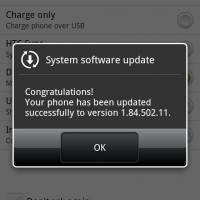
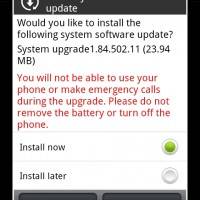
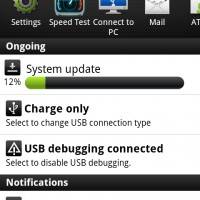
Hi all, Chris Burns here with an additional update. Check in the gallery below for all the images you’re going to be seeing when you’re updating your Inspire 4G to the brand newest firmware sent out from the labs at AT&T. This update, while it’s supposed to activate non-throttled upload speeds via HSPA+ (called HSUPA for Upload,) I’ve also got my doubts. Have a look here at speeds collected before and after the update. The three speeds collected today (at the top of the list) are taken after the update.
Notice how they’re actually slower than before:
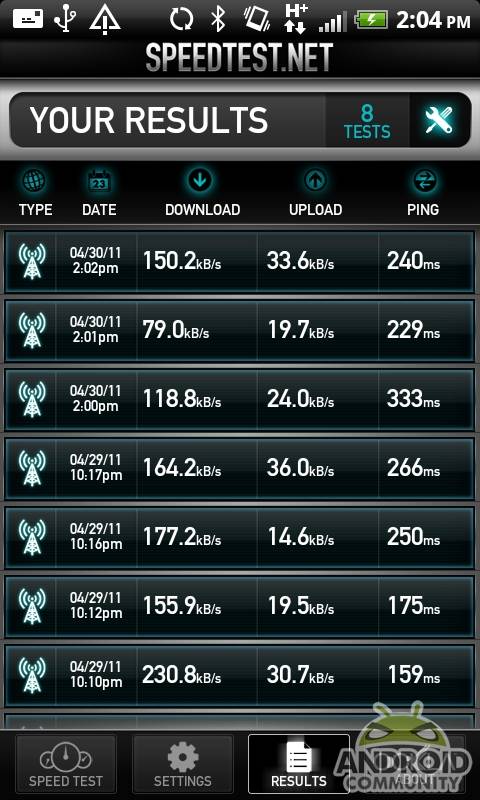
Seems so slow! Our wise commenters knew what to do though, those witty ladies and gentlemen, so we listened – a simple restart later and bam! Three times the speed!
So run this update, make sure you’re installed, and restart your device. Speed awaits!








I did the update and speed tested right after. No change at all. Then I restarted, and bam. It’s way faster. Uploads especially, but both are significantly faster. So if you don’t see a change, restart before you make any judgments.
I did the update and speed tested right after. No change at all. Then I restarted, and bam. It’s way faster. Uploads especially, but both are significantly faster. So if you don’t see a change, restart before you make any judgments.
I updated my Inspire and nothing changed ….then pulled the battery and restarted…now upload speeds have almost tripled from .200-.300 kbps and are now .700-.800 kbps. My upload speeds are with 2-3 bars in a bad coverage area. Battery pull is the fix after the update.
i didnt get mine yet.does everyone get at the same time.or segments?ughh..should i worry?
i disagree i just bought the phone like 3 weeks ago i had an average speed of 1500kbps and now my average speed is 3000kbps. i did a test at a spot with full bars and i got a peak speed of 6224kbps, upload 856kbps and ping 103ms. i think the update worked for me!!!! 😉
i disagree i just bought the phone like 3 weeks ago i had an average speed of 1500kbps and now my average speed is 3000kbps. i did a test at a spot with full bars and i got a peak speed of 6224kbps, upload 856kbps and ping 103ms. i think the update worked for me!!!! 😉
never got the message for the update but went into settings and downloaded update, turned phone off, took battery out, then put back in. Restarted phone, then did speed test. Was getting avg 1.5 mbps dload now getting 3-6 mbps. Was getting 0.3mbps upload, now 1-1.5mbps. Definitely worked.