

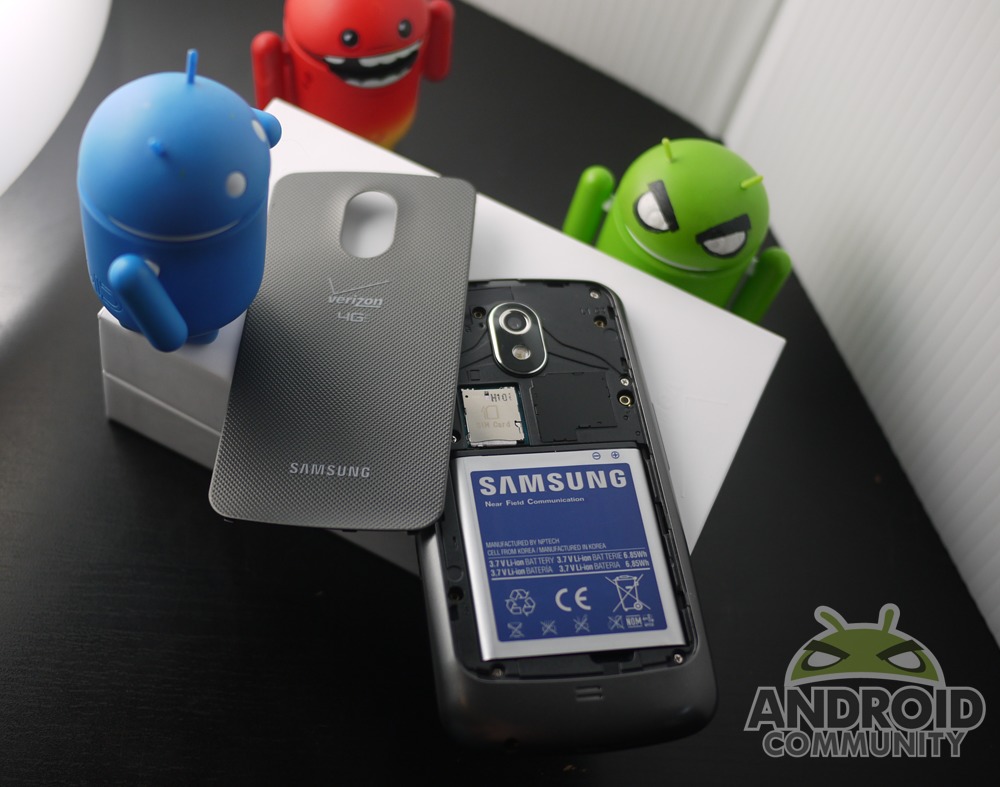
Now that many of us have a shiny new Galaxy Nexus in our hands, I’m sure many of our readers are looking for a few tips and guides. With this being a Nexus device this will be one of the easiest phones to unlock, root, and fully enjoy but we have all the details round up just in case. Below you’ll find a few links to XDA, Google+ and more.
Pro Tip: Screenshots are simple in Ice Cream — just long press volume down and the power button for a second or two.
I’m sure iFixit will offer us a teardown soon but in the meantime you guys can crack open and enjoy the software side of things with a few very simple instructions. Almost everything will work for LTE and the GSM version of the Galaxy Nexus but obviously do use caution and make sure first.
Root using Superboot by Paul O’Brien
All the details and full instructions, downloads, zips are available from this XDA thread. You can also opt to follow Koush’s instructions for unlocking the bootloader, installing clockworkmod, and rooting with full details (and no-no’s) from this post. I’ll be doing “fastboot-windows oem unlock” later today because it’s just that simple on a Nexus (looking at you Motorola). For a hands-on video walk-through our friends from DL have made an easy bootloader unlock tutorial video you can find here. You may need the Samsung USB drivers on Windows and if so they are available here.
Reminder: Unlocking the bootloader WILL wipe your device and all your applications.
For all these links plus plenty of tips, guides, instructions, discussion, and ROM’s head to the XDA Galaxy Nexus development section. If you happen to cause an issue during your journey and would like to return your Galaxy Nexus to the original stock “out of the box” experience feel free to download the stock factory image from Google by clicking here.
Now most of the Android enthusiasts that ran out and bought the Galaxy Nexus this morning — you probably already know most of what was just mentioned above and it goes without saying that any problems or mishaps are your own fault. For anyone new to digging around inside their Android phone and rooting a device make sure to read through the entire tutorial before proceeding, and ask questions in the question section at XDA if needed. Remember that you shouldn’t hold anyone responsible if your phone goes up in flames, breaks or gets bricked, but yourself — so proceed with caution.
Enjoy!
[device id=2091]








Too bad the Nexus is a Samsung. Signal sucks. Motorola ftw. Razr.
Wow, I’m getting royally scr00wed. Followed the instructions for unlocking bootloader via adb (android sdk), and superboot with the recommended usb driver via Samsung and PDAnet… and I’m still getting the “waiting for device” prompt with no follow-up options.
What am I doing incorrectly? Is my device and unlockable device (if that exists)?
So, I turned my phone (Galaxy Nexus) off this morning and I turned it back on this evening and there is now a screen that reads, “Unlock bootloader? If you unlock the bootloader, you will be able to install custom operating system software on this phone. A custom OS is not subject to the same testing as the original OS, and can cause your phone and installed applications to stop working properly. To prevent unauthorized access to your personal data, unlocking the bootloader will also delete all personal data from your phone (a “factory data reset).” And then at the bottom there is, “USB Control Init” and “USB Control Init End” and a picture of a lock. I can’t press anything. What do I do to get my phone back to normal?