

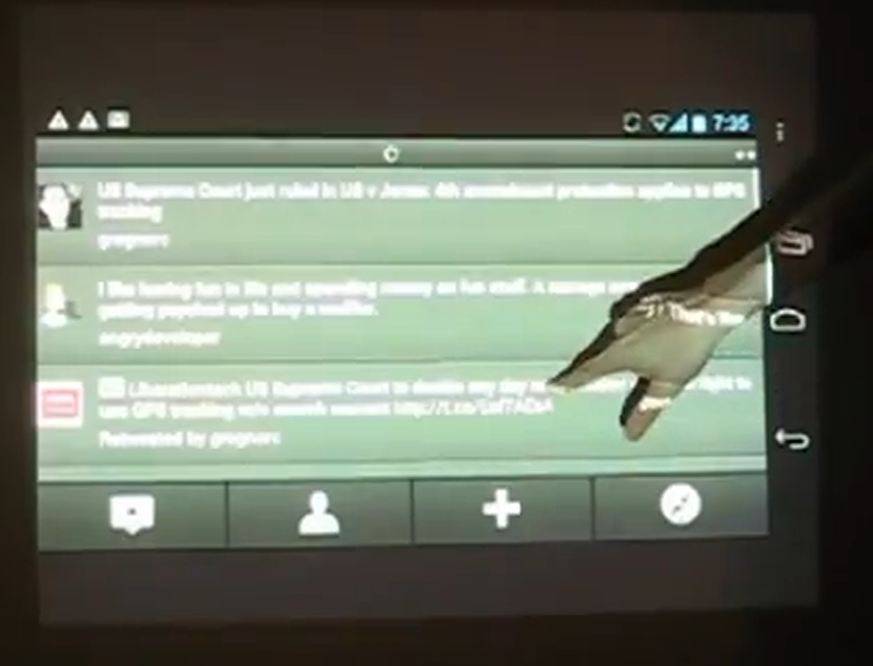
Android is surprisingly scalable – it works well on smartphones and tablets and is even passable as a desktop OS when loaded onto x86 hardware. But who among us hasn’t longed to make their Android phone’s interface 50 inches diagonal and throw it up on a wall? Well me, for one, but an industrious modder has done just that, outputting the video from a Galaxy Nexus through a projector and combining it with the Xbox Kinect motion control gadget. The result is a huge version of Ice Cream Sandwich, not only projected onto a wall but controllable by “touching” the enlarged interface.
Modder “DDRBoxman” of Rcursive Penguin went to considerable lengths to achieve this, with no small amount of skill and ingenuity. The hack is made possible by connecting the Xbox Kinect to a Windows PC, capturing the touch input via a custom application and sending the “taps” on the projected image back to the Galaxy Nexus, which is sending its video out through an HDMI adapter. This is more than your everyday mod: to allow the Nexus to accept input from the TUIO application, the builder had to create his own custom ROM from source.
See the results for yourself below:
Practical? No. Awesome? Most definitely. The “Android Kinect Projector Interface w/ System Access” requires a lot of work at the moment, but with a little creative thinking this sort of thing is easily possible using existing hardware and software. Follow along with me: if you could plug your Android phone or tablet directly into a projector, then position it so that the front or rear camera is observing the projected image, you’ve got all the hardware components necessary to duplicate this trick without an extra PC and webcam. All it needs is the right gesture recognition/input app, and a gigantic, portable interface could be achieved on any Android device (though you’d probably need root). How about it, devs – any takers?








How is Kinect technology used here? To be it just looks like touch gestures rather the Kinect motion gestures.
It is the Kinect that is sending the information on the position of the hand that is touching the projected image on the wall to the phone or tablet.
It just looks like some one else is pressing the buttons on the actual phone as this guy is pressing on the “screen” buttons…