

There’s nothing more annoying than a smartphone with a weak speaker. Whenever I’m reviewing a new Android phone, I always check the external speaker volume, because it’s become an essential buying point for many readers. If you’re stuck with a phone that has a tiny, weak speaker, (like most of Samsung’s phones, unfortunately) you’re not out of luck. DSP Manager is a non-Market app that allows you to set up a custom equalizer setting, and with the right tweaks, raise your speaker volume to almost twice its normal output.
If your one of the hundreds of thousands of users who’ve loaded up CyanogenMod or one of its derivatives on your Android phone, you’ve probably already got DSP Manager: it’s developed by the CyanogenMod team for their series of ROMs. If you don’t, never fear: You can find the APK file on places like this one (or a simple Google search from your phone or tablet). You don’t need root permissions to run the app – just install it via the normal non-Market method, making sure that your Application settings allow it.
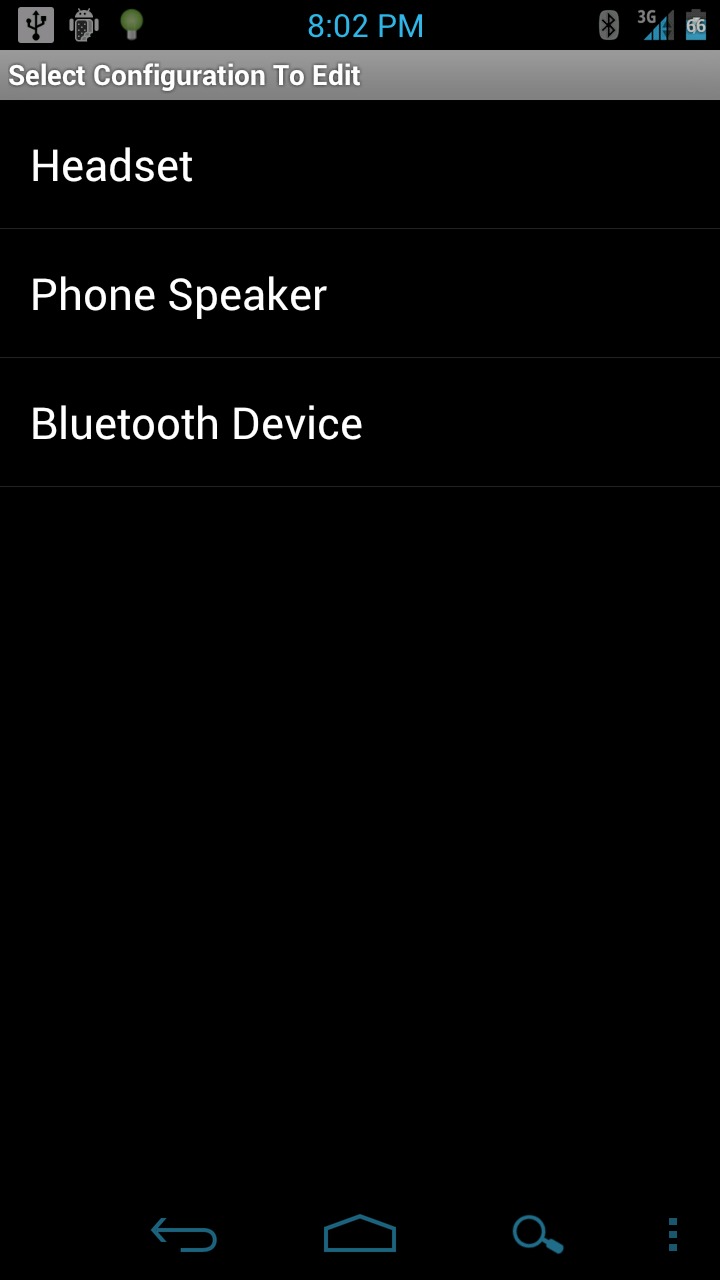
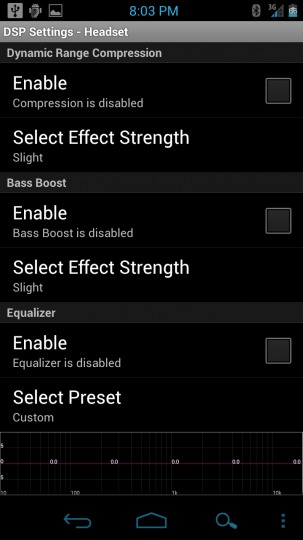
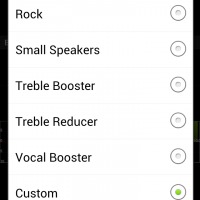
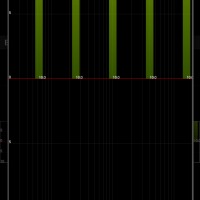
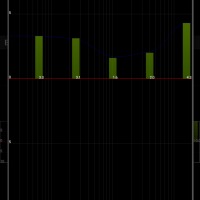
Once you install the APK, the interface isn’t exactly gorgeous. But ut works well enough: select your headset, phone speaker or Bluetooth device, then tap “enable” in the Equalizer section. You can choose from the basic music-themed presets, but I prefer to use the custom equalizer. Just tap on the graph, then slide your thumb to set the five EQ points. Raising the bars to the middle of the positive graph gives you about 25-50% of normal volume, while raising it all the way will just about double the output. Your experiences will depend upon your particular phone model, but every phone should see at least some benefit. Keep in mind that the higher you set the equalizer, the more distorted music and effects will become.
There’s other apps in the Android MArket that do the same thing, but for ease of use and customized control, DSP Manager can’t be beat. It makes using my Galaxy Nexus as a calendar and agenda possible, and without the boost I get from the app I’d sleep through half the alarms that I set. For helping make phones more usable – not to mention covering some of the oversights made by hardware manufacturers – DSP Manager is our pick for App of the Week. If the CyanogenMod App Store comes through, expect it to be one of the first entries.








zlango is def the best messaging app i’ve used – https://market.android.com/details?id=com.zlango.zms&feature
Yes but I have yet an equalizer:I just want to boost sound music