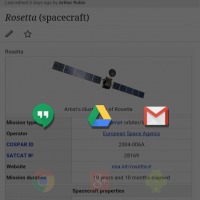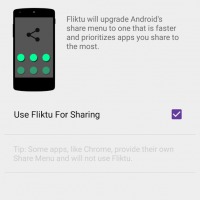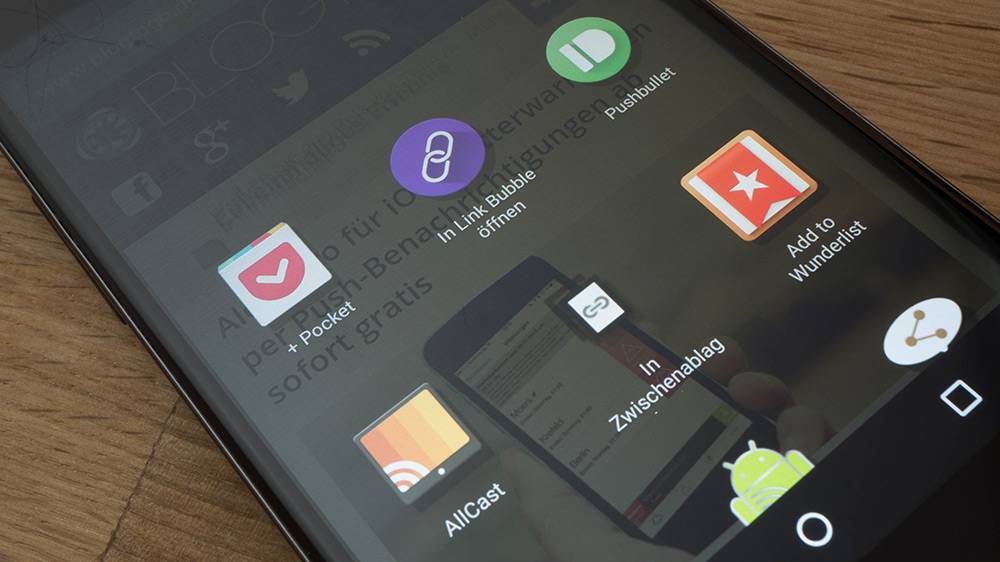
More often than not, when you’re browsing through websites or apps on your mobile device and you see something that you think your friends would find interesting, your instinct is to share a picture or link immediately. While the Android platform has a lot of sharing options already, sometimes you need an app that has better choices and a faster interface. Fliktu: Share Fast is one of these apps, and the latest update allows you to share more than just links.
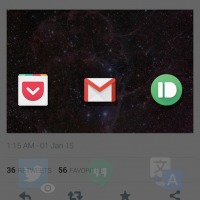
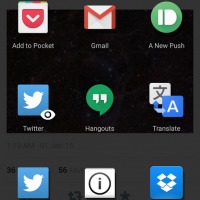
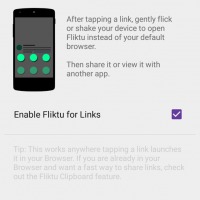
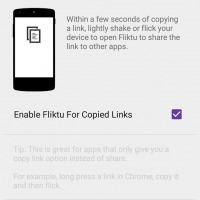
Fliktu has three main features that makes it a better choice than the built-in sharing features of your device. First, the apps are organized into the ones that you use more often or the ones that are relevant to what you’re sharing. You can also manually choose which apps are in the sharing options and hide those you usually don’t use. Second, you can share directly from the links in your browser, just by flicking or shaking your device to activate the Fliktu menu. Third, you can also share directly from your clipboard by copying a link and then flicking or shaking your device, just like in the second option.
For the latest update of Version 1.2, Fliktu now allows you to share anything from your clipboard, aside from links, like other text or even pictures (if images are copied on your clipboard too). You can also now just swipe down or tap outside the menu should you wish to close the Fliktu menu. The menus also now load faster than before and of course, the usual bug fixes are also included.
In terms of design, the app has already been updated to Google’s Material Design guidelines. Fliktu: Share Fast is available for download from the Google Play Store for only $0.99.