

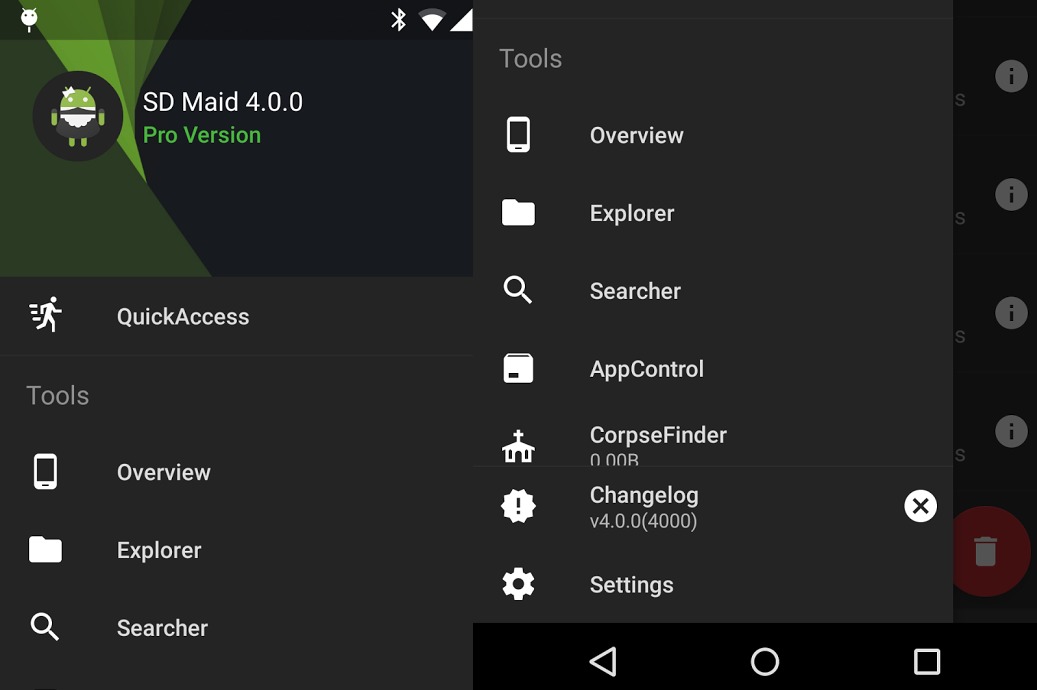
If you think removing files is easy because you only need to click ‘delete’ and ‘yes’ to confirm, think again. You’re wrong as whether you like it or not, some codes may still be left over. System management of SD cards is made easier with apps that handle such. One of the latest update to the SD Maid System Cleaning Tool is the v4.0.0 beta version. It’s not yet live on the Google Play Store but feel free to download the old one and then get the updated version from sdmaid.darken.eu/download.
Developer darken was kind enough to note that if you want to try this beta version, you need check results first and make a backup before deleting to be sure. Changelog was also published but expect to experience a number of issues. Feel free to report them HERE so the developer will know what to fix.
The app is one powerful tool but we’re warning you to download and use at your own risk. You see, some apps that you have deleted already often leave some data behind so you need a tool to clean up your device properly. Those crash reports, logs, and debug files are left and since you don’t really need them, you need to remove them. You may not see all of them in files and folders but SD Maid will be able to search and locate them. Yes, even your mobile device needs some tidying up to do so try the SD Maid BETA and see for yourself what it can do.
SOURCE: darken







