

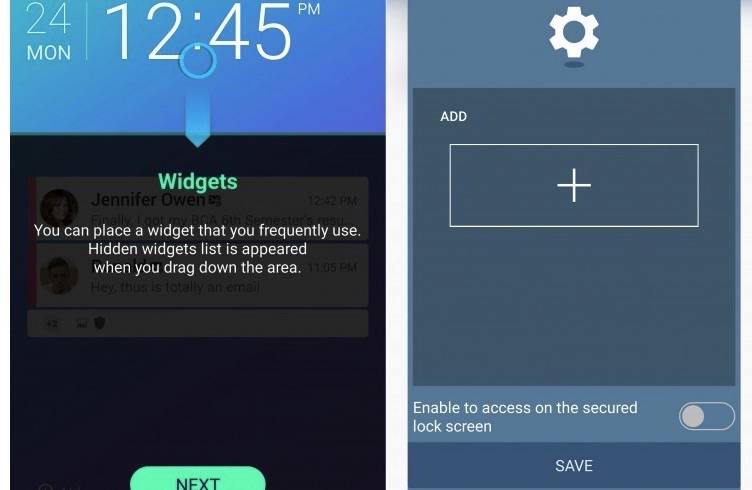
Samsung Good Lock was launched a couple of months ago as an exclusive app to the Galaxy S7 and S7 edge. We knew it would be available in other devices and finally, app was made available for older Samsung devices. It’s not a global launch yet but only for the older Samsung devices in certain regions. We’re looking forward to a more widespread lease and Samsung recently updated the app with enhanced features and improvements on the menu and notification that will benefit those people are not organized.
Samsung is doing good so far in updating the app. One important change here is the TouchWiz that looks simpler and easier to use now than ever. The devs have also updated the routines and the new recent menu. It’s now easier to search for and switch to apps within the device. A number of users have been sharing positive feedback about the updated Samsung Good Lock that includes an improved implementation of Material Design.
Samsung is open enough to hear and listen to the feedback and suggestions of other users. The recent change was shared online and the updated app is said to include support for option to enable/disable KEEP and App Tray in Recent Apps plus new functions like ‘Delete All’ in Card Type Recent Apps and ‘Mobile Data’ and ‘Quick Connect’ in Quick Settings. The new app also fixed a number of issues like the color change for Fingerprint Fail Popup, status icon visibility enhanced for white background, and not showing notification folder if no notification.
The update also brings fixes for the following: App Error when using SIP, Notification App Access from Lockscreen, Noise when launching Quick Camera, BT Search duration and range (battery life), Status Bar Height as same in home and lock, Repeated notification for low battery, create Lockscreen during call, not working unlock when swype slowly, and the FC using Recent Apps, while roaming and memory reader.
VIA: Reddit








I can’t bring myself to look at it for more than 10 seconds on my phone…that purple theme just kills me.
The purple theme is easily changed. Good lock settings/routines. All the way to the left of the color wheel is white and black.
WTF is the point of setting a nice grayscale color theme if I’m still stuck with effing purple everywhere!? Call me when this basic customization option is corrected. Only then will I even think about checking out the rest of it’s functionality.
The ability to change the color has been there from the beginning of the app. It’s in the apps settings/routines.