

The Parallels Access app recently received an update to allow large file sharing even without any cloud service. This also improves uploading time of different files, big or small in size. With the app, you can easily manage your files right from the desktop agent, as well as, use easy native touch gestures on mobile devices. With Parallels Access, remote connection to your home or work computer is made faster and easier from wherever you are.
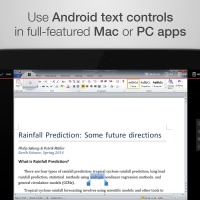
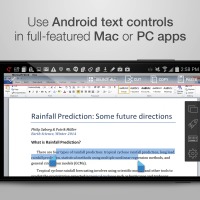
Being productive while mobile can be easy with Parallels Access as it can transform your phone or tablet into a work machine via remote access. This way, you can search files, edit docs, or open applications you need to use remotely when you need to do some work. Remote access also makes things easier and lighter for the very busy professional who does a lot of traveling.
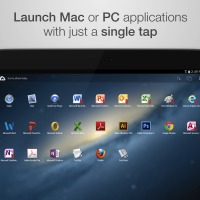
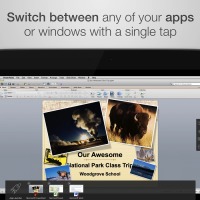
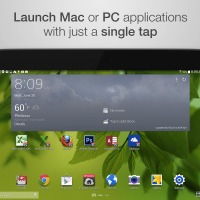
Making Parallels Access very useful is the fact that any desktop program can work like a native app on any mobile device. The trend now is to bring more software, apps, technology, and other solutions to mobile. It’s not difficult to achieve now since most app developers know how to translate desktop functionality to mobile.
ITIC information technology analyst and principal Laura DiDio shared in a statement:
“As the market shifts increasingly towards mobile applications, solutions that can further turn a mobile device into a powerful computer are becoming increasingly necessary. The latest update to Parallels Access further extends this invaluable functionality to make the practice of working remotely from your mobile device more efficient and powerful.”
Parallels Access can now support games on Gaming Mode so you can enjoy interactive games with customized touch-based command shortcuts using a control editor. The following games are supported: League of Legends, Borderlands 2, NFS Rivals, Skyrim, Elder Scrolls, and Diablo III.
https://www.youtube.com/watch?v=pswtn0CDro4?
Download Parallels Access from the Google Play Store
SOURCE: Parallels







