

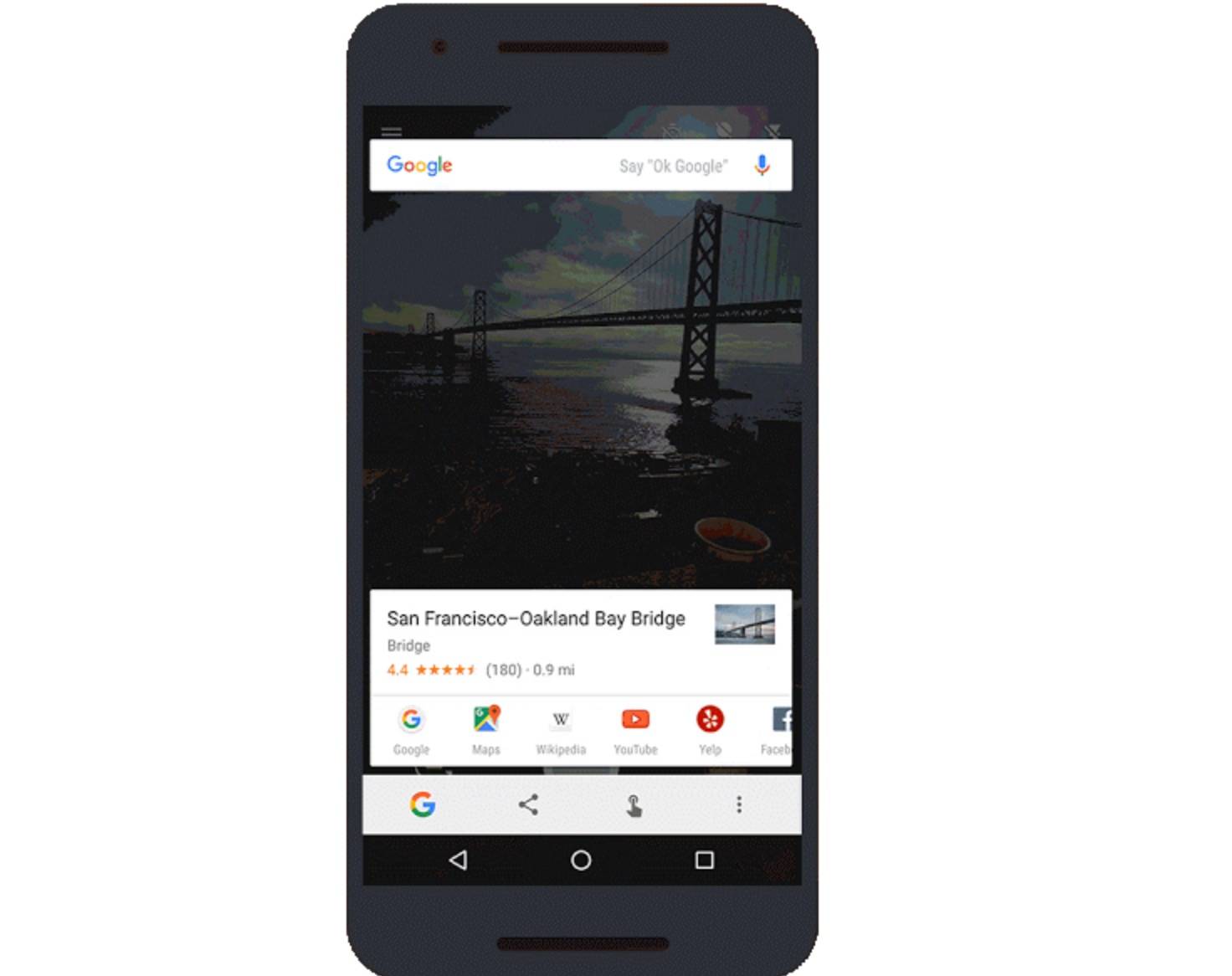
One of the things people were looking forward to if their phone gets updated to Android 6.0 Marshmallow is the Now on Tap feature, which basically lets you get helpful information without necessarily leaving the app you’re in right now. But the latest update to this enhanced search feature makes it even better as you can now select the actual text you want to get more info about and get more information about the photos and images that you’re looking at.
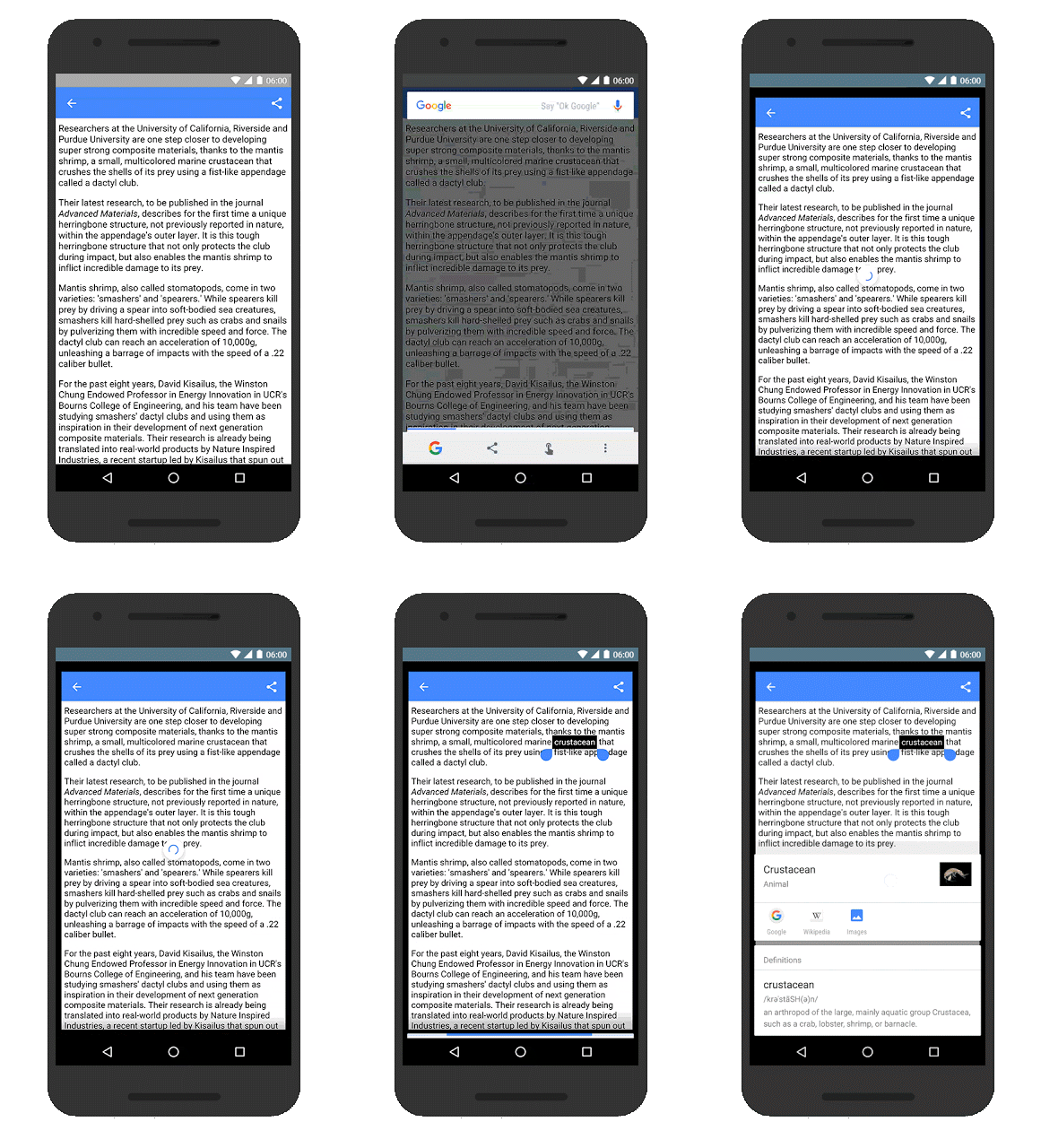
With the latest update, the search becomes even more specific. If you’re on a page or app that has a lot of text, you can now highlight the actual word that you need help with. Highlight it and you’ll automatically get a definition of the word and also link to relevant apps. So if you’re reading a news article and came across the word “infallible” and you remembered a discussion with a friend previously, highlight the word, see the definition, then open the Messenger app through Now on Tap so you can share it with your friend.
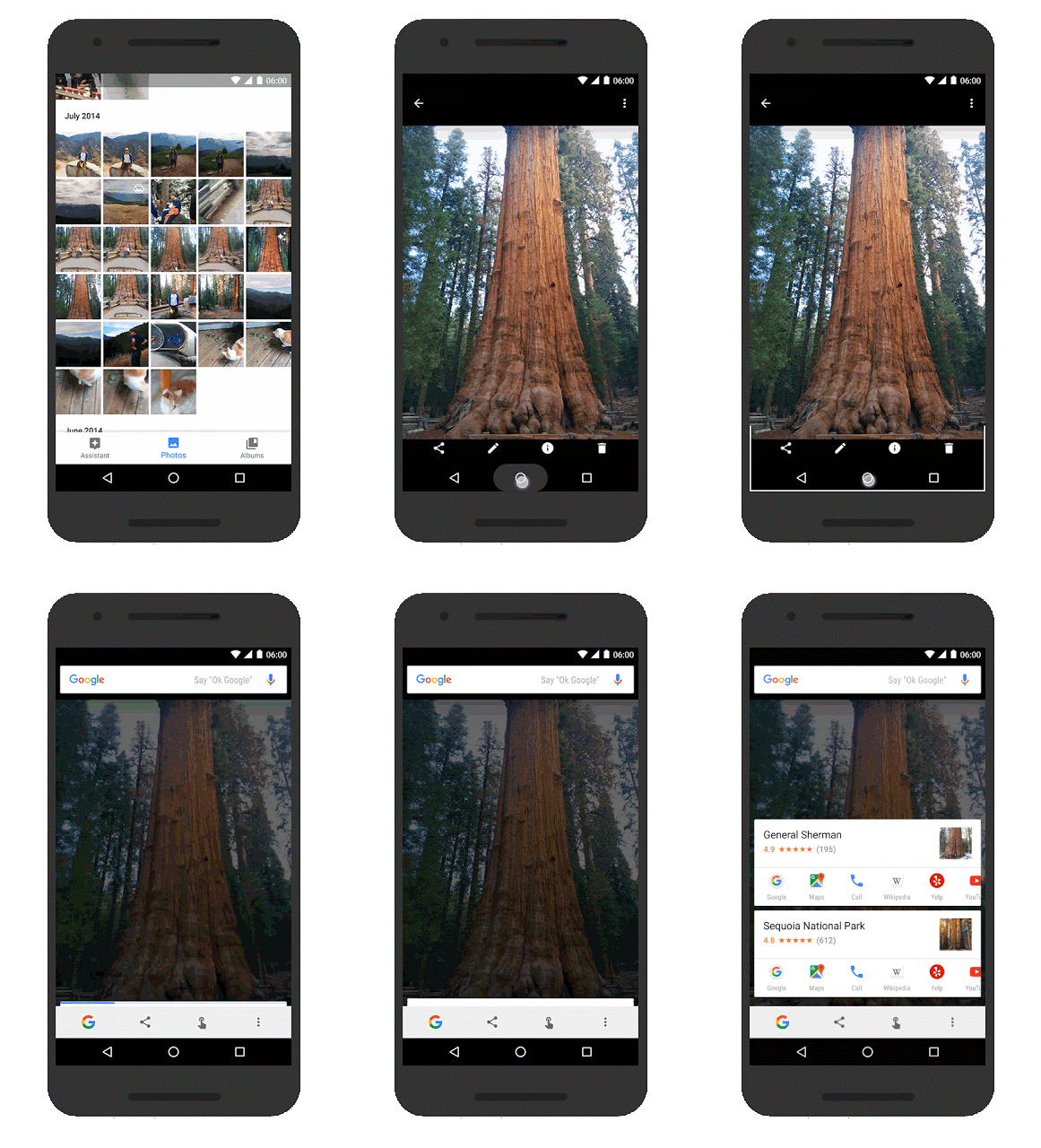
If you’re looking at an app with images, you can also now hold the home button and you’ll get a card with information about it. But what’s cooler is that you can even use Now on Tap for certain images and objects in real time. For example, you’re standing in front of the Louvre Museum in France. Hold up your phone to it, open the camera app, touch and hold the home button, and you’ll get information and links to relevant apps.
The updates are already available for devices that have Now On Tap, which are of course those updated to Android 6.0 Marshmallow already. We’re actually looking forward to more things that this feature can do in the future.
SOURCE: Google







