


Now that the actual product is available in the market, Google has released the companion app, also called Jamboard. It has different functions and features for when you’re using an Android smartphone or tablet, of course. But at the end of the day, its main purpose is to help you make the Jamboard itself, a cloud-first digital whiteboard, come to life and help bring your team’s ideas to life. If you’re using a smartphone, it can act as a controller. And if you’re using a tablet, it will be your main editing tool.
If you’re using a tablet to enhance your Jamboard experience, the app will actually allow you to create and collaborate on jams, since you have a relatively bigger screen. You can also easily share it with your teammates, and even edit the ones that were created on the Jamboard itself. You can also easily insert photos, files, etc from G Suite itself, to make your jams more interesting and informative. But you can also take photos directly from the camera to insert into a jam.

But if you’re using a smartphone, you unfortunately can’t create jams from there. But the main purpose of the app there is to use it as a controller of the physical Jamboard. It can detect if there are any Jamboards close by. And you can also add content into a jam, including sticky notes and content from G Suite.
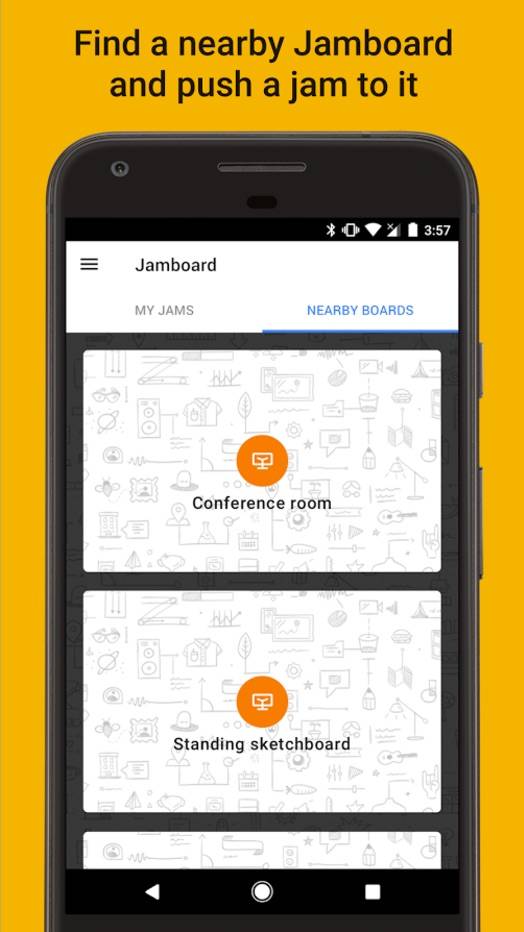
You can download the Jamboard companion app for free from the Google Play Store. But of course it will only be useful to you if you have the $5,000 Jamboard itself, together with a $600 annual management and support fee.







