

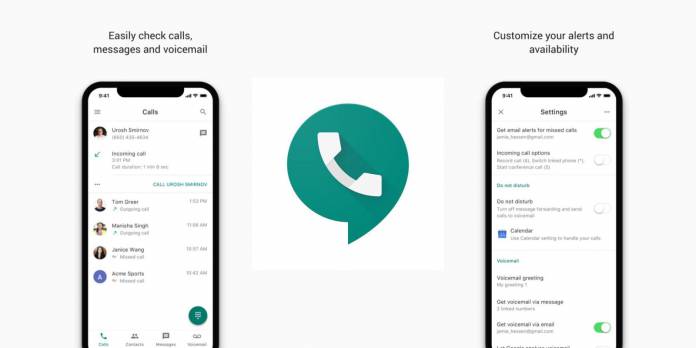
While you will probably almost always want to have caller ID when you receive calls, there may be times when you need to make a call and you have to hide your own identity. This can be either for your protection or if you have some other reason to do so. Just last month, some folks spotted a toggle on Google Voice that would let you hide your outgoing call ID. Now it seems to have gone live already for Android and for the desktop.
How it works is pretty simple. Head on over to your Settings on the Voice app on Android or on the Google Voice site on your browser. If you’ve already received the update, you’ll now see a new toggle setting called “Anonymous Caller ID”. When you toggle it on, your caller ID will be hidden from your outgoing calls. If you toggle it off, obviously, your name (if you’re on their contacts) and number will show up when you make calls.
There is also a detailed process on how to turn it on or off on your Android phone and on the Google Voice website, but there’s really nothing much to it. Doing it on one device will actually apply to all devices that are associated with your Voice account. If you don’t want to do it for all calls, you can also hide your caller ID for individual calls. There’s just a prefix you have to enter before you dial the number. For example, in the US, it’s *67.
The Anonymous Caller ID should be rolling out to all Google Voice users now. Hopefully, those who will enable this will use the feature “responsibly”.
VIA: Android Police







