

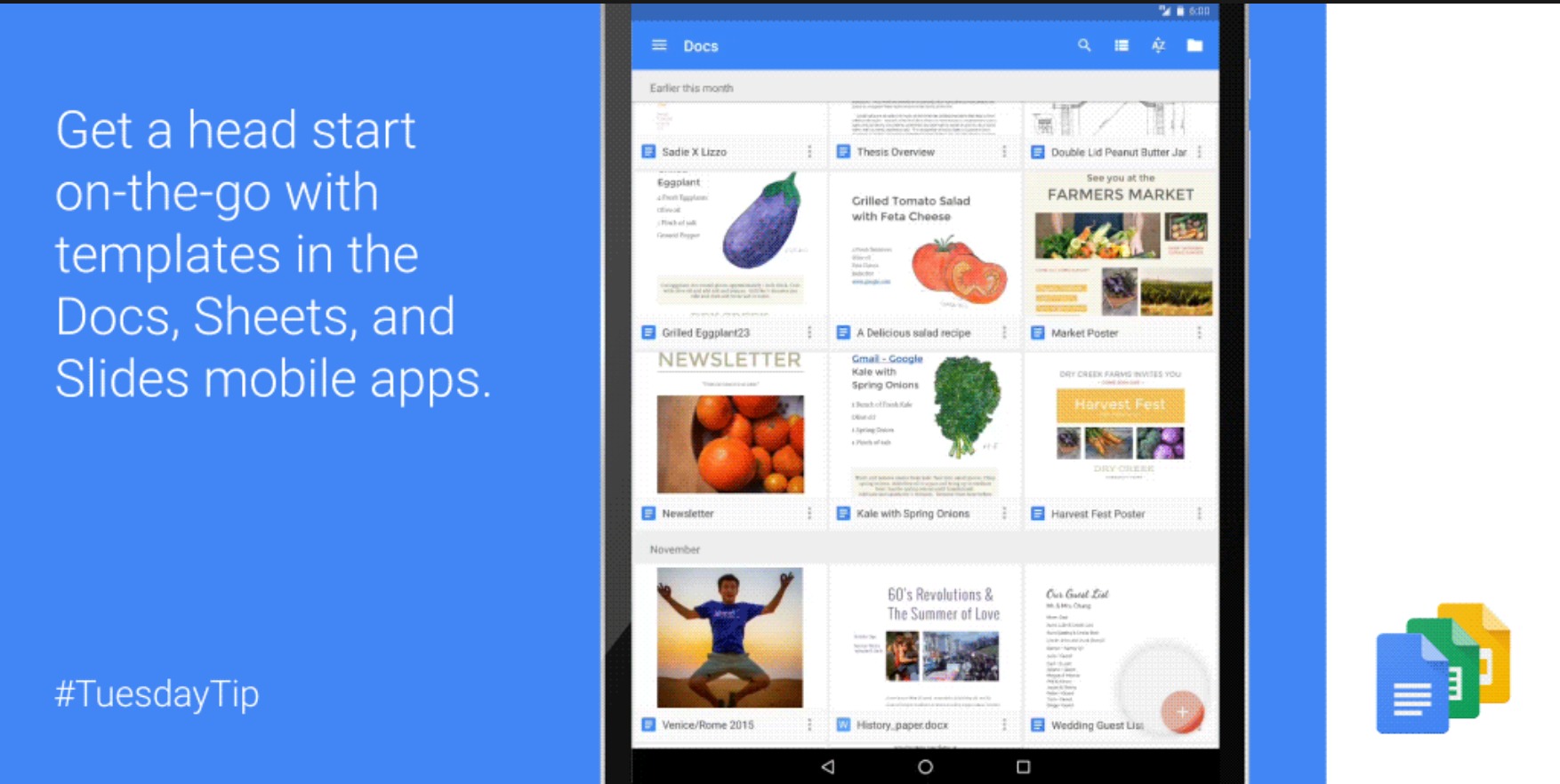
When you’re on your mobile device, which is of course a smaller screen (or so you’d hope), you don’t have time to create documents from scratch, format them, add little details, etc. That is why having templates for document apps like Google Docs, Sheets, and Slides is pretty important, except that Google only had them for desktop programs. That is, until now. If you update these Google work apps, you now will be able to use templates for when creating new documents on your smartphone or tablet.
When you open any of these three apps that you usually use for work or school (or for personal enjoyment, if you enjoy that kind of thing), you’ll see a plus sign at the bottom right corner. Before, it would just lead you to creating a new document, but now, you have the option to choose from a template if you would like to make something quickly.
For Docs, templates include Resume, Letter, Report, Project Proposal, Business Letter, Informal Letter, Essay, Class Notes and Lesson Plan among many others. For the more complicated Sheets, you have the option of choosing a template for To-do List, Annual Budget, 2016 Calendar, Schedule, Travel Planner, Invoice and more. And for Slides, you will be able to create new presentations by using templates like Pitch, Photo Album, Portfolio, Book Report, Student Certificate, Case Study.
If you have these apps already installed on your Android device, all you need is to update them in order to enjoy the templates. If you don’t have them yet, you can download Docs, Sheets, and Slides individually from the Google Play Store.
SOURCE: Google







