

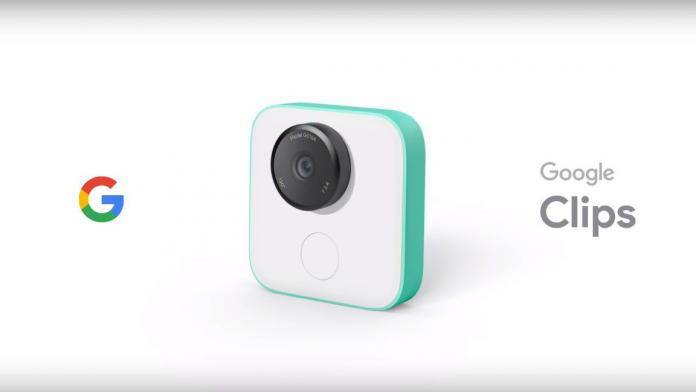
If you already have your Google Clips camera or you’re thinking of getting one anytime soon, the companion app has just gotten its first update. There aren’t any major changes but the two highlighted new features should make the experience of using the camera easier or more interesting. You will now be able to take high resolution photos manually while taking the videos or clips and you will also be able to pinch and zoom when editing your clips later on.
While Clips takes continuous videos whenever you want it to, sometimes you want to manually take high resolution still photos. When you update your app to the latest version, you will now be able to take stills by pressing the shutter button when you’re in the Live Preview mode or if you press the button on the camera itself. You’ll still get your clips of course but at the same time, your choice of what still photos to keep, post, or share.
If you’ve already taken your clips, you can now pinch and zoom if you want to focus on something specific and you want to crop the video. Just tap on the edit button on any of the clips from the Google Clips app and choose the parts that you want to highlight by doing as the feature says: pinch and then zoom.
Some say that the high-resolution stills feature doesn’t work yet so the update may be rolling out gradually. Check the Google Clips app from the Google Play Store to see if you already have it. Well, if you’re already using the Google Clips camera.
VIA: 9 to 5 Google







