

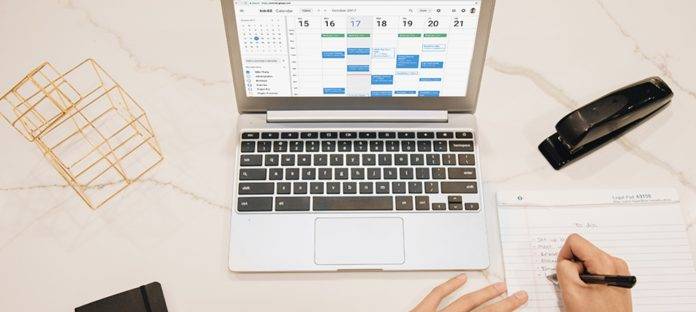
There are some productivity addicts who love it when the apps they use are not just functional but also look pretty. Google Calendar is a particular favorite for mobile users as it connects to all Google products of course, but it also looks good and is easy to use. The things you love about the app are now arriving on the web version, including the modern color palette and the sleek design. Plus you get several new features to make it easier to schedule and manage appointments.
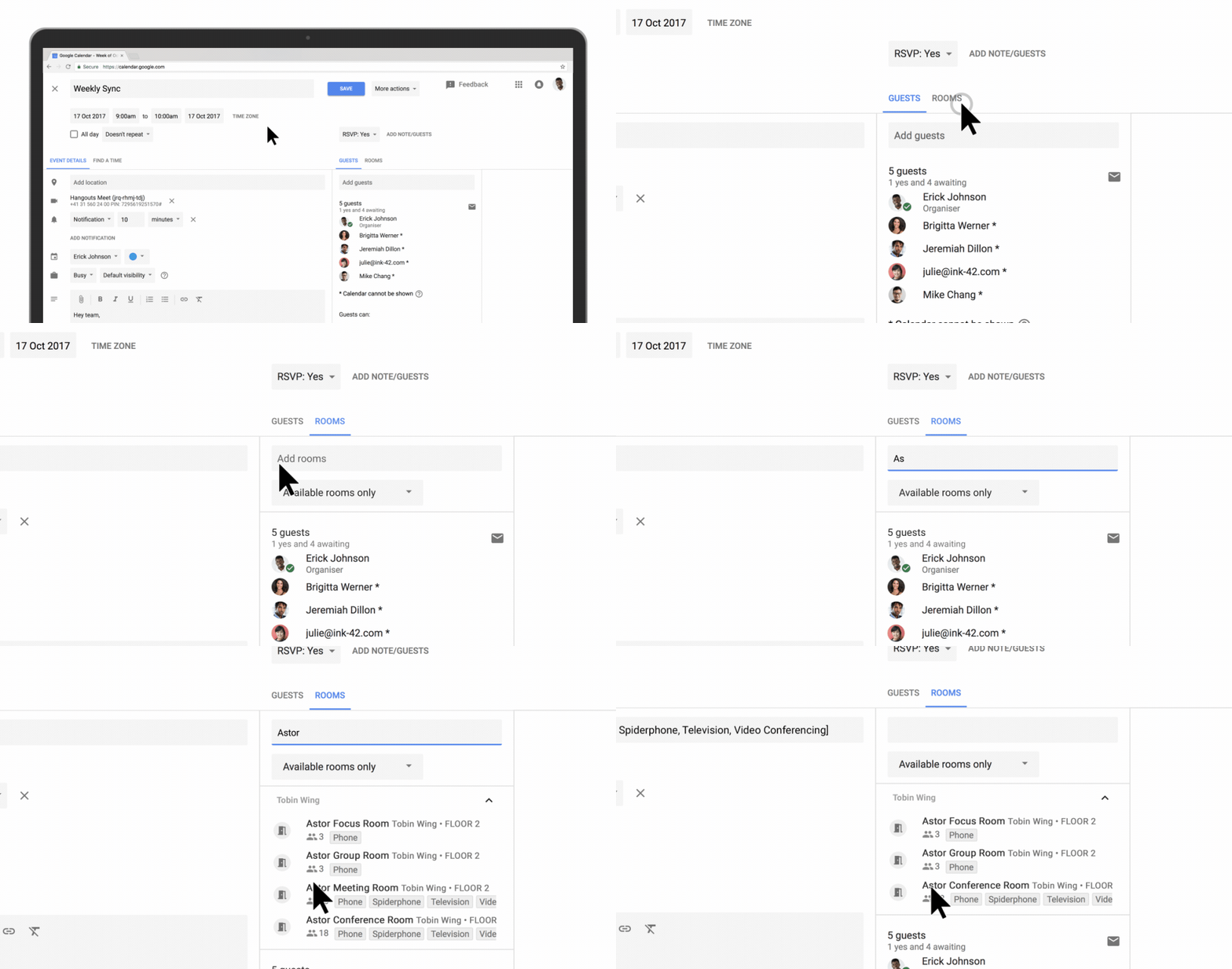
If you work in a fairly large company, setting up meetings with colleagues may be challenging, not to mention finding a place to meet in. Now your G Suite admins can label your various meeting rooms with details like size, availability of a/v equipment, and of course availability. If you want to use a room, hover over the room name and you’ll see a hovercard with all the details you may need. You can also now add rich formatting and hyperlinks when you send Calendar Invites so your attendees can access materials needed for the meeting.
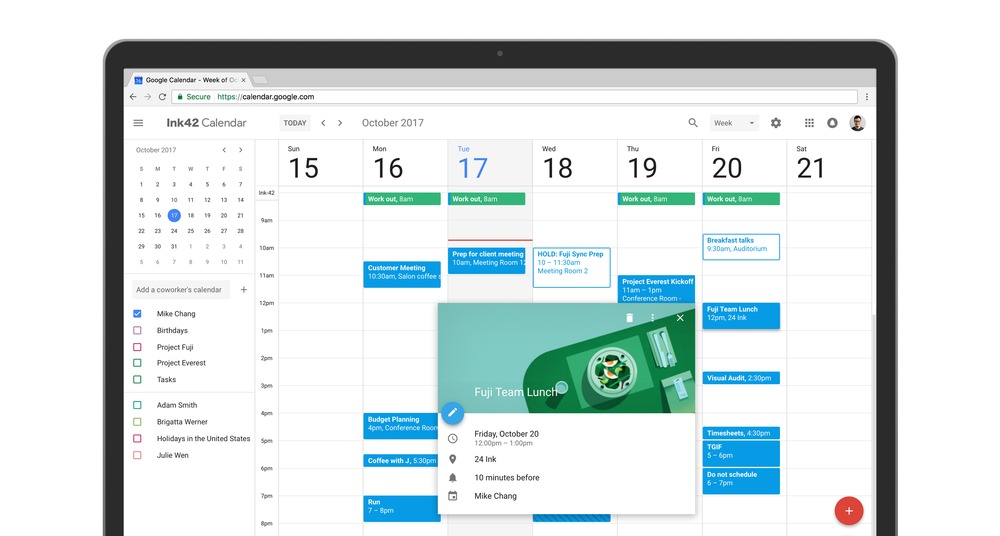
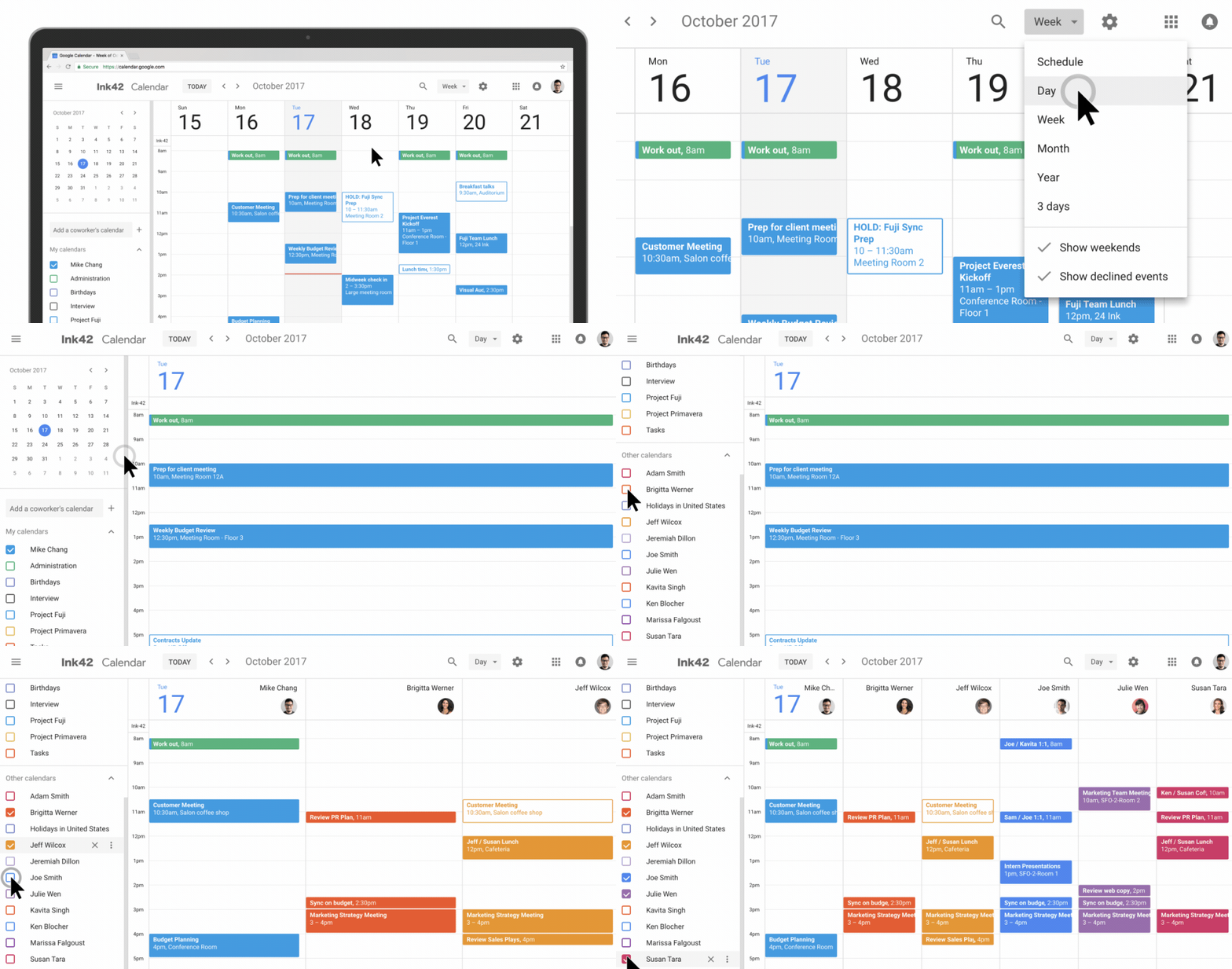
If your role in the company involves managing your boss’ and colleagues’ calendars, you can now view them side by side in the Day view. It should make it easier for you to see and compare calendars to set up meetings amongst yourselves. You can now also see the contact information of your meeting participants by hovering over their name. Other minor updates include a new way to restore your accidentally deleted items, more accessible Day, Week, and Month views.
The changes to the web version of the Google Calendar is rolling out over the next few weeks. For G Suite users, you can choose either the automatic rollout (starting November 14) or the manual so you can choose when to move users to the new UI. If you use it for personal, you will see a “Use new Calendar” option on the upper righthand when it rolls out to your region.
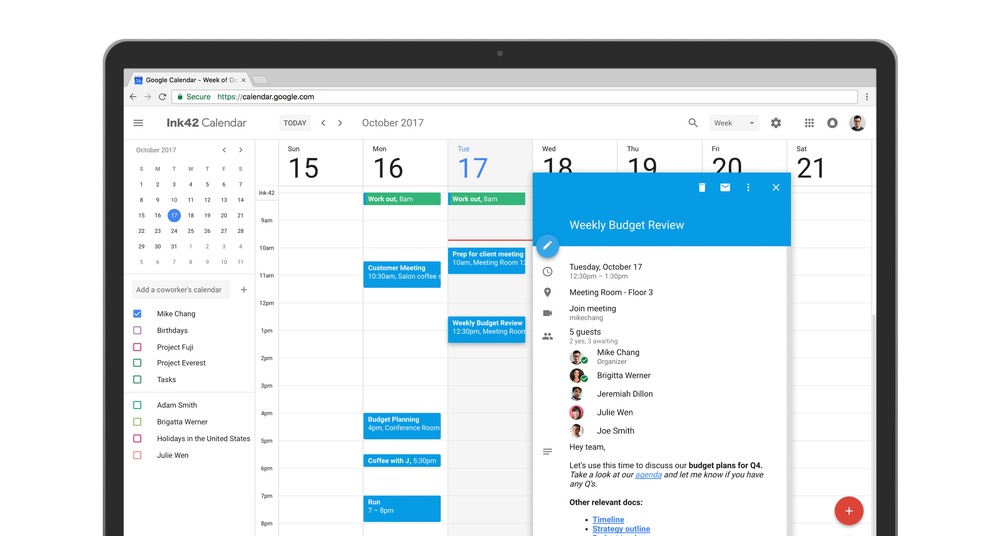
SOURCE: Google







