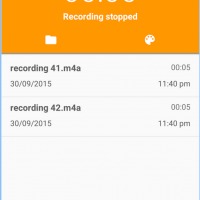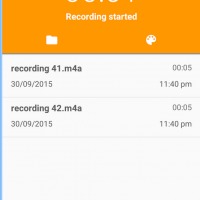
Yes your smartphone has a default audio recorder, but sometimes, it’s almost too basic. And admit it, sometimes, you don’t even know where to find it. So if you need something more, and if you want something you can find easily, then your best solution would be an app with a widget. One app that can do this for you is Sound Recorder by ELC, an audio recorder that uses the design and UI principles of Material Design.
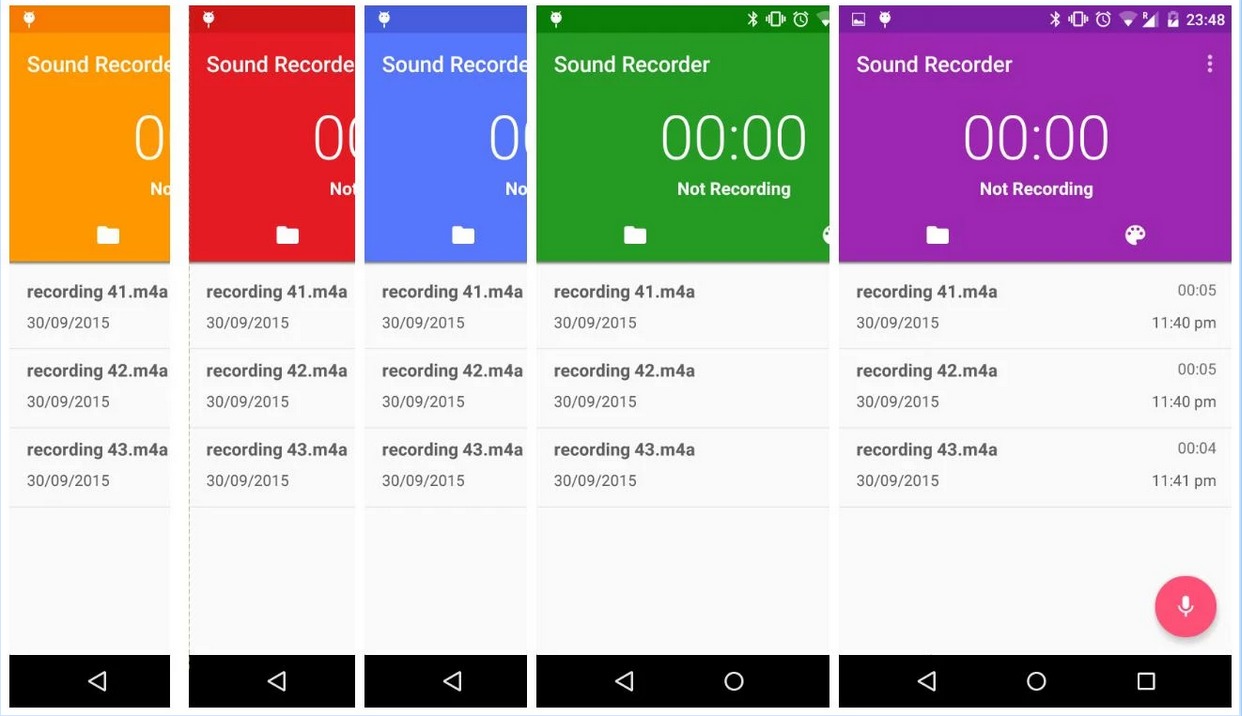
When Google introduced the Material Design visual principles, it made a lot of things easier and more pleasant to the eye (if you go for the minimalist look, that is). To make the user experience more appealing, this is what Sound Recorder used. You get a home screen widget or floating action bar that will allow you to record even without pressing the record button. But you can also set it up that you can hold the button while you record and then stop when you release it.
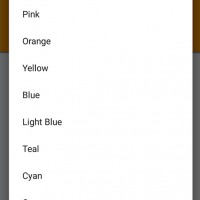
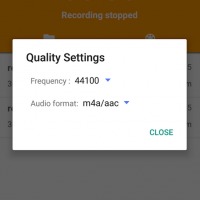
You can choose between WAVE and AAC/m4a formats for the final output and also choose which folder you want to save it. If you want a little more color into your recording (and we don’t mean off-color), you can choose from a wide palette within the app. Combining it with the white accents makes the app look more professional. You can even have a little bit of animation, although what it will add to your recording experience, we don’t really understand. But it does look nice though.
You can download Sound Recorder by ELC for free from the Google Play Store. There are no more in-app purchases, as everything you need to record and save is already included in the app itself.