

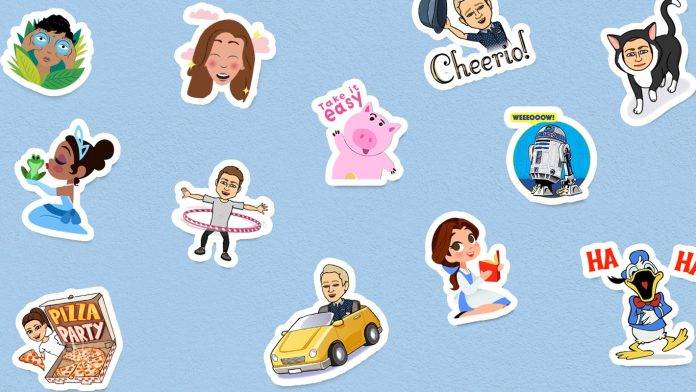
We live in an age where sentences, words, or even just letters are not enough to fully express ourselves. We’re seeing apps that became popular because of all the other neat little things you can add to your messages. Virtual keyboards are also getting into the action since you probably use them more than half the time that you’re on your phone. Gboard for Android’s latest update now lets you add stickers and even Bitmojis whenever you’re using the keyboard, whether it’s sending messages or in any app that supports image pasting.
The first step is you have to update your Gboard for Android to the latest version of course. Then you can now download sticker packs by tapping on the “+” button in the sticker tab of the virtual keyboard. You can also go to the Google Play Store directly to download sticker packs for Gboard. Google is working with several partners on this, so you have something from Mickey Mouse, NBAmoji, Google Allo selfie stickers, Disney Princesses, Hello Kitty, Garfield, Star Wars™, and much more. Unfortunately, not all the sticker packs are free.
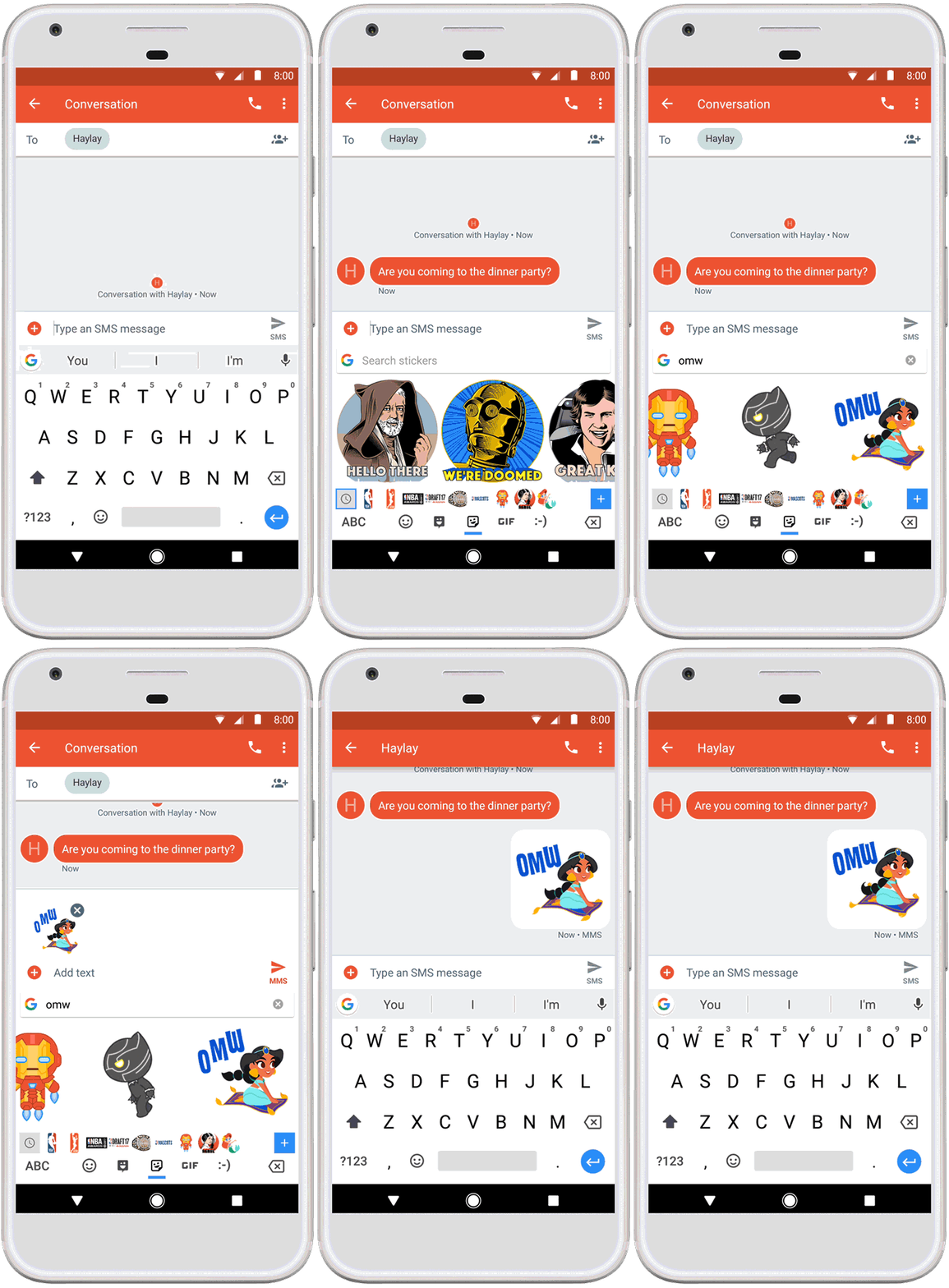
Whenever you’re using your Gboard to type out something and the app supports image pasting, tap on the emoji button and you’ll see the sticker button. You can then search through all your downloaded sticker packs to see which one best fits what you’re trying to say in a message or post. You can also download the Bitmoji app from the Google Play Store and when you do, you’ll see a Bitmoji tab there as well.
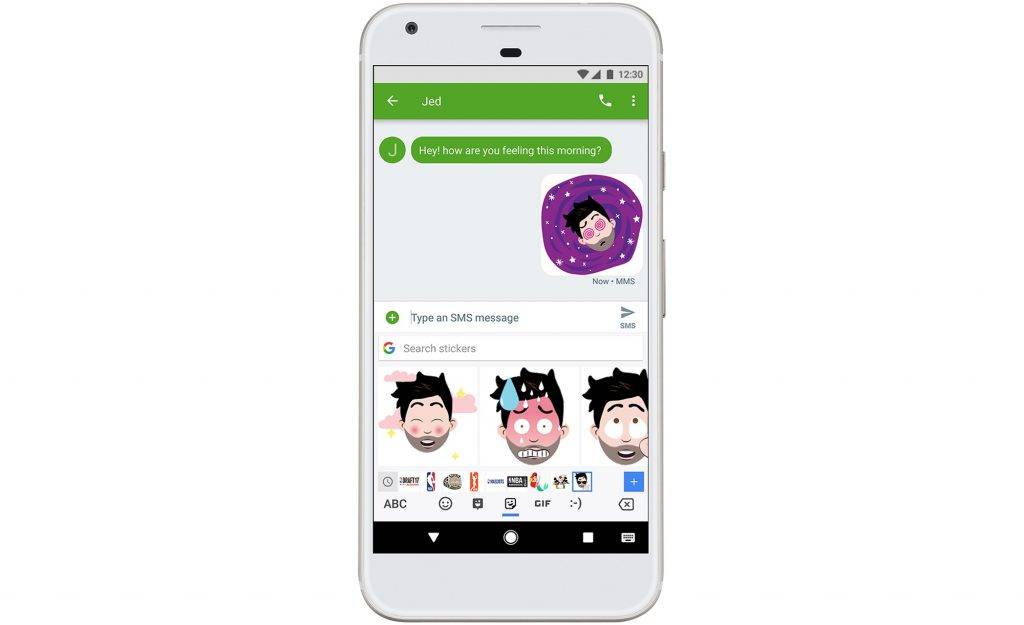
They will be adding even more sticker packs in the next few weeks. So if you love stickers and Bitmojis, update your Gboard so you can use them. But the update is still rolling out so be patient if you don’t have it yet.
SOURCE: Google







