

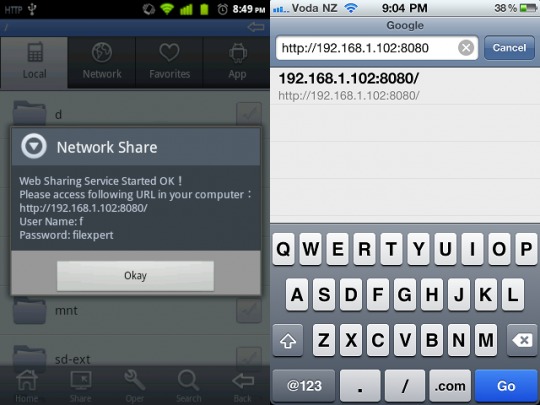
Last month we talked a bit about the File Expert app for Android smartphone and how you could set up the app to allow you to share files over a WiFi network with another smartphone or device. The wireless setup for the app was a bit complex. The good news is that the app has now been updated and if you can get much easier file transfers this time around assuming your Android device is up to it.
The app now has NFC capability for transferring files. Many of the smartphones on the market today have NFC and File Expert now allows you to transfer files between two NFC smartphone like the Nexus S and Galaxy S2. With the File Expert app installed on both phones, when they are close you can transfer files with a simple tap of the screen.
When the phones are tapped together, they automatically get Bluetooth enabled by the software and then transfer files with no need to pair the devices. The app allows the transfer of all sorts of files including photos, apps, video, and any other file format. You can also transfer file folders with multiple files inside. The app does ask permission to activate Bluetooth if not enabled.
[via Compixels]








The function seems interesting. I will have a try!