

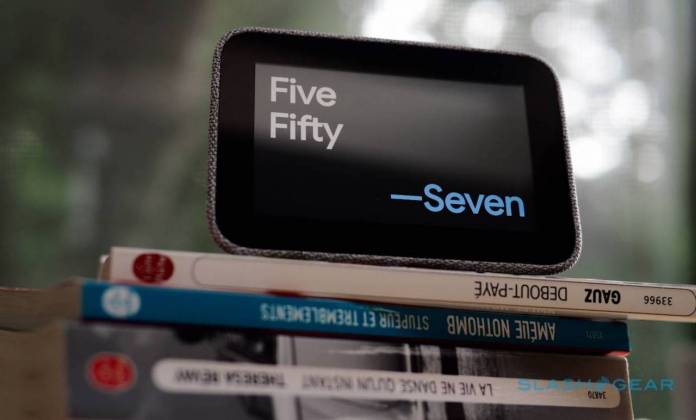
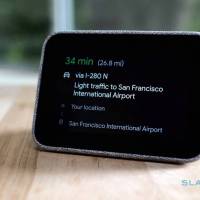
The Lenovo Smart Clock was first introduced during the International CES event in Las Vegas back in January. The new smart device is ready to wake up any geek and the whole family. Sure, your smartphone may be enough but admit it, you need extra help to finally get up and going. Start the day right by waking up to the alarm once the Smart Clock starts ringing. If you’re alone, let the Google Assistant do many things for your including tell you the weather, traffic condition, or your schedule for the day.
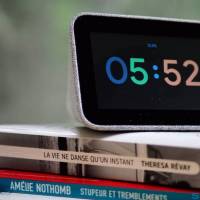
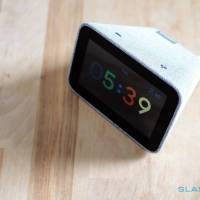
The Lenovo Smart Clock is a new smart display that is priced below $100 only. Lenovo has a few other similar products available but this one is the most affordable. The wedge-shaped gadget already comes with a touchscreen display and a 3-watt speaker system. It’s mainly covered in a simple gray fabric that can match any interior.
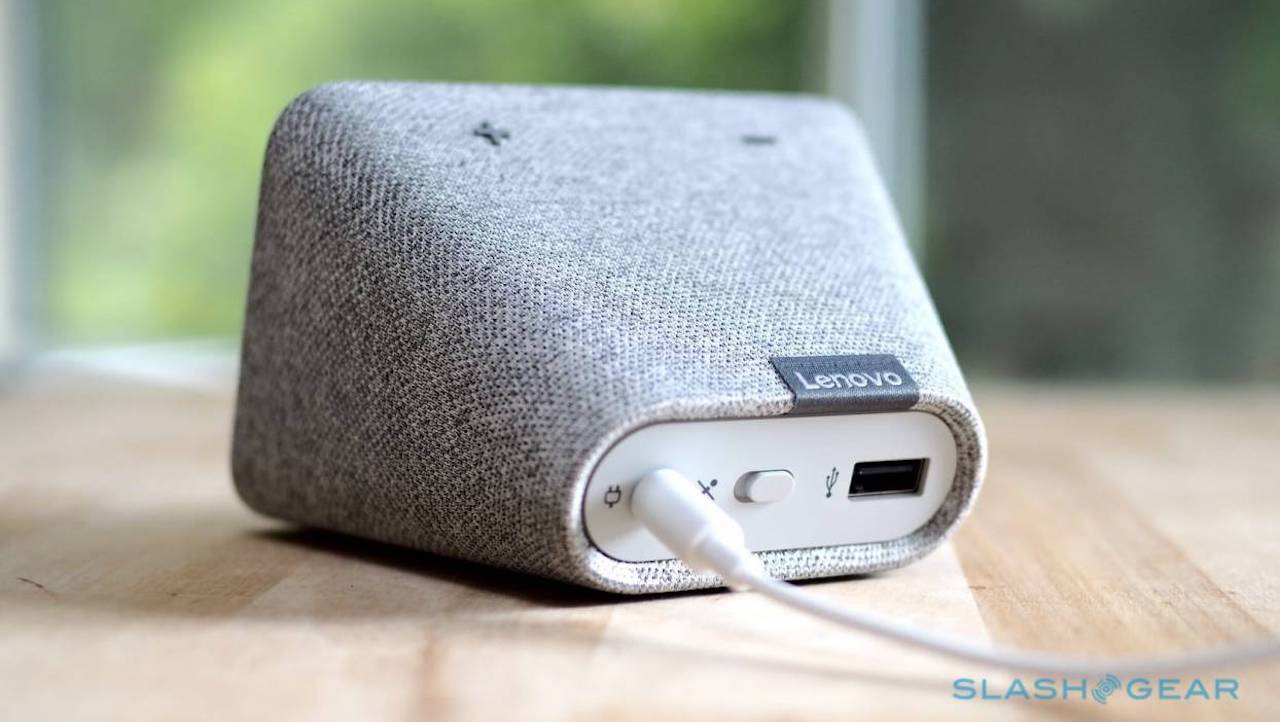
The device isn’t a premium speaker so don’t expect excellent audio but after a few days of testing, we can say it’s loud enough for a small room. It boasts a physical switch at the back plus a power socket. The switch is to easily turn off the mic. A USB Type-A port is also present when you need to charge the device.
Specs of the Lenovo Smart Clock include a 4-inch IPS panel, 480 x 800 resolution, WiFi 802.11ac, Bluetooth 5.0, MediaTek 1.5GHz processor, 8GB of storage, and 1GB of RAM. The device runs on Android Things.
The display isn’t the best but it’s good enough because you’ll only use it as a more advanced alarm clock and a simple Google Assistant system. It’s dim enough at night as the ambient light sensor reduces backlight depending on the current condition of the room.

The Lenovo Smart Clock can rival the Amazon Echo Spot. It doesn’t feature a camera though so it doesn’t need any cover. The switch at the back is enough to keep things private if you don’t want the Google Assistant “listening” to you all the time.
The Lenovo Smart Clock isn’t a premium smart device offering. It’s affordable yet it can do many things most products with Google Assistant can do.







