

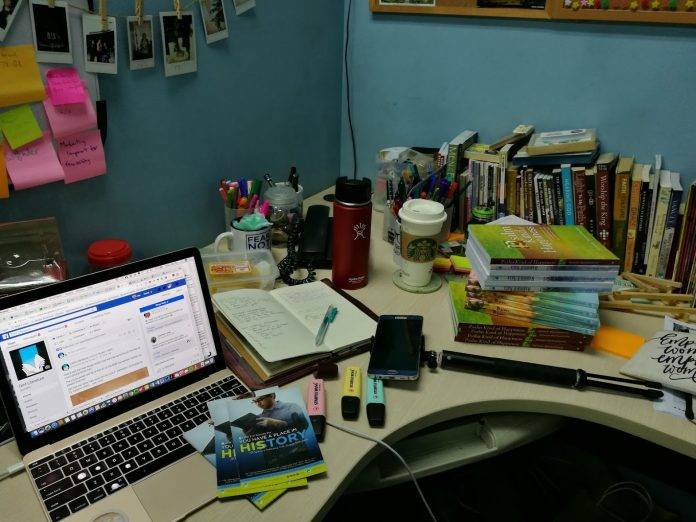
We’re just a few weeks away from November, and any self-respecting writer (or even reader) knows what that means. No, we’re not talking about Thanksgiving or Black Friday. November is officially NaNoWriMo or National Novel Writing Month. It is when both established and aspiring writers try to get that book that they’ve always wanted to write out of their system. And the great thing about it is that you do it all together through prompts, writing sprints, a progress tracker, and having a very supportive online (and sometimes offline) community.
The ideal thing would be to hole up in your favorite spot with your laptop (or for the old school, a notebook or writing pad) and just type away. But most of us have “real lives” outside of writing so you probably just set aside a portion of your day and just write whatever you can and wherever you can. That is why having handy tools not just on your laptop or computer is a necessity if you really want to be able to finish writing that book. The great thing about living in this day and age is that there are tons of apps and services, all within your smartphone or tablet reach. Here are 5 that will be most useful for you as you embark on this NaNoWriMo adventure.
Writer Plus
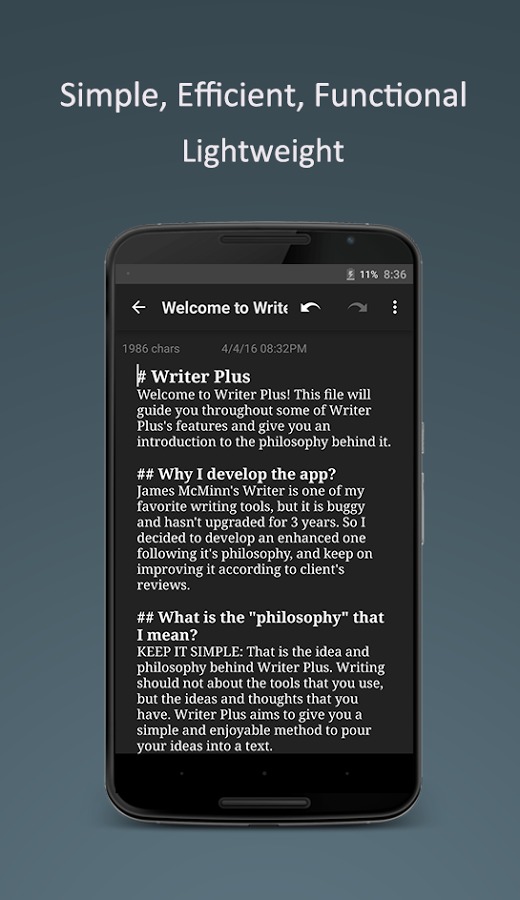
First of all, you will need to have a fuss-free note-taking app on your smartphone or tablet so that you can just type out whatever random thing will come to you, wherever you are. Writer Plus is one of the most popular ones out there (that are not named Evernote or OneNote). As it says in its product description, it tries to be “as basic as possible” since you just need to have something that you can just write on. But it does have useful features like folder support, so you can separate your notes if you’re working on several writing projects all at once. This folder feature is also important when you’re already writing down your actual book for real so you can separate it from your notes, research, etc. You also have word and character count, which is pretty important since you don’t want something that will be as long as War and Peace. Your notes can be saved as plain text file in case you need to share the file with your editor or beta readers. It also supports several languages like Chinese, German, Italian, Spanish, etc. The best thing of course is that it’s absolutely free. You can download it here.
Simple Note
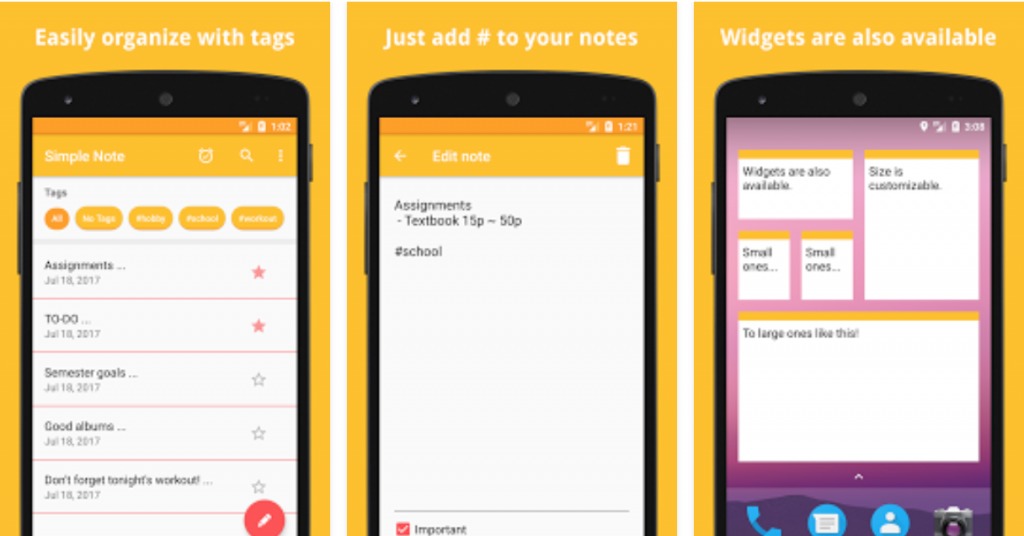
If you need something that is a sort of digital sticky notes app to write down sudden bursts of ideas you get while commuting or even in the bathroom, Simple Note is a good app to have. It doesn’t have folders but you can still easily organize various notes using the tag system. The really important notes you write down, you can pin them to the top so they won’t easily get lost. And probably the favorite feature of users of this app is that you can set an alarm for specific notes if you’re the type who might forget that you need to actually expound on the idea that you thought of earlier. This is important especially during NaNoWriMo where you’re working on a deadline. You can download the app here.
Novelist – Write your novels
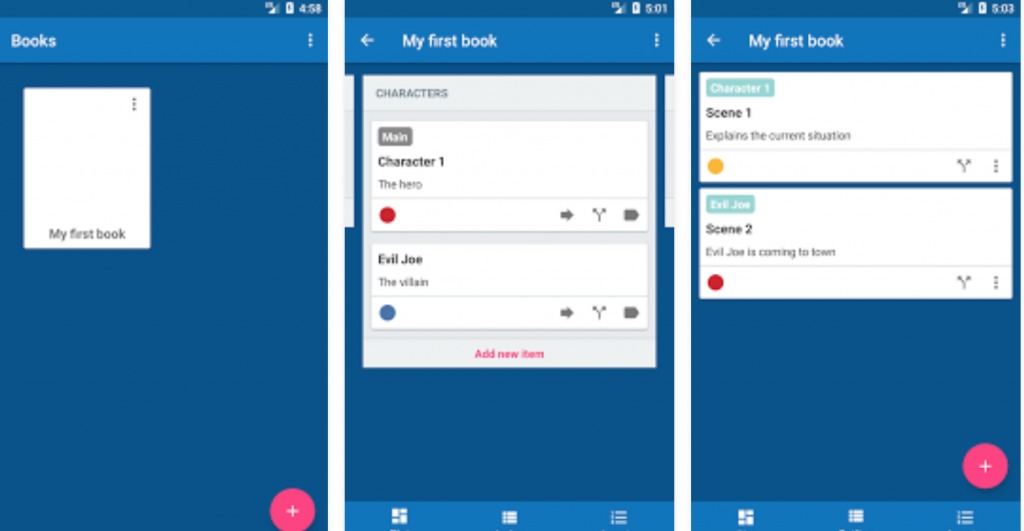
If you’re working on your very first fiction book, you need a tool that will help you keep track of all your characters, plot points, outlines and just basically help you organize your whole book. The Novelist – Write your novels app provides that exact service and just like the others on this list, it’s a minimalist, no-frills program. It has three major sections: Plot, Outline, and Organize. The Plot section is like a storyboard section where you list all your elements like themes, events, characters, locations, props. You can add status, metadata, tags, add pictures to each of the items you put here. Outline is the part where you put together the scenes from the elements in the Plot section. Lastly, Organize is when you finally put a structure to your entire story, with acts, parts, chapters, etc. Download the app here and start working on that story!
Online Thesaurus
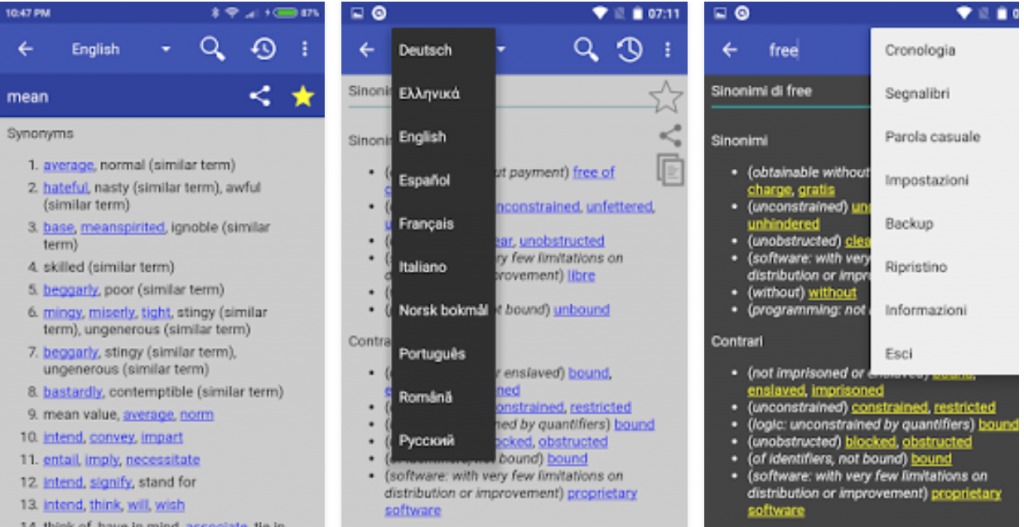
You will sometimes run out of words to describe a certain character or location or object, and you cannot keep using “beautiful” or “strange” or “disgusting” over and over again. Having a handy thesaurus app on your smartphone can sometimes be a life-saver when you’re editing your initial draft. The Online Thesaurus is one such tool you can use and it comes in other languages as well like French, Spanish, German, Russian. You can bookmark words that you probably need later on or go back to your search history. If your Android device runs on 4.2 and above, you can even use then camera search via OCR Plugin. While there are several more advanced thesaurus apps out there, they’re mostly paid but this one is absolutely free. You can download it here.
Hemingway
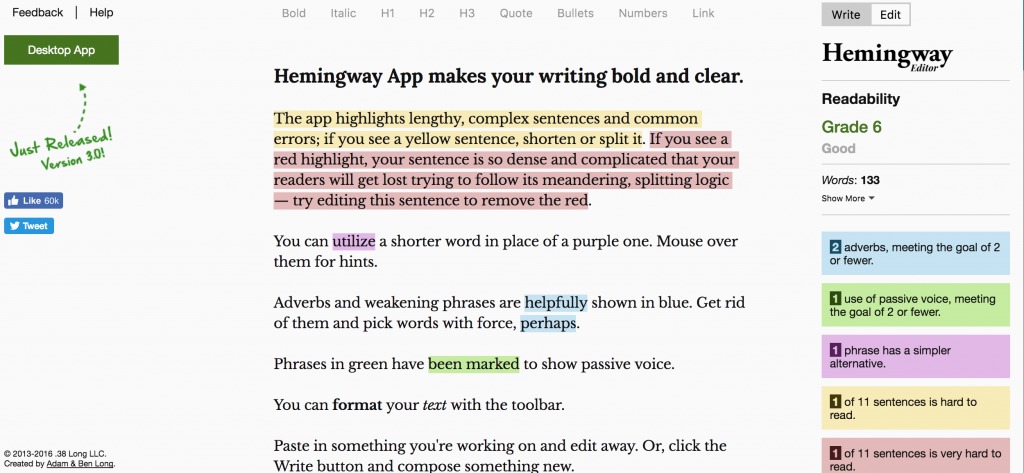
This last one is not an app per se, but rather a web-based tool that you can use. But it’s a pretty important tool especially when you’re in the editing and proofreading stage of your book. When you go to hemingwayapp.com (there’s a paid version that you can download to your computer), you just paste your text on to the browser and it will automatically give you tips on how to improve your writing. And it’s color-coded! It will tell you which sentences are too complex or if you’re using too many adverbs or if you’re using the passive voice too much, and other grammatical ways to improve what you’ve written. It even gives you a readability grade. Our only wish is that the mobile browser version will be adaptive as it’s sometimes difficult to browse through. Download it here.
So, do you think you’re ready to start on your grand novel this NaNoWriMo?







