

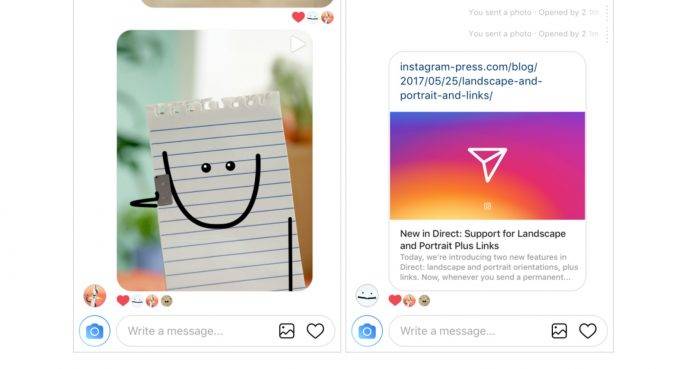
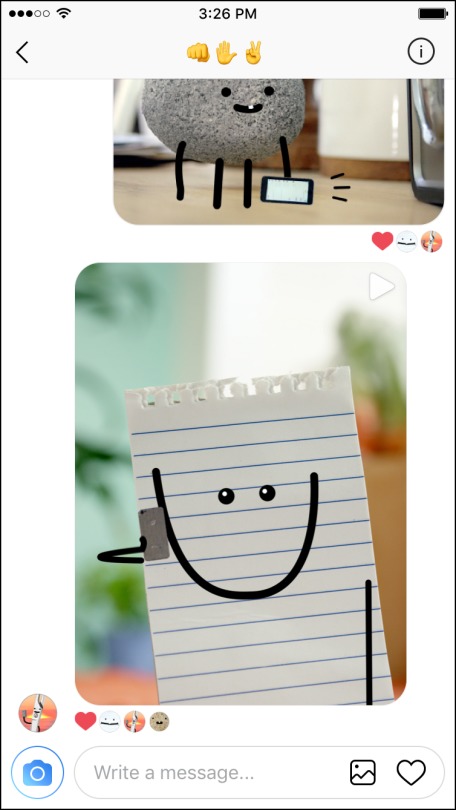
One of the more frustrating things about the Direct feature on Instagram is that when you sent Direct photos or videos to your loved ones, it could only be in square format, so you’d have to crop them out. But it looks like they finally found a solution to that problem, bringing support for landscape and portrait to Direct messages. They are also adding support for links so you get a preview when you send one through Direct. The bad news? It’s only now rolling out to iOS and not yet to Android.
Basically, when you’re sending a permanent photo or video from your smartphone’s camera roll to Instagram Direct, you don’t have to worry anymore about having to crop it and lose some of its “essence”. You can now choose to have it on portrait or landscape mode, to retain its original framing. So that beautiful landscape sunset photo you took will be visible in all its glory when you send it through Direct.
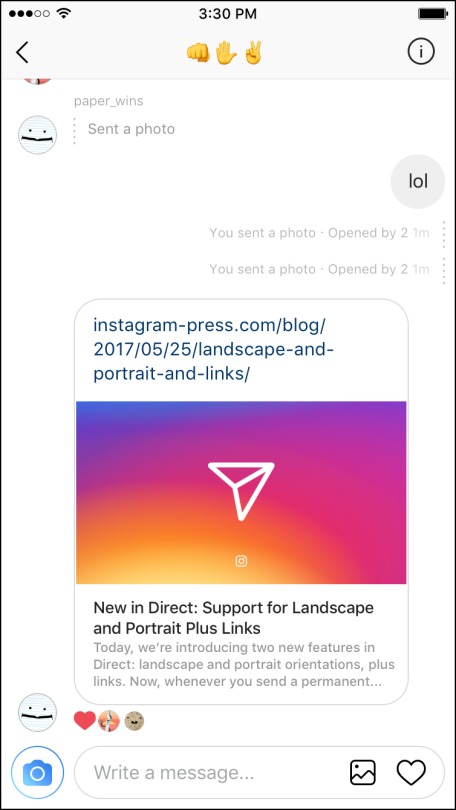
Also, now when you sent links to your friends through Direct, you will be able to see a preview for it from the thread itself. You will also be able to see links for phone numbers and addresses. Now if only they will be able to make links clickable in the main Instagram feed already (well, aside from the link in bio of course).
But as we said, this update is only rolling out for iOS for now. But they did say it will be coming soon for Android, so just be patient and wait.
SOURCE: Instagram







