

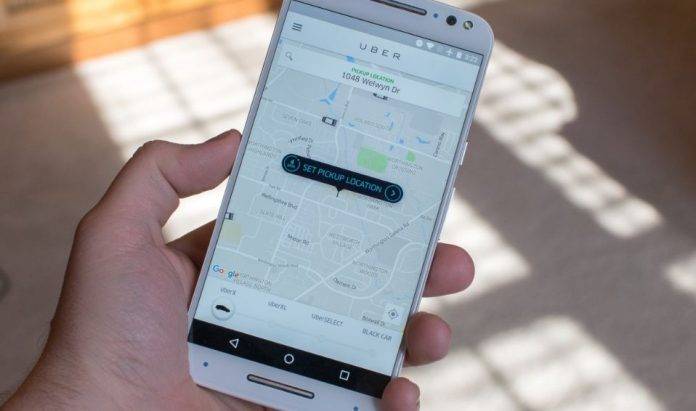
There are those places that you keep coming back to – a favorite restaurant, a quaint café, a movie house that you default to. You like these places, obviously, but you have trouble remembering the name or the address, so it becomes a problem when you want to get an Uber to go there. Well, worry no more – “Saved Places” will rescue you from your forgetfulness.
Think of it as a way to bookmark your favorite destinations within the city or area. It can be a pain to keep remembering the names of these places and restaurants that you like, and Uber – before today – only “bookmarks” two things – your home and office address. Saved Places is a feature we’ve been needing for some time now, so we can bookmark our favorite places.
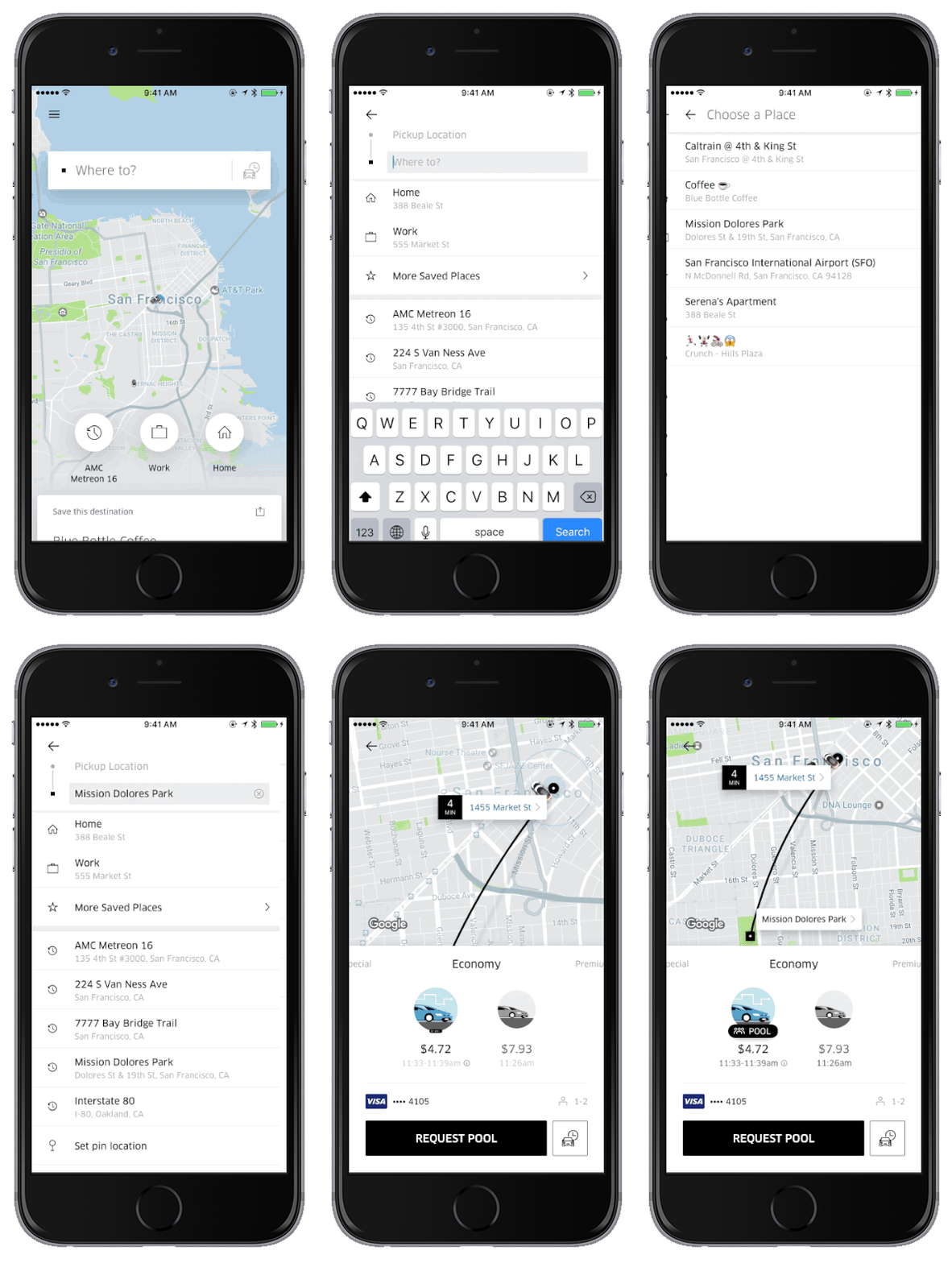
Here’s how it works: If you feel like you want to save a current destination as a favorite, you can just tap the option to save that address. To access a saved address, tap “Where to?”, and then “more saved places” and to select from your list of favorite destinations. Pretty nifty, huh?
We’ve needed this feature in Uber for a while now, and it’s good that they finally put it in. Some AI will be good for improving this, and the developers say Uber should be able to suggest destinations that you go to on a regular basis.
SOURCE: Uber







