

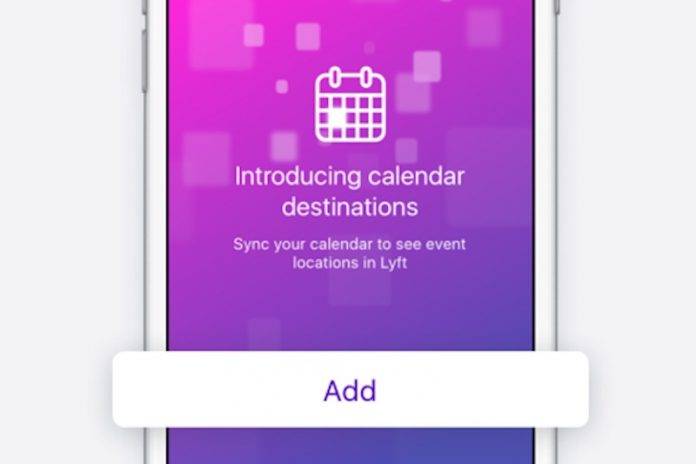
We’ve all had this moment probably. You’re trying to quickly book a ride when you suddenly forget the address that you’re going to. You close your ride-sharing app, open your email or calendar, and look for the venue buried somewhere there. What if you could already sync the app with your calendar so that it will automatically appear in your destination when you try to book a ride? If you use Lyft, then that’s possible now in the latest update to the app.
You will now be able to sync your phone’s native calendar to your Lyft app so it can see your upcoming event locations. It should make booking a ride easier since you don’t have to go through multiple apps just to be able to get the address. All you have to do now is to add all your events to your calendars, which is what you should really do in the first place. You should add the venue’s full address, not just the name of the place, so that it can appear in the Lyft app when you’re booking a ride through the app.
If you’re using a third-party app as your main calendar, you must sync it with your native calendar to be able to connect it to your Lyft app. A future update will also allow you to save your favorite places by adding it as shortcuts, just like with your Home and Work places.
You can update your Lyft app from its Google Play page. Now you can both make booking a ride easier and organizing your events and appointments better as well.
SOURCE: Lyft







