• Home
  • Reviews
  • Featured
  • Archives
  • Videos
  • Devices
  • Tegra
  • Send Tips
  • Contact
  • AndroidCommunity on Twitter AndroidCommunity on Facebook AndroidCommunity on Google+ AndroidCommunity RSS Feed

Android Community

    • MUST READ

      STORIES

    • Android 4.3 leaks on video with new camera UI

      May 24, 2013

    • HTC One ‘Senseless Edition’ could arrive this summer

      May 23, 2013

    • Verizon HTC One reality returns as DROID DNA offer pops up

      May 20, 2013

  • Trending Topics
  • Jelly Bean
  • NVIDIA
  • Galaxy S 4
  • HTC One
  • Nexus 7
  • Sell Your Used Phone

Twitter Official App on Android Updated to Include Fullscreen Maps

0
  • By Chris Burns
  • on 24 Feb, 2011

Twitter Official App on Android Updated to Include Fullscreen Maps

Very recently Twitter released their Version 2.0 of this official tweeting machine for Android. This was a magically delicious update with essentially a complete overhaul of their user interface, resulting in us giving them a very good review. Between then and now, Twitter also put a stopper in a couple of 3rd party apps aimed at bringing tweets to users including UberTwitter and Twidroyd. Between THEN and now, they’ve both been reinstated, and Twitter’s official app has been upgraded to better than ever.

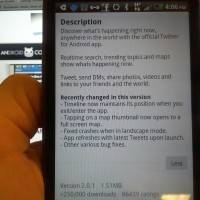
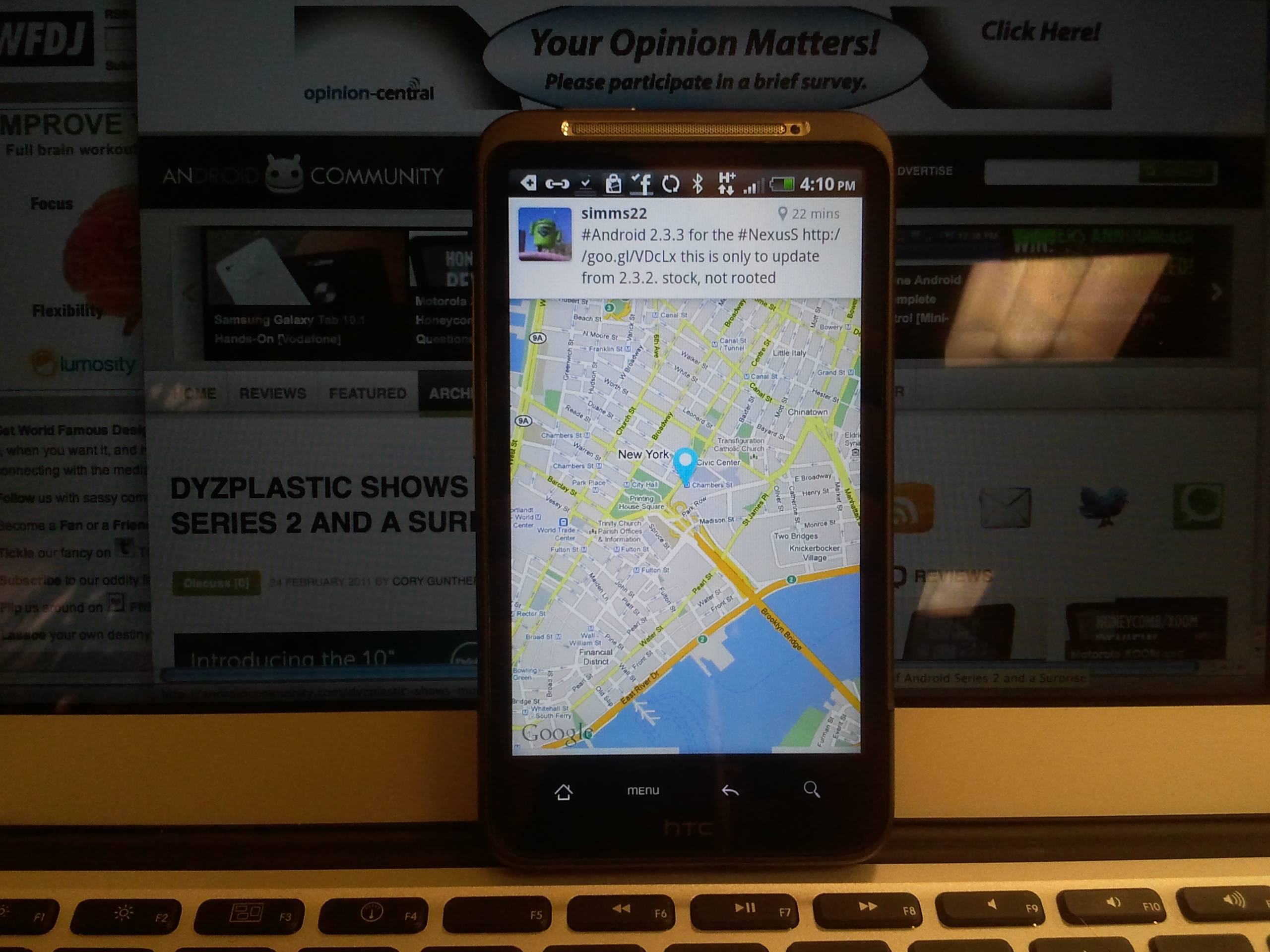
Amongst the changes to this official Twitter app (whose update is completely free, mind you,) are, first of all, that the timeline now maintains its position each time you enter or exit the app. Next, the app supposedly no longer crashes upon switching to landscape mode (not that we ever noticed it doing this in the first place.) Each time you launch the app, Tweets are now refreshed and populated to your list automatically. Various bug fixes have been implemented so small they aren’t worth mentioning, and the greatest addition of all is tapping on a map thumbnail now opens up to a full screen map.

Have a peek at the app, then tell us how you like the pics we’ve taken above and below. We’re mobile today, so we decided to try a couple of tricks for non-traditional blogging. What we’re using here is a MacBook Air to type and edit photos, a Samsung Continuum to take the photos, an HTC Inspire 4G to display the app, and the Continuum’s Bluetooth to MacBook Air to transfer pics.

SAMSUNG
SAMSUNG
SAMSUNG

SAMSUNG

Share
  • New Nexus 7 reportedly shipping now, launching next month
  • Verizon HTC One "will be announced later"
  • HTC One with a larger 5-inch display coming soon

Tags: app updateGoogletwitter

  • Search

  • REVIEWS

    • AT&T LG Optimus G Pro ReviewAT&T LG Optimus G Pro Review
    • Iron Man 3 game Review: what you need to knowIron Man 3 game Review: what you need to know
    • Samsung GALAXY S 4 ReviewSamsung GALAXY S 4 Review
    • Samsung Galaxy Note 8.0 ReviewSamsung Galaxy Note 8.0 Review
    • Pebble review: Two weeks with a smartwatchPebble review: Two weeks with a smartwatch
  • HANDS-ON & QUICK LOOKS

    • Coolpad Quattro II 4G and 8920 hands-onCoolpad Quattro II 4G and 8920 hands-on
    • Kyocera Hydro XTRM and EDGE hands-onKyocera Hydro XTRM and EDGE hands-on
    • Opera for Android exits beta, we go hands onOpera for Android exits beta, we go hands on


  • T-Mobile G1 Accessories
  • RECENT COMMENTS

  • About
  • Contact
  • Terms of Use
  • Privacy Policy
  • Advertise

Copyright 2013 Android Community