

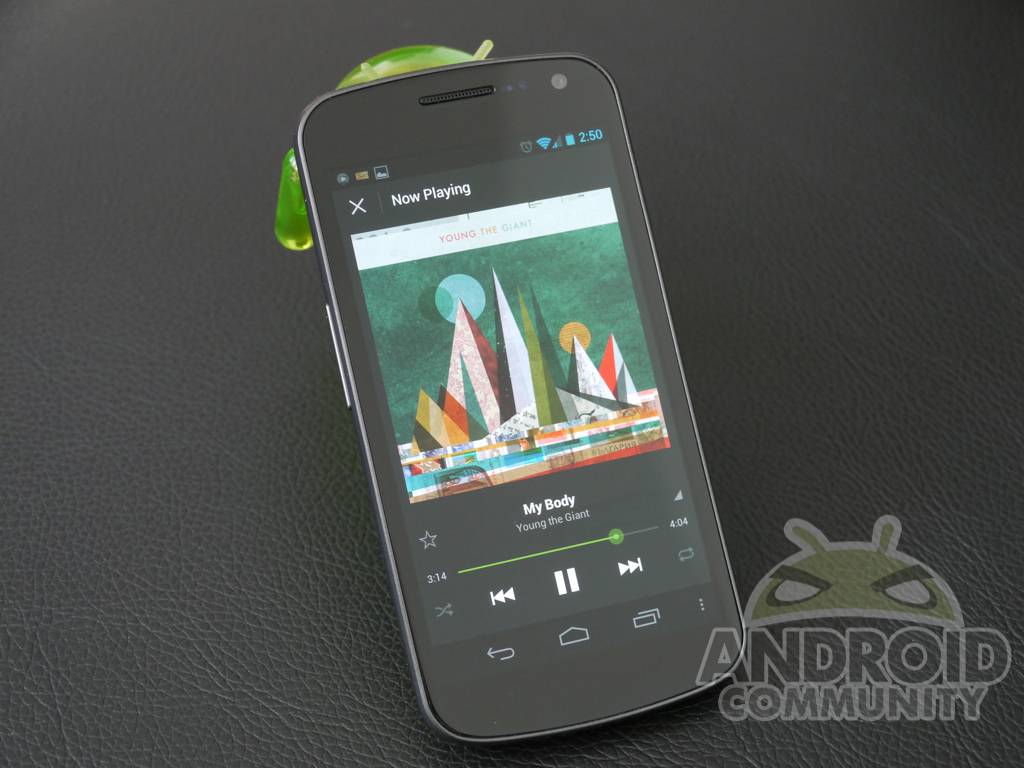
Today Spotify announced their impressive brand new music streaming app for Android. Since first released last year in the US I’ve been patiently waiting for them to update the application, and today they’ve done that and more. Spotify didn’t just update their app, they’ve completely redesigned it from top to bottom and it now feels part of the Android 4.0 ICS family with the Holo theme and more. If you’re a fan of Spotify or have been considering it, you’ll want to stay tuned for my hands-on video.
Announced this morning was the new preview or beta version of Spotify. Lucky for us the folks over there were nice enough to provide us with the new app, and a Premium subscription so we can enjoy countless hours of music from their millions of choices. I have plenty of screenshots for everyone but you’ll want to start with the announcement post above for full details, then enjoy the video.
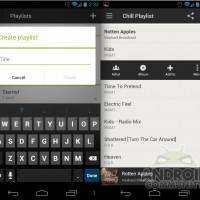
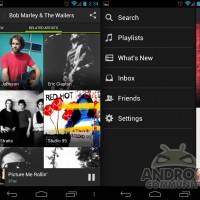
Obviously you can see right off the back the user interface has received a complete overhaul. Something Spotify is calling a “top-to-bottom” change for the better — and we’d have to agree. So far I’m loving the look and feel of the new Spotify for Android. You’ll have to be a premium user to enjoy the full streaming services, but it’s worth it.
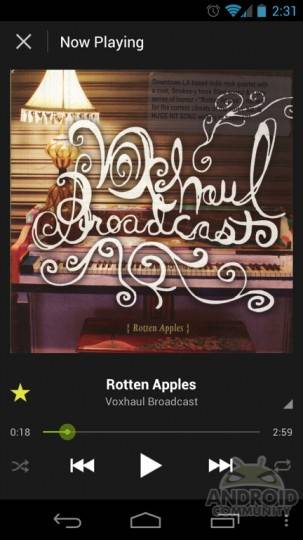
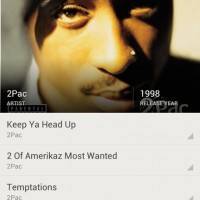
Before their app looked like something from Android 2.2 FroYo back in early 2011 but now it’s fancy, shiny, HD, and works great on high resolution phones and tablets. They’ve added HD album artwork so you now get a full-sized high resolution image, and you can flick to go forward a song just as before. All of the features we know and love from Spotify are still present, it just looks better.
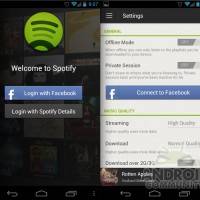
Just like their desktop version you can now sign in and look up friends on Facebook, or regular Spotify account owners. You can check your friends accounts, follow their music habits and get introduced to new and exciting music like never before. I personally love the fact that when you select an artist it shows you their top songs. So you’ll instantly hear classics from great bands, even if you’ve never heard of them.
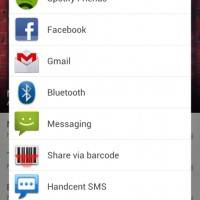
Spotify has received a full out facelift and so far I’m really digging their new look. Like mentioned above this is a beta preview build only, and they’ll be adding more features like folders and additional options in the final version once it lands on the Google Play Store. The only feature missing from the old app is an Android widget, which I’ve heard will be present in the final version. Stay tuned for more information and check out the screenshots below.
Get all the details, download links, and information from the earlier announcement here.









That menu button should not really be there :/
The menu button at bottom? That was added by me as a mod and is there 24/7
does not appear stock