

At Google I/O 2011 we’ve been allowed to take another hands-on look at the Samsung Galaxy Tab 10.1, this time with a functioning set of insides. If you’ll think back to a few months back to when we were sitting around chilling in Orlando Florida at CTIA 2011, you’ll remember that we got to peek at this super lovely device alongside its slightly smaller 8.9″ sibling. Back then it was just a dummy though, relying on a separate tester tablet to show off what would eventually become its own user interface: Samsung’s TouchWix UX. What we get to see at the pre-party with Samsung at this year’s Google I/O is a nearly-fully-functional model of this device, complete with a working version of Android 3.0 Honeycomb.
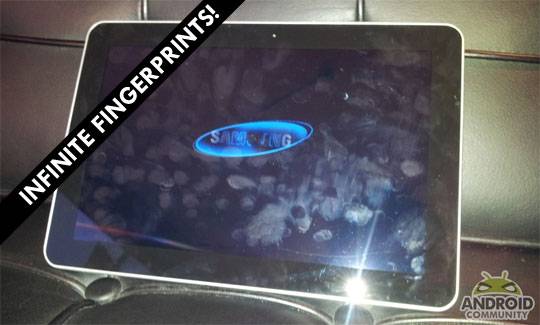
This post serves basically solely for the video you’re about to watch, one where you get to see what we expect is the final boot animation you’ll be working with when you eventually power up your own Galaxy Tab 10.1 or 8.9 when you own it later this year. What you wont find inside this device is a functional version of TouchWiz UX. It’s either not ready yet or they’re not letting us see it until the big event in a couple of weeks (if that’s indeed what they’ll be revealing at the press event on the 24th of this month.) We’ll be there to let you know then, too, live, in person, and with all kinds of fingerprints all over the screens.
[vms c3f7e2336b27310f0b9e]
Have a peek at this video and get super pumped up because this is going to be the thinnest tablet on the market (thinner than the iPad 2, yes indeed,) and it’ll be rolling out with our good friend Android – the game has been brought to the court! Man up, everyone else, this is the new big gun. Have a look at the rest of the peek we got at the device in Samsung Galaxy Tab 10.1 Hands-On [Video] [Google I/O 2011], noting then that you’ll be able to catch all the awesome Google I/O action this year courtesy of your good friends here on Android Community via the big fat portal: [I/O 2011]!








looks very sexy. I drooling
No MicroSD card?
No MicroSD card?
can you do a drop test to see what happens to the screen… because it has gorilla glass.
where can i download this boot animation?