

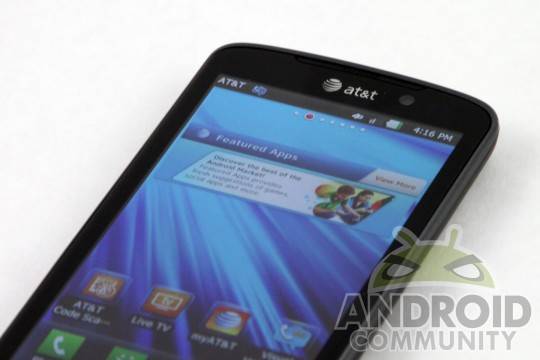
We might have jumped up a version of Android to Jelly Bean, but manufacturers are still playing catch up with Ice Cream Sandwich. At least LG is working slowly but surely, with AT&T announcing that the ICS update for the LG Nitro HD will be coming on July 31st. The update will bring all the benefits of Ice Cream Sandwich, plus LG’s new Optimus 3.0 UI, offering a cleaner visual aesthetic plus some new features.
The update won’t be delivered OTA, however: NItro HD users will have to download the upgrade to their computers, then plug in their phones via USB, and follow the instructions using LG’s PC software. Once everything has been applied, you can look forward to multitasking improvements, new fonts, additional lock screen actions such as jumping straight into certain applications, and a redesigned gallery app and photo editor.
The home screen has also seen some tweaks, and standard ICS functionality such as improved folders is onboard. The keyboard has been given a jumpstart, promising an better typing experience with improved error correction. The ICS data usage application is along for the ride, and the famous Face Unlock feature is fully functional with the update as well. There’s only a couple of days until the update hits, so sit tight for now and make sure to fire up LG’s update tool on July 31st.








i update it with the page mentioned above (lg one) and it’s a super AWESOME UPDATE!!
http://www.lg.com/us/mobile-phones/ATT_Update/index.jsp
you can update your phone today if you want to i was able to do it im downloading it now
How did you update it. I have a unlock phone and when I click start update, I get an error message that “cell phone is in the latest version only, so no need to update”. Someone please help
i have an at&t unlocked nitro hd and idont have the unlock code , what will happen if i update it to ics 4 ? does it need the unlock code again ?
No, unlocking is permanent. I tried it.
NEW UPDATE IS AWESOME!!!! Battery life rocks, just wait a couple of days to a week until it reaches its full potential. I can hit 30 hours of battery life on CM10 (Jelly Bean Preview) and up to 24 hours on the new ICS. Rooting is pretty hard though, visit XDA for instructions on how to root. Well, if you want to.
The update is very nice… faster, clean, better features. I am very happy with this phone and ICS