

• Home
  • Reviews
  • Featured
  • Archives
  • Videos
  • Devices
  • Tegra
  • Send Tips
  • Contact
  • AndroidCommunity on Twitter AndroidCommunity on Facebook AndroidCommunity on Google+ AndroidCommunity RSS Feed

Android Community

    • MUST READ

      STORIES

    • Chrome Beta updated with Translation bar and fullscreen tablet support

      May 23, 2013

    • HTC One ‘Senseless Edition’ could arrive this summer

      May 23, 2013

    • HTC One sales are strong as it passes 5 million mark

      May 23, 2013

  • Trending Topics
  • Jelly Bean
  • NVIDIA
  • Galaxy S 4
  • HTC One
  • Nexus 7
  • Sell Your Used Phone

Google’s Android Emulator improves with better CPU performance

0
  • By Michael Crider
  • on 9 Apr, 2012

Google’s Android Emulator improves with better CPU performance

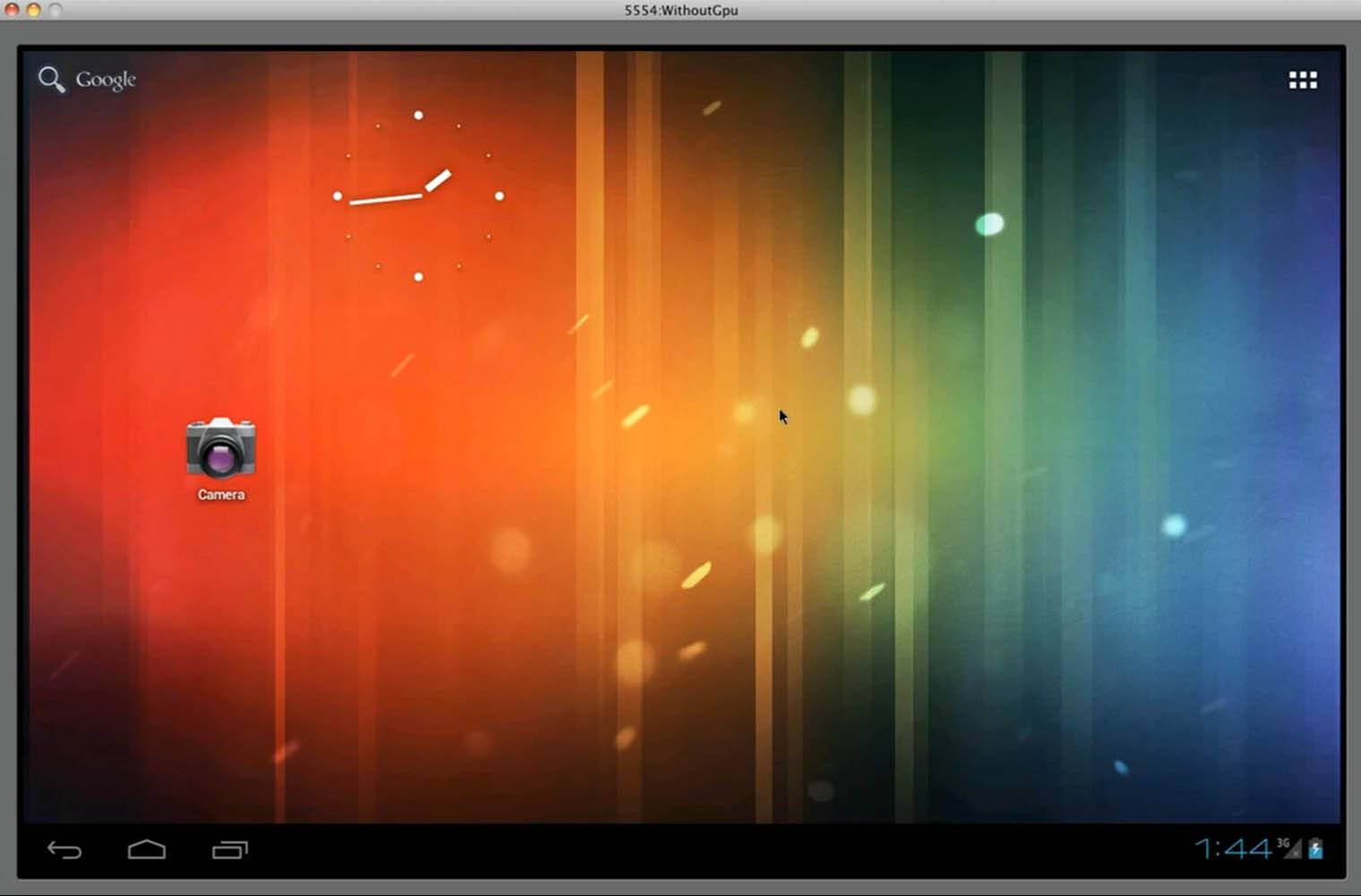
It wasn’t that long ago that Google introduced Ice Cream Sandwich support for the emulator in the official Android SDK, but with the update to Android 4.0.4, they’ve taken it one step further. After a series of tweaks and enhancements in the way that the emulator runs ARM-based software on x86 or x64 PC hardware, the Android development team says that the new version should utilize the computer’s CPU with double the efficiency. The end result? A faster emulator – something that anyone who’s actually tried it out will appreciate.

The more strenuous requirements of Android Honeycomb and Ice Cream Sandwich haven’t been kind to the SDK emulator – even with moderately powerful desktop computers, it tends to chug along and hang on simple tasks. With the added efficiency in the new version, powerful computers will run the emulator faster and – it is to be hoped – less powerful computer that couldn’t run it before will get the privilege. For those with some serious hardware muscle, the 4.0.4 version can also simulate ARM-based GPUs. Observe:

In addition to better efficiency, the emulator is getting some added capability via tethered devices. You could already tether an Android device in ADB mode and use the camera with an emulated app, but now you can use a multi-touch display panel and various additional sensors. Unfortunately, there’s still no way to download the emulator separately - you’ll have to download the SDK package, then select which modules you want (including the emulator) and wait on Google’s overburdened download servers to deliver it to you.


 

Share
  • Samsung Galaxy Note 3 with Android 4.3 spotted in benchmark results
  • Verizon HTC One "will be announced later"
  • Verizon HTC One tipped for CTIA event unveiling

Tags: Android SDKdevelopersemulatorGoogle

  • Search

  • REVIEWS

    • AT&T LG Optimus G Pro ReviewAT&T LG Optimus G Pro Review
    • Iron Man 3 game Review: what you need to knowIron Man 3 game Review: what you need to know
    • Samsung GALAXY S 4 ReviewSamsung GALAXY S 4 Review
    • Samsung Galaxy Note 8.0 ReviewSamsung Galaxy Note 8.0 Review
    • Pebble review: Two weeks with a smartwatchPebble review: Two weeks with a smartwatch
  • HANDS-ON & QUICK LOOKS

    • Coolpad Quattro II 4G and 8920 hands-onCoolpad Quattro II 4G and 8920 hands-on
    • Kyocera Hydro XTRM and EDGE hands-onKyocera Hydro XTRM and EDGE hands-on
    • Opera for Android exits beta, we go hands onOpera for Android exits beta, we go hands on


  • T-Mobile G1 Accessories
  • RECENT COMMENTS

  • About
  • Contact
  • Terms of Use
  • Privacy Policy
  • Advertise

Copyright 2013 Android Community





