

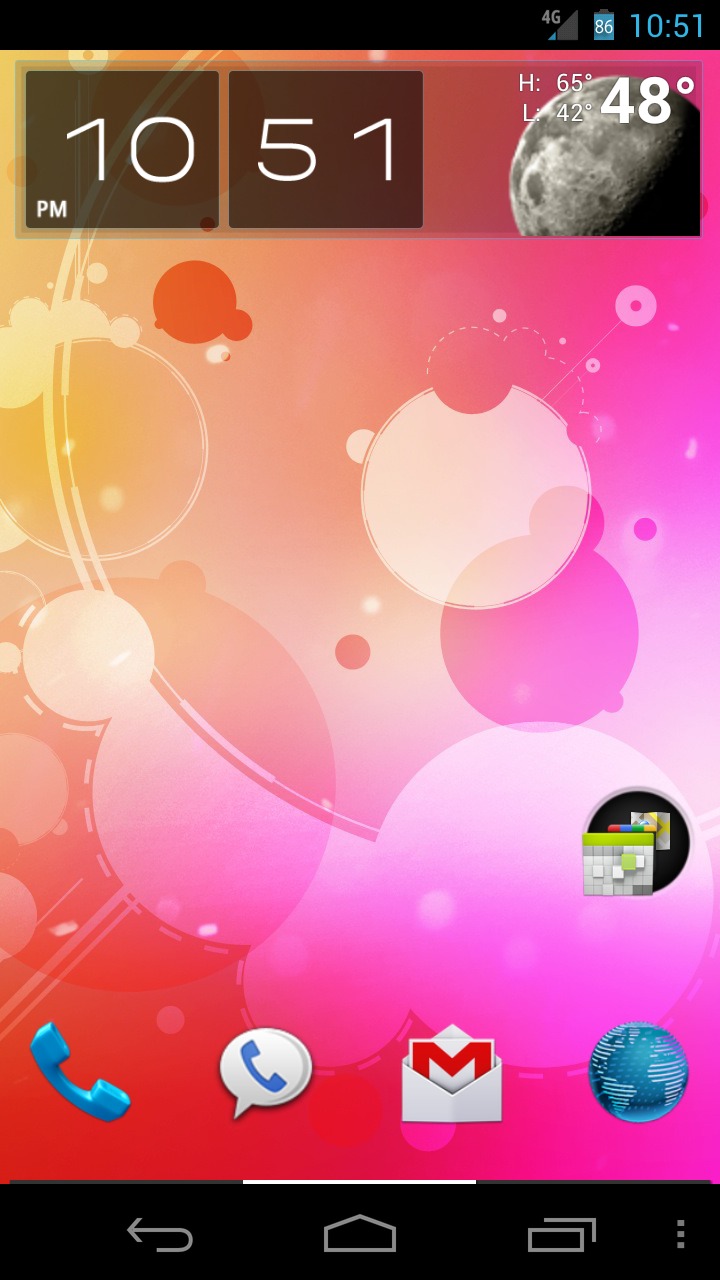
Though still a work in progress, mike1986 has brought Samsung Galaxy Nexus (GSM/LTE) owners his popular Android Revolution HD ROM. I myself have been running this 2.1.1 build without any problems so far. Actually, it is a great improvement over the stock ROM; battery life has improved, and screen transition effects are performed much smoother. The phone is initially very fast, but after installation I’ve only seen an improvement – no hiccups.
Here are a few screenshots of my homescreen; the stock launcher still comes standard with this release, but I can’t seem to veer away from ADW EX. Now it may sound silly, but the main reason I rooted my device is to install a tiny 1% battery mod patch found within the battery icon in the status bar. The only way to install this mod is to have a deodexed ROM so that’s the main reason I went ahead with the ARHD installation. This build still has the original kernel included in the official Android 4.0.2 update devices were just updated with, so don’t expect to undervolt/overclock your device quite yet (on the LTE version at least). For the GSM model however, Paul O’Brien has you covered.
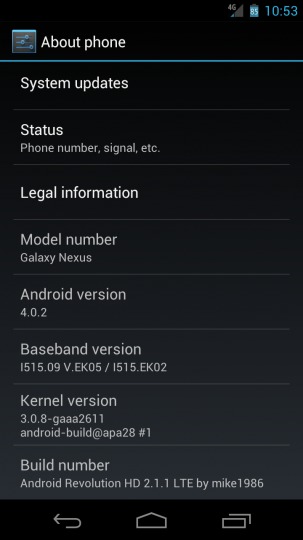
I’ll periodically update with significant improvements that arise within the Galaxy Nexus LTE development community, so stick with us. Installing this ROM was relatively simple, and the instructions were very straightforward. Just download the ROM to your device via MTP, run his “Super Wipe” script from within ClockworkMod, and the install the ROM. I advise running “Super Wipe” even if coming from his 2.1.0 version – I experienced glitchy behavior when I didn’t. The development for Verizon’s Galaxy Nexus has really started strong, and hopefully the trend continues.
[via XDA Developers]








When i click the link to the battery mods i am not sure which version to choose. I installed the first one and it removed my status bar and soft keys completly. Anyone know which stock 1% battery mod to install?
Noob to rooting but got this installed.Couple of questions first. Can I put the menu (vertical dots) back on the bottom right of the screen. And I can no longer put widgets on the screen by holding a spot on the screen and waiting for the menu to pop up. Any help would be appreciated. e.powell01@comcast.net
Thanks
P.S. How about the buttons for the camera be changed like I had seen in another rom. Such as the power key be the shutter button instead of having to touch the screen?