

Join the Talk | 70,041 members - 273,188 posts Advertise | Have a scoop? Tip us!

Android proxy app (almost) allows for tethering

04 November 2008 by Staff Editor


Worth Reading?

NoYes

+9 [9 votes]


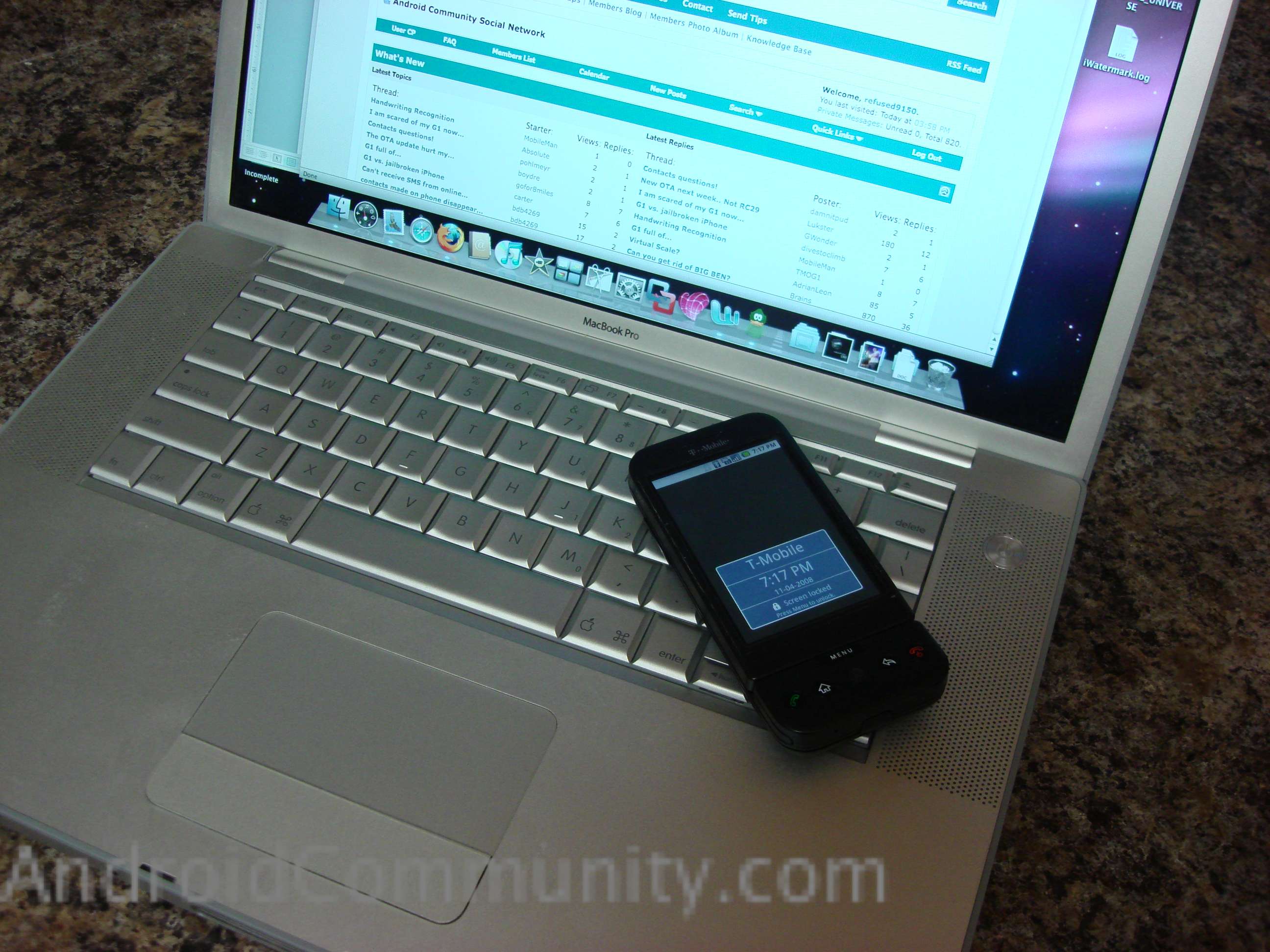
From the looks of It someone over at Graha has figured out a way to share internet connection with your computer. This is still not an official way to tether your G1, but it shows progress.

This process is still in the experimental stages, users should do this at their own risk.  First you must download the Android Proxy app from the provided link. The G1’s settings then need to be tweaked before it will work. One should note that this process requires the G1 to be connected to your computer via USB in order to get it to work properly.  We have not yet been able to get this method to work correctly.

This is for informational purposes only, we here at Android Community are not responsible for content here, nor are we responsible for anything you do with the information.

This is very experimental, it doesn’t always work. Use at your own risk.

  • Install the app on your android phone, by clicking here (from your phone browser of course)
  • You might have to change your settings to permit apps that don’t come from the Google Market by going to your home screen and choosing MENU > Settings > Applications > Unknown Sources.
  • Turn USB debugging on on your phone.
  • On your G1 go to the home screen, press MENU > Settings > Applications > Development, then enable USB debugging.
  • Follow the instructions here to install the Android driver – you’ll need to do this on Windows & Linux but apparently not on the Mac.
  • Download and install the Android SDK for your computer platform. Alternatively if you are on Windows and don’t want a 100 meg download, just get the ADB utility from here
  • Plug your phone into your computer
  • Choose Proxy App from your phone’s menu
  • Press the “Start Proxy” button on your phone
  • Move to the directory that has the adb utility, using inside the Sdk Tools folder and run

Windows: adb forward tcp:8080 localabstract:Proxy
Linux/Mac: ./adb forward tcp:8080 localabstract:Proxy

  • Now you should have a proxy server running on port 8080 of your own computer that will relay the information over the Android Debug Bridge to the Proxy App which will relay it on to the internet.
  • Set your firefox proxy : Options > Advanced > Network > Manual Proxy Configuration

HTTP Proxy: localhost
Port: 8080

Leave the others blank

  • Enjoy the slow slow EDGE network, or let me know if you have glorious fast 3g coverage!
  • Remember to disable your proxy settings in firefox if you want to stop using your phone.

[Via AndroidCommunity]

  • Digg
  • Sphinn
  • del.icio.us
  • Facebook
  • Mixx
  • Google Bookmarks
  • Slashdot
  • SphereIt
  • Technorati
  • blogmarks
  • Blogosphere News
  • email
  • NewsVine
  • StumbleUpon
  • FriendFeed
  • Live
  • Reddit
  • Twitter
  • Wikio
  1. Why is there so many bible threads LOL . What about a sciencetolgy app then I might he interested .
  2. Quote:
    Originally Posted by jrokwitdacapitals18 View Post
    Why is there so many bible threads LOL . What about a sciencetolgy app then I might he interested .
    You have me lost there.
  3. What do you mean almost? It works great. I tethered w/ USB to my Mac and am able to surf the web.
  4. It is not a tether application. Only a web sharing app. "It's not really a "tethering" app. Right now it only allows web access, you can't use it as a general purpose internet tool." This is merely a work-around tool.
  5. It's a tethered web proxy - that's it.

    If the developers shares the source I'm sure some of us can clean it up.

    Some caveats for mac install:

    1) Install the referenced Proxy APK on the phone (remember to allow all apps to be installed in apps setup)
    2) Install Android SDK 1.0 for Mac and move it to a folder location you can recall
    3) Turn on USB Debugging on the phone and connect via USB cable
    4) Start Terminal and cd into the folder the Android SDK is at, cd into tools from there
    5) Verify that the device talks to the mac over ADB (Android Debug Bridge) by running ADB with the devices option:
    ./adb devices

    You should get your serial number of your G1 coming back - if not then you missed one of the above steps

    *NOTE* at this point I didn't get the next steps to work until I restarted the phone. Your mileage may vary.

    6) Start the Proxy App and "Start Proxy"
    7) Disconnect any network connections and turn off AirPort
    8) From Terminal, CD back to the SDK directory, CD to tools. Run the ADB with the port forwarding set as follows:
    ./adb forward tcp:8080 localabstract:Proxy

    9) Configure FireFox to use this for web/port 80. NOTE: I could not get this to work with Safari as localhost proxy isn't adjustable.

    Go to any reliable website like google.com

    If you get an error that the Proxy is not reachable then you missed step 8 (verify with ./adb devices that the phone is visible and ensure USB debugging is enabled on the phone)

    If you get no error, but just blank pages then ensure proxy app is running on the phone. If still no joy then as noted a reboot of the phone is in order.

    NOTE: there is no dial up or PPP driver needed for this to work, this simple redirects localhost to the phone. Also any disconnect of the USB cable requires you to repeat step 8 above.

    All port 80 traffic seemed to work fine.... Your mileage may vary folks

    To back out of the routing/proxy do the following:
    1) Stop the Proxy App
    2) Disconnect the USB cable (this unloads the ADB app)
    3) Reset Firefox settings to no proxy
  6. cool i guess. bt id rather jus surf the web on my G1 whn im traveling. bt i kno its good for those things yer G1 cant do
  7. Wait...

    Did I get it right? Android can't have internet access through wi-fi?

    Like, if I have an access point I still can't connect?
  8. What do you mean???

    Of course Android supports using a WiFi connection to get Internet Access.

    What we are trying to do with tethering is the opposite. Take the 3G/EDGE Internet access from the G1 and provide it to a PC or Mac.
  9. Oh, I'm so stupid!

    Sorry!
  10. I'm so tempted to tether my EEE 900 to my g1 but I'm not so sure about making a debugging extension on xandros. in the guide it shows how to do it on ubuntu so thats where i stop. before i switched to tmobile i used a script and a utility on a treo which worked nice. its good to know that somebody is trying to make this happen. rather than waiting for it to happen. it won't mind spending $19.95 to tether.
  11. A new version has been release. Which now uses Socks and it's a lot faster..
    *EDIT*

    No links to our competitors please.
  12. Wow there are a lot of android forums out there talking about this.

    Tethering wifi is actually quite useful since it should let you use T-Mobile hotspots.

    The new version is a socks proxy. Given that you can socksify just about any tcp or udp based application, i feel it justifies the tether title more than the previous version.

    Who's got the new version working? I mostly only hear negative feedback
  13. Quote:
    Originally Posted by l3wish View Post
    No links to our competitors please.
    Then link to me!

    http://graha.ms/androidproxy/
  14. Quote:
    Originally Posted by dubb View Post
    I'm so tempted to tether my EEE 900 to my g1 but I'm not so sure about making a debugging extension on xandros. in the guide it shows how to do it on ubuntu so thats where i stop. before i switched to tmobile i used a script and a utility on a treo which worked nice. its good to know that somebody is trying to make this happen. rather than waiting for it to happen. it won't mind spending $19.95 to tether.
    It should work pretty much the same on all x86 linux distros. You'll need to uncompress the SDK download and snag the adb program.

    The udev rules things is just about creating a single file that apparently just sets the permissions on the device when it's plugged in. I believe if you were to run adb as root then you could circumvent these steps (although it'd be less secure).

    I do all my development work on kubuntu
  15. Quote:
    Originally Posted by grahamsz View Post
    Odd, When I try to install the new APK it thinks it's trying to replace Android System!

    Is the process/App name built correctly??

    I uninstalled the old Proxy before I did this and rebooted
  16. Hmmm, seems to be browser based install is the problem.

    If I use

    adb install Tetherbot.apk

    Then it INSTALLS FINE!!!! You may want to try a Browser install and see if you can repro what I saw.

    But for some reason having an issue... The local proxy redirect for adb is running and the service is running (and adb see's the phone), however nothing is working. My just be proxy behaviour on mac firefox, will try on a Windows VM and advise
  17. I still can't get this to work! UGH

    Can someone confirm who has this working on the new build if they just change the socks proxy entry in Firefox? Is it Socks 4 or 5? Doing as a standard web proxy with the old build worked fine.
  18. Quote:
    Originally Posted by NPS_CA View Post
    I still can't get this to work! UGH

    Can someone confirm who has this working on the new build if they just change the socks proxy entry in Firefox? Is it Socks 4 or 5? Doing as a standard web proxy with the old build worked fine.
    Make sure the http proxy field is blank, also you might need to change

    network.proxy.socks_remote_dns

    to true in your firefox config
  19. Ok I think I am close. But I need a very clear explanation of Proxy settings in FireFox. I am running on mac. Tether via USB debugging is confirmed. I just can't get the Proxy Settings right. Can anyone confirm the FireFox Network settings. Please make it idiot proof. Thanks in advance.
  20. Have anyone tried using the new Google chrome browser? it way faster then Firefox. Some time i have problem with Firefox hang loading webpage.
  21. Hey everyone,

    I need your help with this, I new at this so please don't be mad. Okay.. so I downloaded everything I needed for the tethering, but I don't know what to do, I've tried finding other posts on this for better help but its all the same thing. I plugged my G1 in and started the tether bot app and pressed start tunnel and clicked on the adb thing on the computer but nothing, do I need to set the app to something like the IP, or am I just doing something terribly wrong??? If someone would mind sending me step by step instuructions or something that would be great, you can email me at flutist141@gmail.com. if it helps I'm using windows vista and internet explorer, not firefox.

    Thank You
Join AndroidCommunity Forums

Android Phone Accessories


T-Mobile G1 Accessories
Palm Pre Accessories
iPod Touch Accessories
Advertise with SlashGear
Free Tech Support at SlashGear Forums

© 2008 Android Community. Part of R3 Media Network

Contact | Advertising | About Us






