

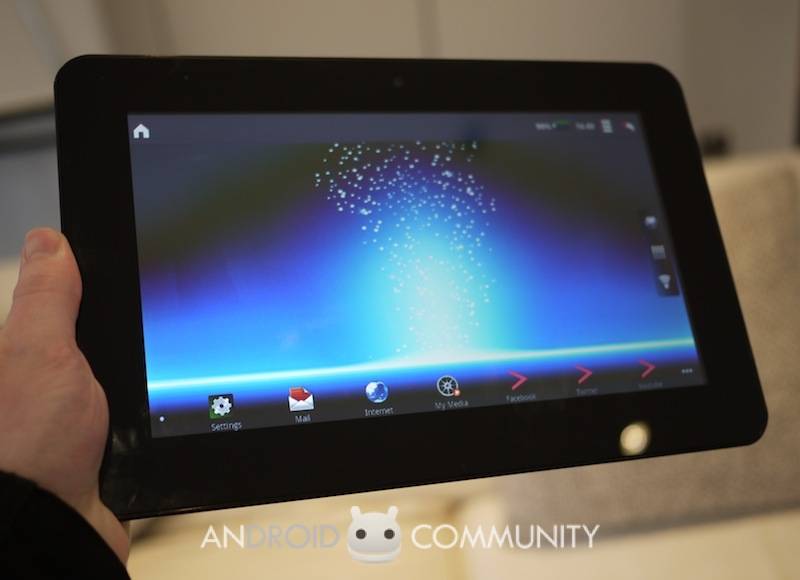
The Advent Vega grabbed some interest recently, with the promise of a 10-inch capacitive tablet running Android 2.2 Froyo on an NVIDIA Tegra 2 chipset, all for £249.99. The Vega isn’t set to drop into Currys and PC World stores for a few weeks yet, but we grabbed an advance preview with one of the first prototypes to arrive.
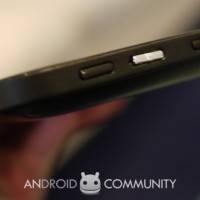
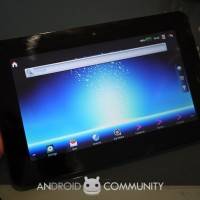
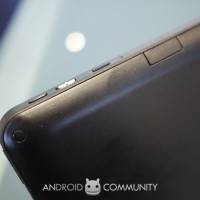
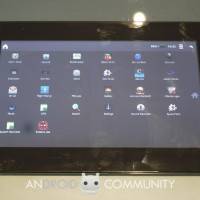
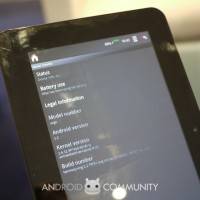
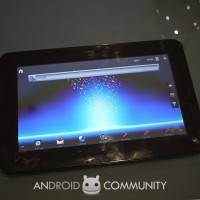
No branding as yet, and even the buttons aren’t labelled, but the Vega is fully functional. Advent – or the OEM behind the Vega – have left the Froyo install relatively unmodified; there’s little in the way of a custom interface here. What you do get is a persistent menu bar running along the top, with a dedicated Home shortcut – there’s no hardware home button, only Back on the top right hand shoulder of the slate – and some status icons. You can drag that down, as on an Android smartphone, to see status messages and alerts.
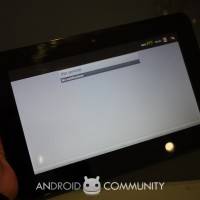
There are five homescreen panes, which can be filled with widgets as normal (though there aren’t any extra than the regular Android phone selection), and a row of shortcuts along the bottom. On the right-hand side of the display are three shortcuts, for the browser, app menu and wireless settings. Unfortunately we couldn’t get the Vega to connect to WiFi, so couldn’t test the browser, but from what we saw it’s the regular Android WebKit-based browser and as a result you might find sites defaulting to their mobile versions. There’s multitouch pinch-zooming support, and the Tegra 2 chipset keeps things moving along slickly.
[vms 540f67c1e9575e213be0]
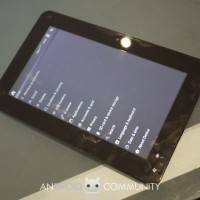
We did spot a few bugs, particularly with screen rotation. Although the Vega is seemingly intended to be used in landscape orientation (with portrait an option, automatically rotating via the inbuilt accelerometer) on a few occasions it would flip to portrait and refuse to flick back. It’s worth noting that this is still a prototype, so hopefully that will be addressed by the time it hits shelves.
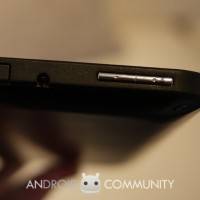
Update: We’ve spoken to to team responsible for the Vega about the screen-rotation issues, and it seems one of the unlabelled switches was in rotation-lock position. The homescreen is always shown in landscape orientation, but when we tried any of the apps they were locked to portrait. Advent are now working on a new build of the OS which will add a rotation-lock indicator into the toolbar, so that sort of confusion won’t occur for buyers of the slate, but of course by the time it reaches stores it’ll also have printed legends for all of the physical controls too.
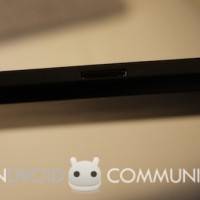
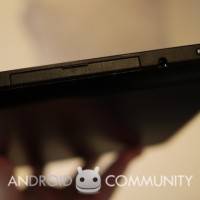
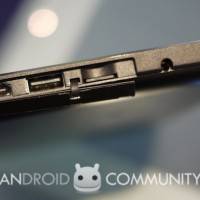
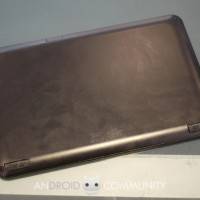
Ports include mini HDMI, a microSD card slot and a USB, together with headphones and power jacks. On the back there are stereo speakers. A docking port along the bottom will apparently be accompanied by a docking station, we’re told, though it’s unclear what exact functionality that will include; we’re guessing full-sized HDMI out at least, but probably not a QWERTY keyboard. It’ll be sold separately.
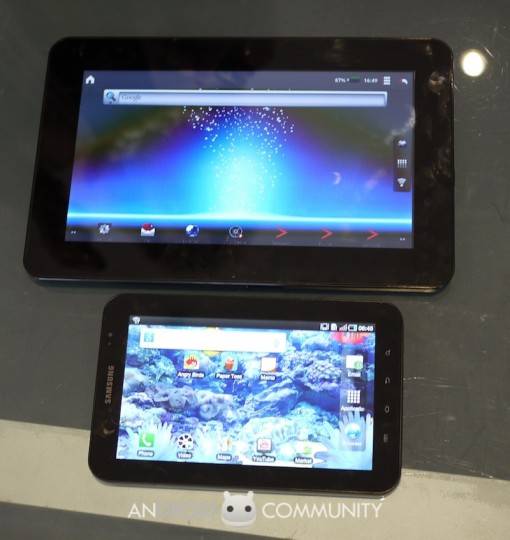
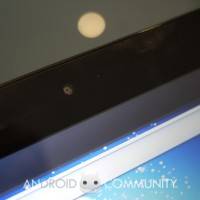
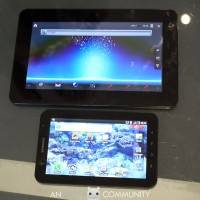
Generally it’s a decent performer, though the apps are all the smartphone versions and lack the customisation for a larger screen that, say, Samsung has worked on. We had a chance to compare the Vega to a Samsung Galaxy Tab, and there’s a significant difference in screen size; the Galaxy Tab is 7-inches to the Vega’s 10-inches, but side-by-side the contrast is more noticeable. They’re roughly the same thickness, but the broad bezel of the Vega gives it some heft. At the top there’s a webcam which can be used to take stills or record video, while the Android 2.2 OS means streaming Flash video is supported too. No webcam on the back, however, unlike the Samsung.
This particular Vega – which will retail for £249.99 – doesn’t have integrated 3G mobile broadband, only WiFi and Bluetooth, but Advent are apparently looking to introduce a 3G version at a later date. No timescale for its release, however, nor pricing at this stage.
We’re cautiously impressed at this stage. The Vega’s spec sheet may omit 3G and a rear-facing camera, and the OS might not be especially fitted to the large display, but it’s a solid slate and the price is impressive; we’ve seen cheap, ARM11 based tablets on sale for the same sort of money, after all. We’ll be able to put it through its paces more when the review units arrive, however, and see how much of a challenge to the iPad, Toshiba Folio 100 and Galaxy Tab it really is.










i just got my avent tablet, i love it, but at the moment i cant even turn it off its got stuck, luckly i do have a 2 year guatree, must say when i very easy to use, i just wish there including a trouble shooting book, then it would give you an idea, what to do if a miner hicup comes allong
You havent turn the orientation on yet friend…
ola, boa noite gostaria de saber como faço para comprar o cabo de dados do tablet advent vega . sou de gov valadares mg BRASIL.